Clear Tickets Incorrectly Marked as Attended From a Play
Clear Tickets Incorrectly Marked as Attended From a Play
To clear tickets incorrectly marked as 'Attended' from a play, you perform the following steps:
If a mistake is made in setting attendance, attendance for the entire performance (or optionally, specific tickets) can be cleared.
 |
If you set a time limit in a watch window, and somebody exceeds it, so that that cannot see their event. Clear their attendance flag and then they can re-watch the item. |
- Click the
 button in the Theatre Manager Ribbon bar.
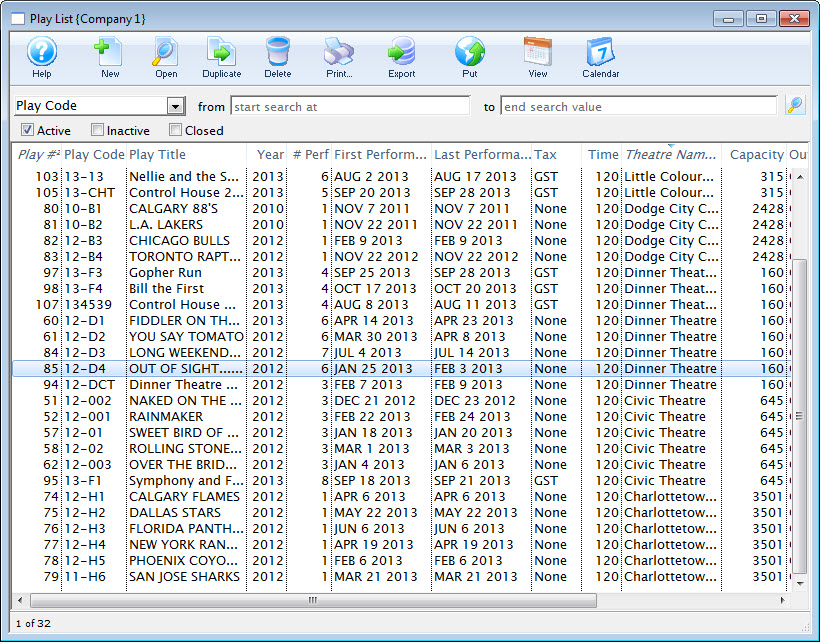
- Double click on the Play / Event to clear attendance for.
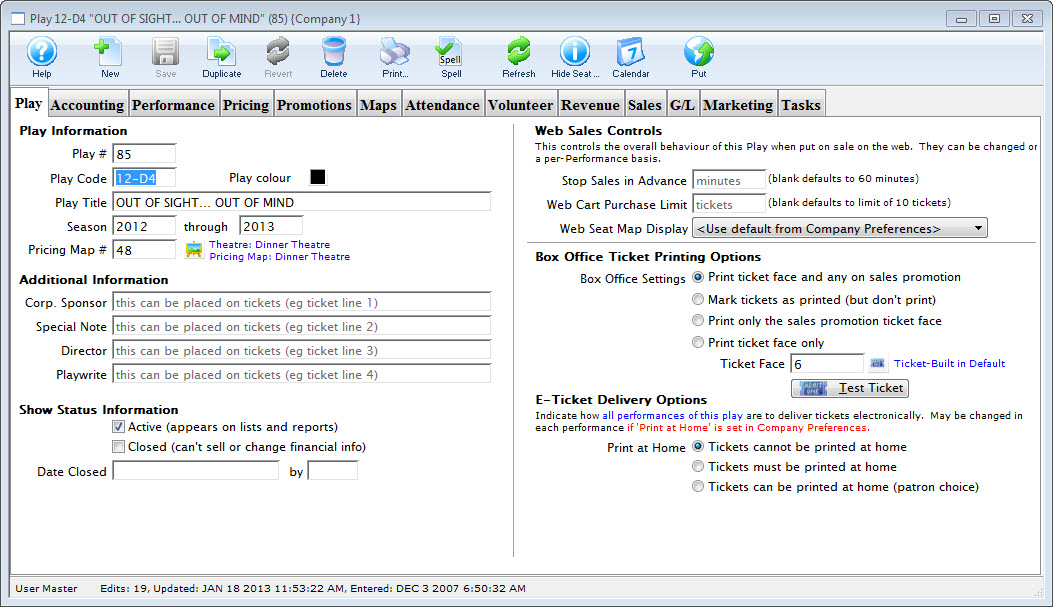
- Click the
 tab.
- Select the performance you want to Clear Attendance from.
The tickets for that performance are displayed in the attendance list.
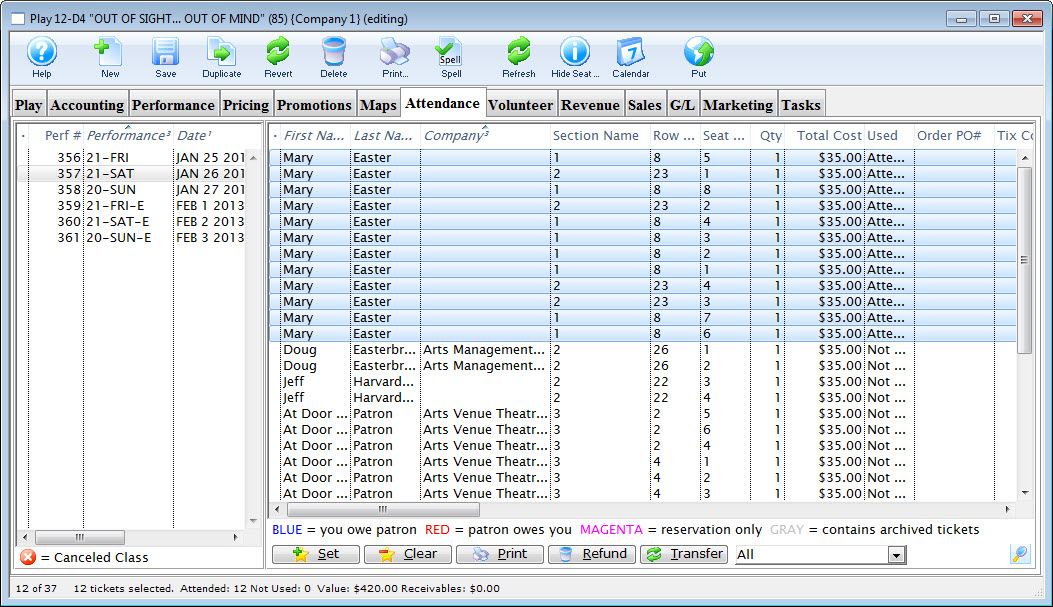
- If clearing attendance for a select group of tickets, highlight them in the right hand window.
- Click the
 button.
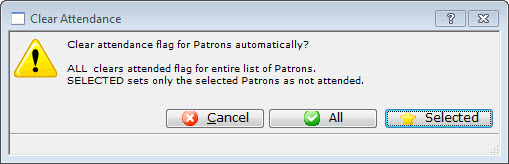
- Click the All
 button to clear the attendance flag for all patrons and tickets.
- Click the
 button to only clear attendance for the tickets selected.