Printing an Estimate
Printing an Estimate
You can print estimates of a project or the invoice from the Reports window:
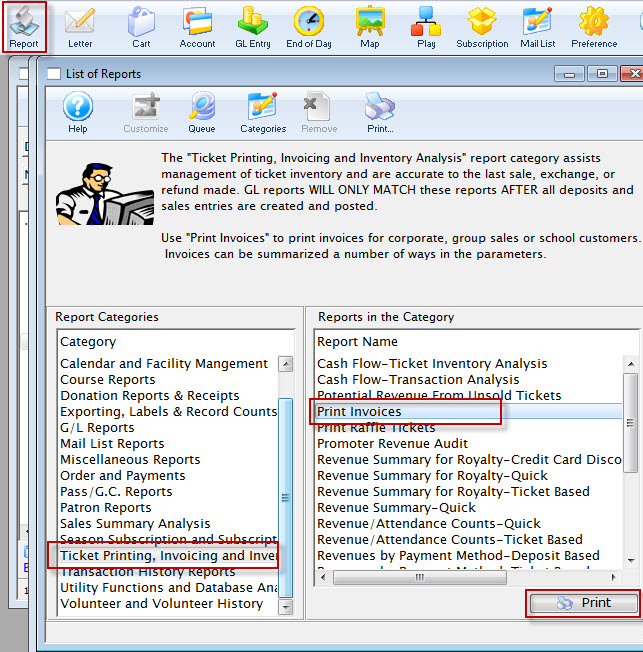
Or from the Reports window.
- Click the Estimate
 button in the Project toolbar / ribbon bar.
The Print Invoices dialog opens.
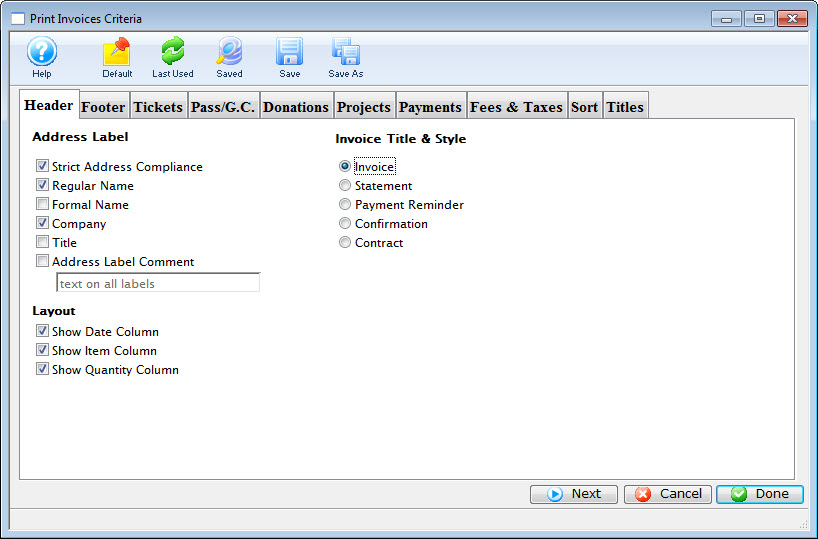
- Click the Projects tab and ensure the Print as Estimate checkbox is enabled.
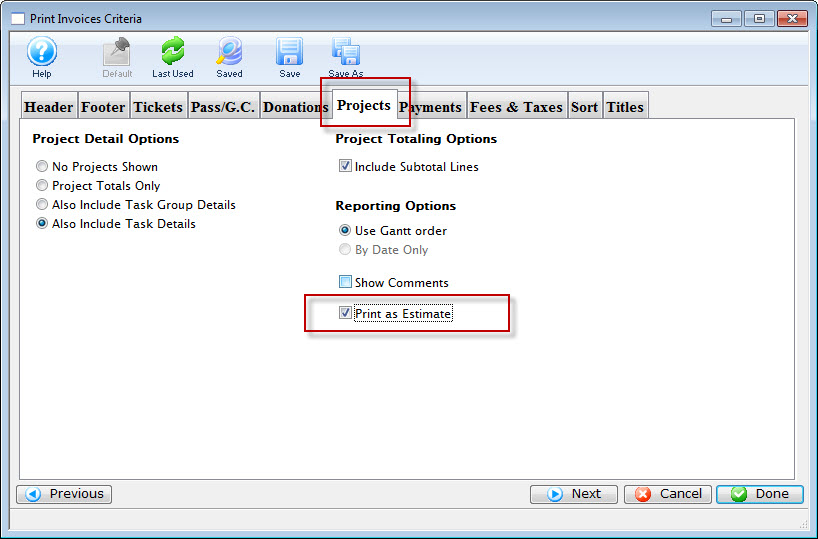
You can review the other tabs as necessary.
- Click the Done
 button.
The Estimate prints.
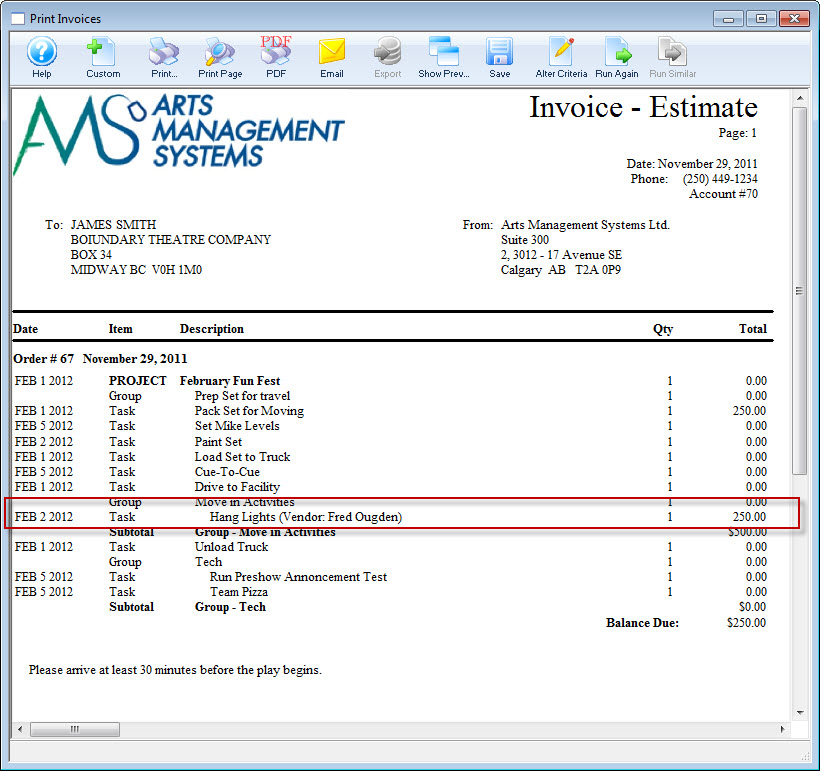
Click here for more information on the Finished Report window.
Where did the highlighted amount come from?
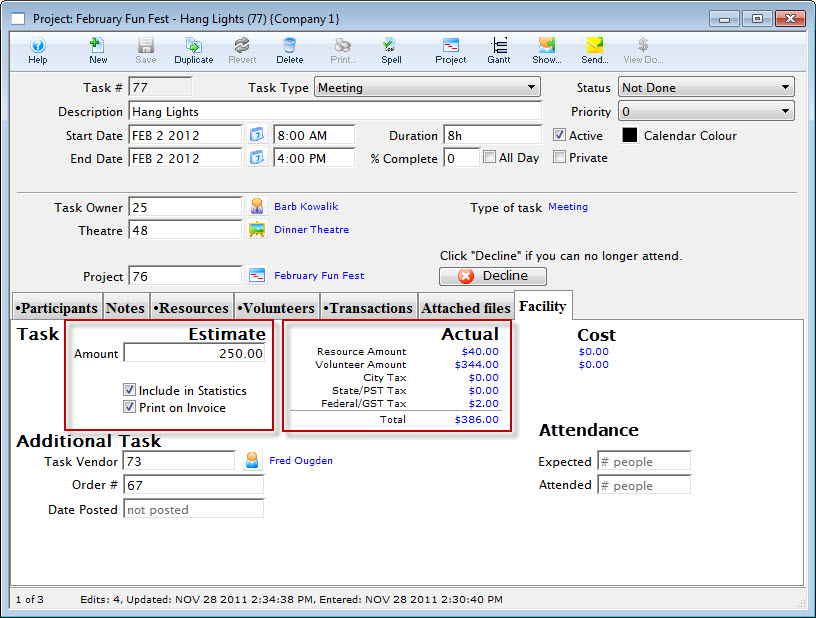
The Facility tab of the task listed in the Estimate. Click here for more information on the Task Facility tab.
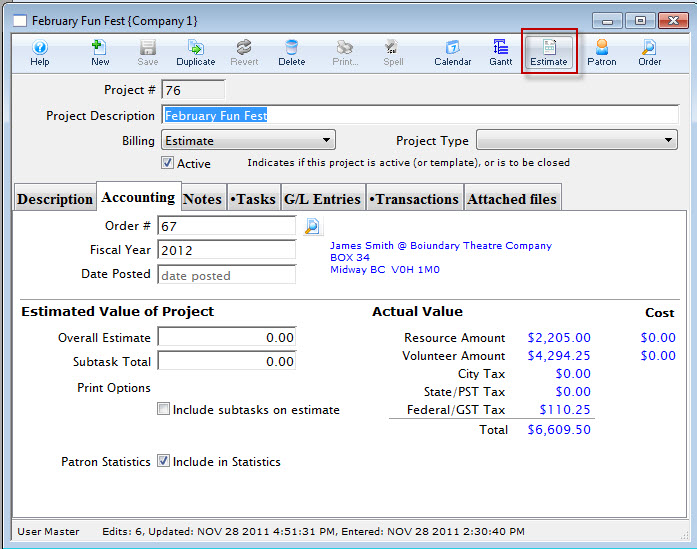
To print an estimate, you perform the following steps: