Company Preferences
Company Preferences
Editing the Company Address
The company name, address, phone number and web site are all pulled from the Arts Management Systems database. If the information appears incorrectly please contact Diane at sales @ artsman.com
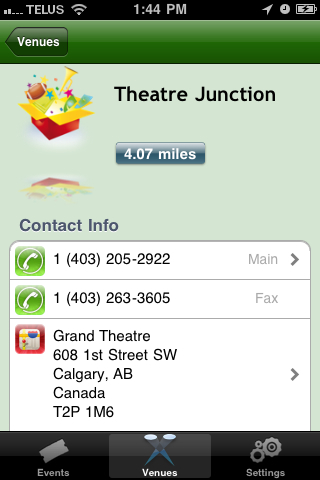
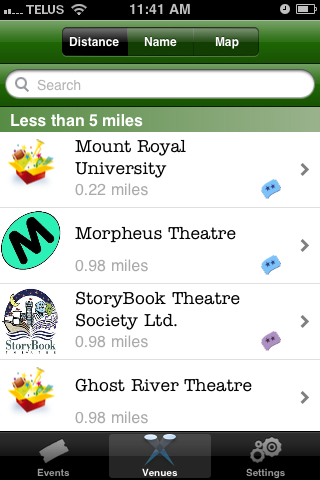
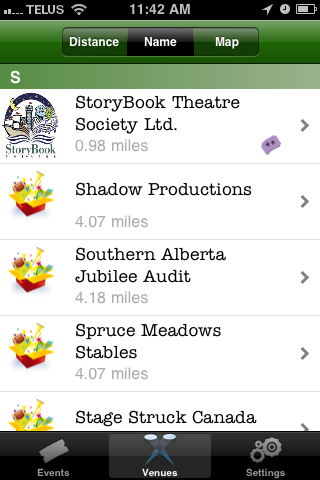
Examples of where the Address information appears in TicketTrove are seen below. The Distance references based on the devices geographical distance from the companies address.

Adding a Company Image
Add a 200 pixel width by 250 pixel hight jpeg for the company. Typically this would be a company logo. If only this picture is placed, and no other changes made, TicketTrove will use this for all events and venues. It is optional to add event and venue icons for branding if desired.
- Go to Setup >> Company Preferences.
- Select the Reports/Misc tab.
- Right click on the Company Icon for Web field.
- Select Paste From File.
- Choose the desired image. The image should be a 250h X 200w jpeg.
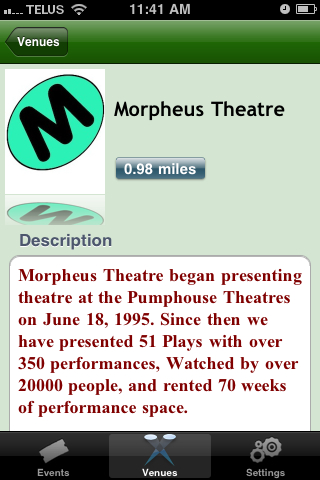
Below are examples of where the company image can be seen in TicketTrove.
Adding a Company Description
Add a description of up to 4096 character highlighting the organization. This may be a mission statement, purpose, philosophy, marketing statement, or text chosen to represent the organization. Patrons will review this information to help decide if the organization provides their desired form of entertainment.
- Go to Setup >> Company Preferences.
- Select the Reports/Misc tab.
- Add text to the Company Overview for Web text box.
Below are examples of where the company description is seen in TicketTrove.