Valid Plays Tab
Valid Plays Tab
The Valid Plays tab allows you to indicate which events the membership is able to be redeemed for. You can restrict the use of the membership to specific events simply by adding them here. An unrestricted membership would have no events listed.
In addition, there is an option to allow over-riding the event settings when each individual pass/GC is sold. If checked, then the events in the pass/gc Valid Events list takes precedence.
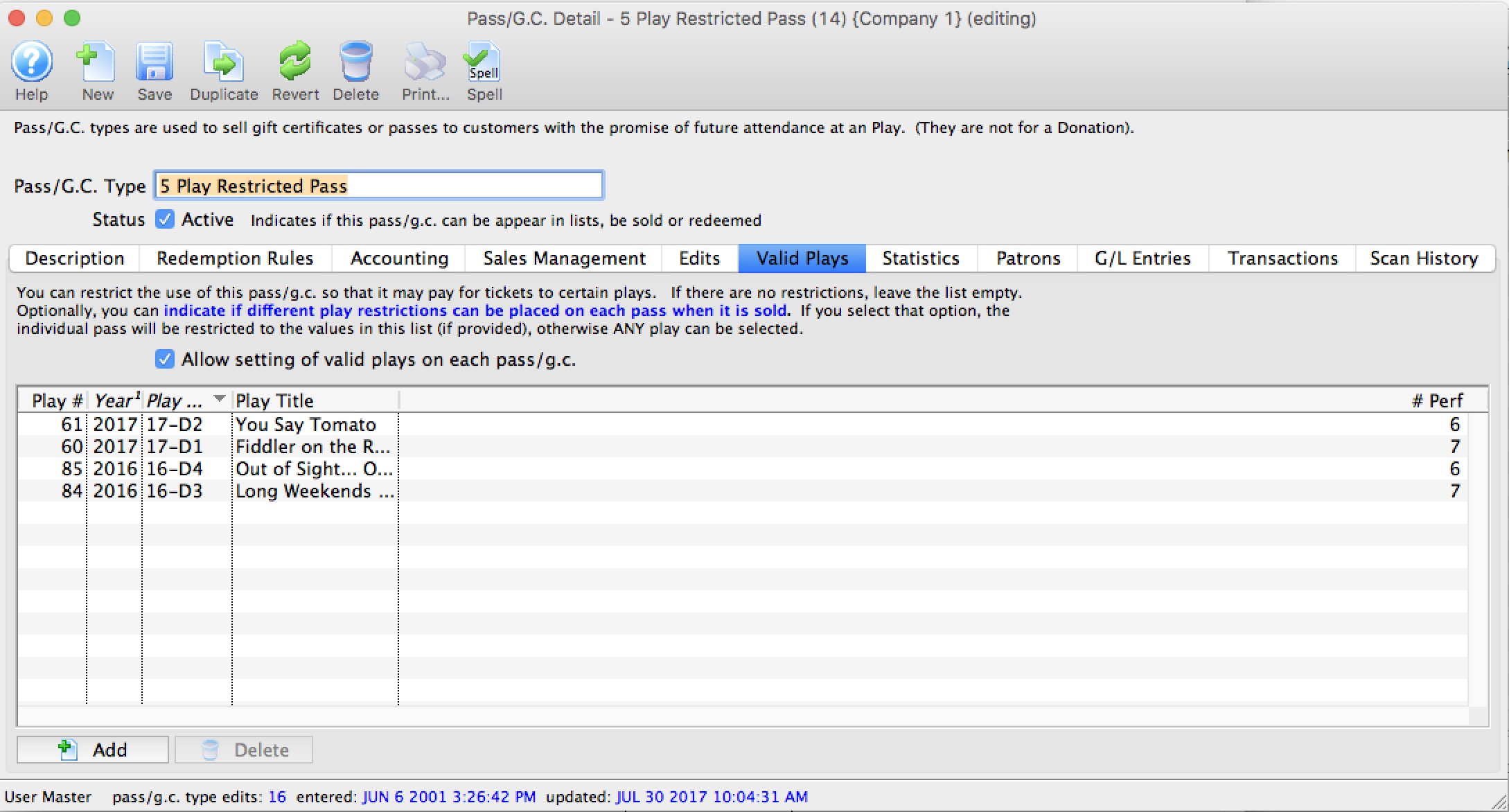
Parts of the Valid Plays tab
| Allow Setting Valid Plays | Normally, this list indicates which events that any patron holding a valid instance of this pass is able to use it for -or- the list is bank so that the pass can be used for any events.
However, if you Allow Setting Valid Plays on each Pass/GC, it means that at the time when a pass/gc is sold to a patron, you can over-ride the events in the list and specify a subset of the above (or completely different set) as per the rules below When the flag is enabled:
|
| Play # | Sequence number of the event within Theatre Manager. |
| Year | Season year of the event. |
| Play Code | The Event Code as defined in the Event Setup. |
| Play Title | The title of the event as defined in the Event Setup. |
| # Perf. | Total number of performances for this event. |
 |
Allows you to add an event / play to the list. |
 |
Deleted the selected play/event from the list. |
To Add an Event / Play to the list, you perform the following steps:
- Click the button.
The Event List (lookup) opens.
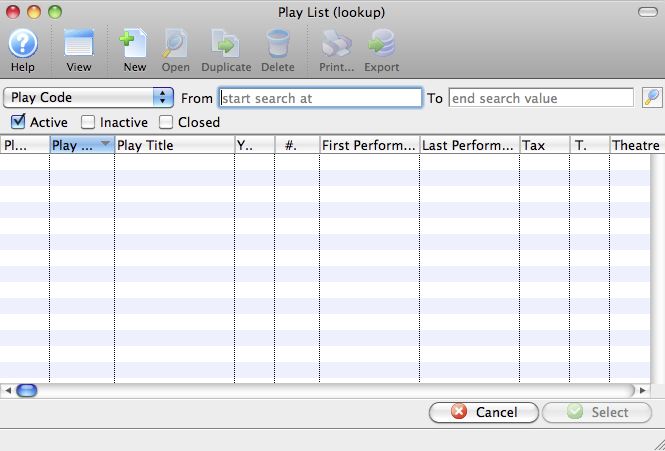
- Click the
 icon to generate a list of events.
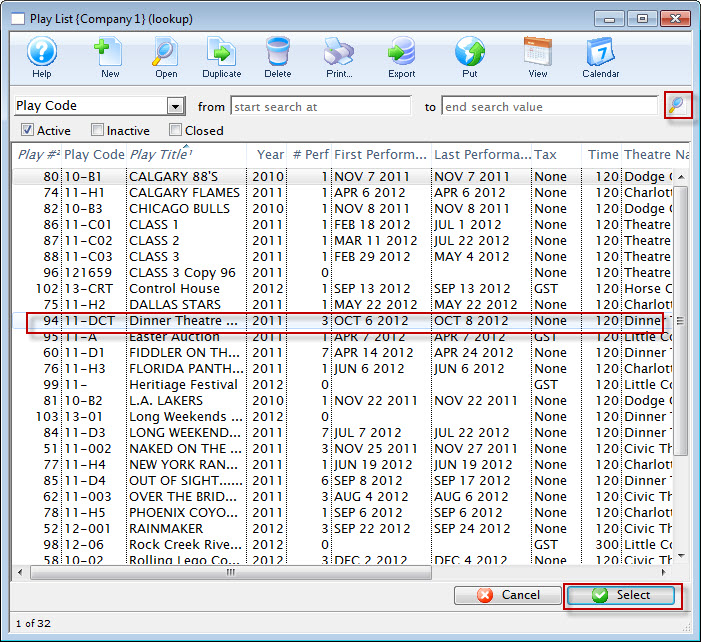
- Highlight the events you want to allow for this membership.
- Click the
 button.
- Continue adding events as appropriate.