Purchasing a Membership, Pass or G/C in the Orders Window
Purchasing a Membership, Pass or G/C in the Orders Window
|
|
"Membership" is a broad term meaning "Gift Certificates," "Flex Passes," "Vouchers," "Other Income" or a variety of other forms. Since the name of the field is customizable, some organizations may retain the term "Membership," while others change it to reflect their own terminology such as "GC/Pass," "Gift Certs." or even "Other Income." The nomenclature in your database may be different than "memberships." |

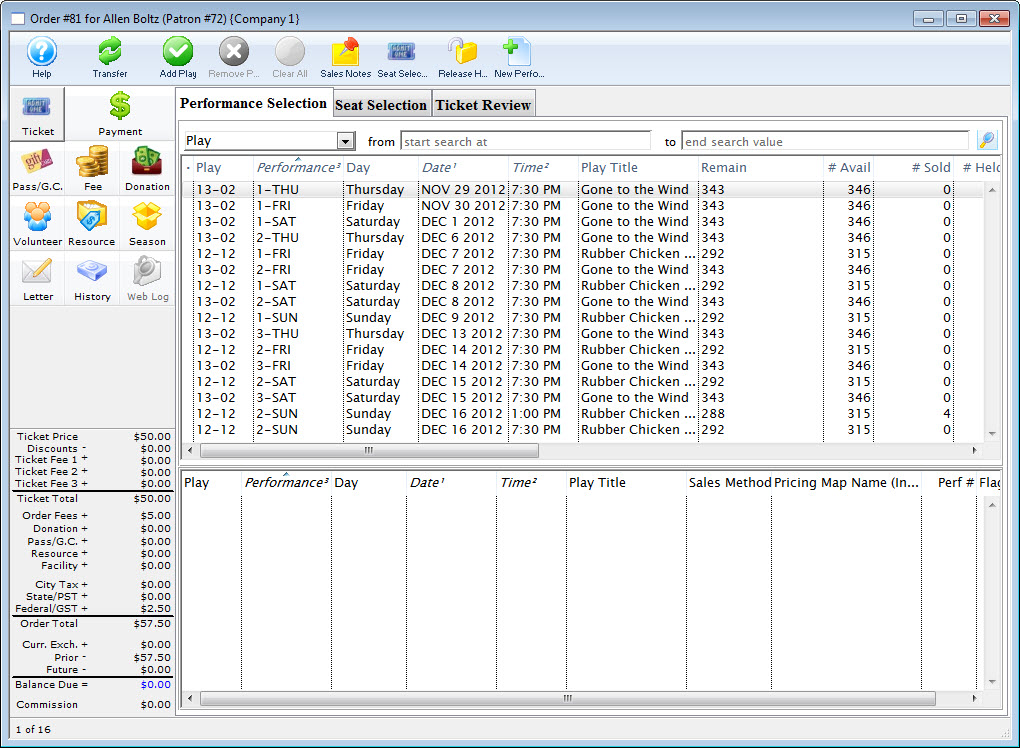
- In the order window click the Membership
 button.
- Click the New
 button.
The Membership Detail window for the current patron window opens.
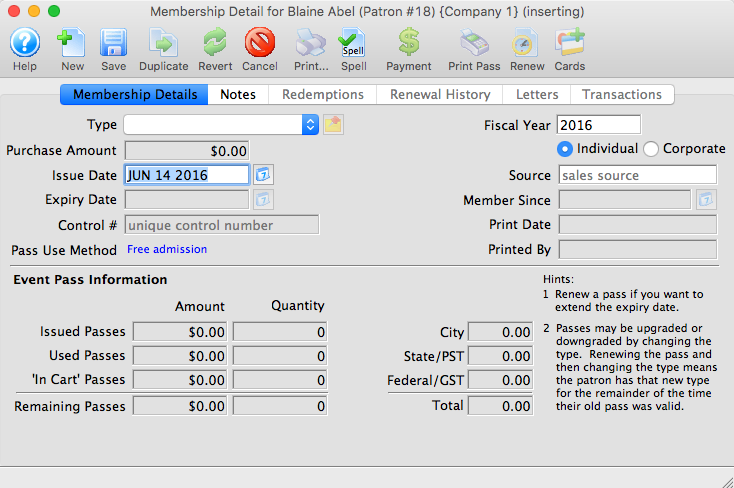
- Select the type of membership to be purchased.
The details of the member type will be displayed in the window. Click here to learn more about adding Member Types.
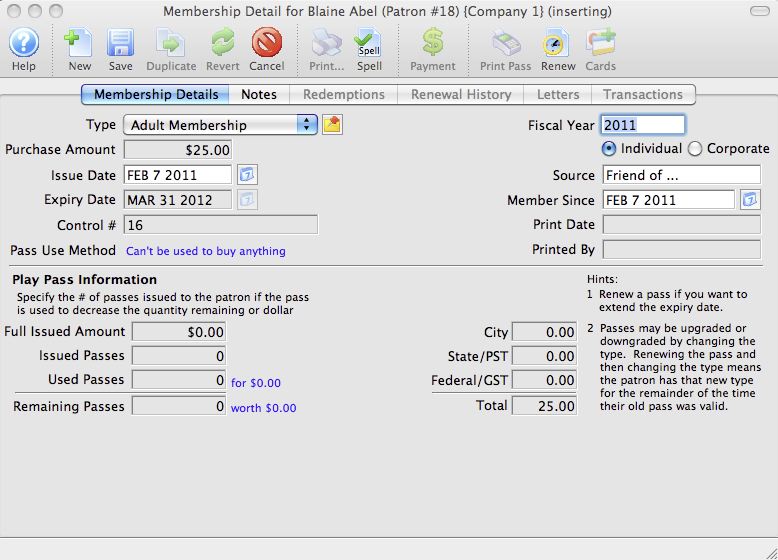
- Edit the membership data as needed.
- Click the Save
 button.
- Close the Membership Detail window.
The Membership has now been added to the order and will appear in the Membership section of the Order Detail window.
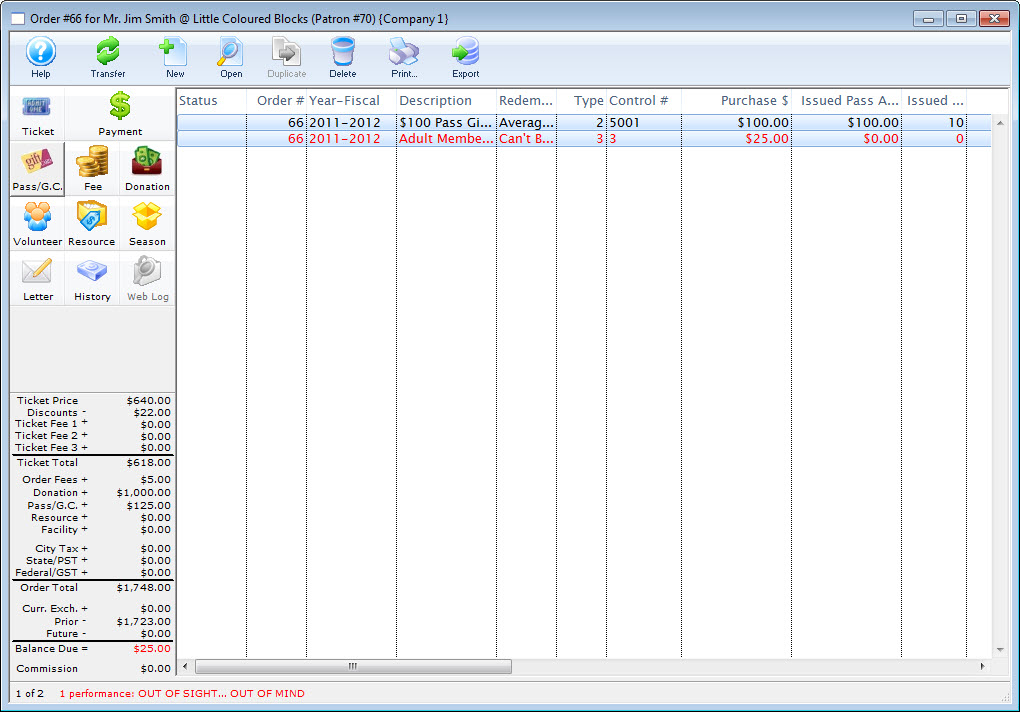
- Click the Payments
 button.
- Enter the payment information.
For more information on accepting payments click here.
- Click the Accept Payment
 or Print Tickets
 button.
The membership sale and the sale of any other items that have been purchased in this order is now complete. The screen will return to the Patron window.