Selecting the Letter
Selecting the Letter
To merge a letter with a mail list, you first need to choose the letter. To do this, you perform the following steps:
- Choose Form Letters >> Form Letters.
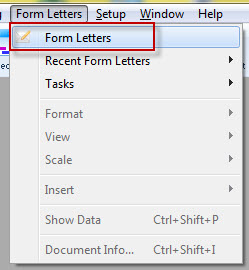
Alternatively, select the Letters
 button in the Theatre Manager ribbon bar / toolbar.
The Form Letter List window opens.
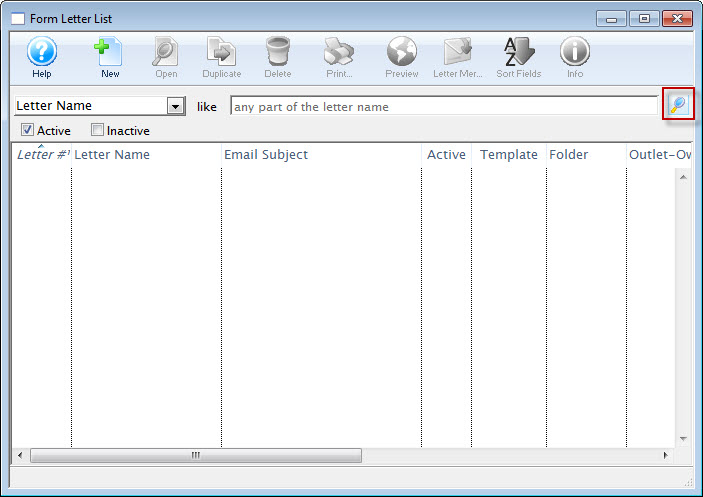
For more information about the Form Letter List Window, click here.
- Click the Search
 button and select the letter to use in your mail list merge.
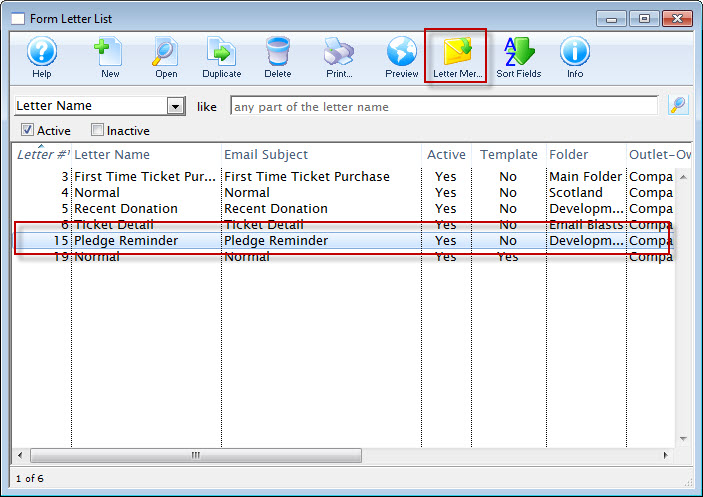
- Click the Letter Merge
 button.
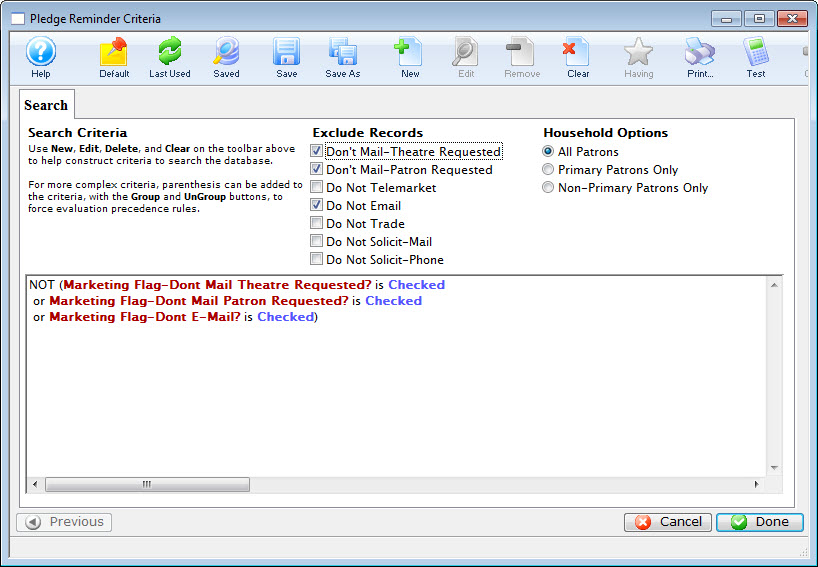
The Form Letter Criteria window opens. click here, for more information on creating mail lists.