Deleting an Existing Form Letter
Deleting an Existing Form Letter
A Form Letter can be deleted when it is has not been linked to any patron files. To make a letter is no longer available for use that has been linked to patron files, make it inactive.
- Search for the Form Letter to delete.
Click here to learn how to find existing Form Letters.
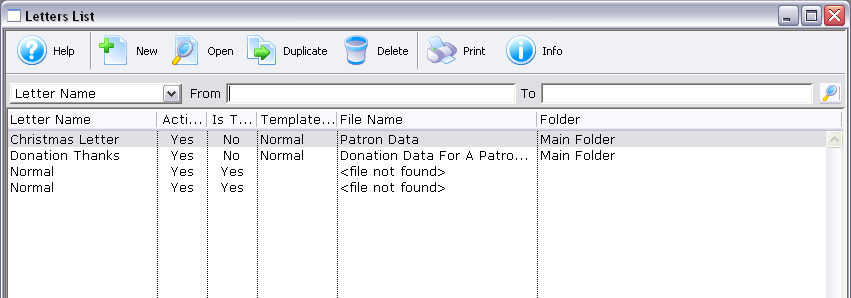
- Click on the Form Letter to delete.
- Click the Delete
 button.
The letter can also be opened and deleted from the Form Letter Window.
| You can download quick reference information on Deleting a Form Letter by clicking on the icon. |
Flash |
MP4 |

