Licence Tab
Licence Tab
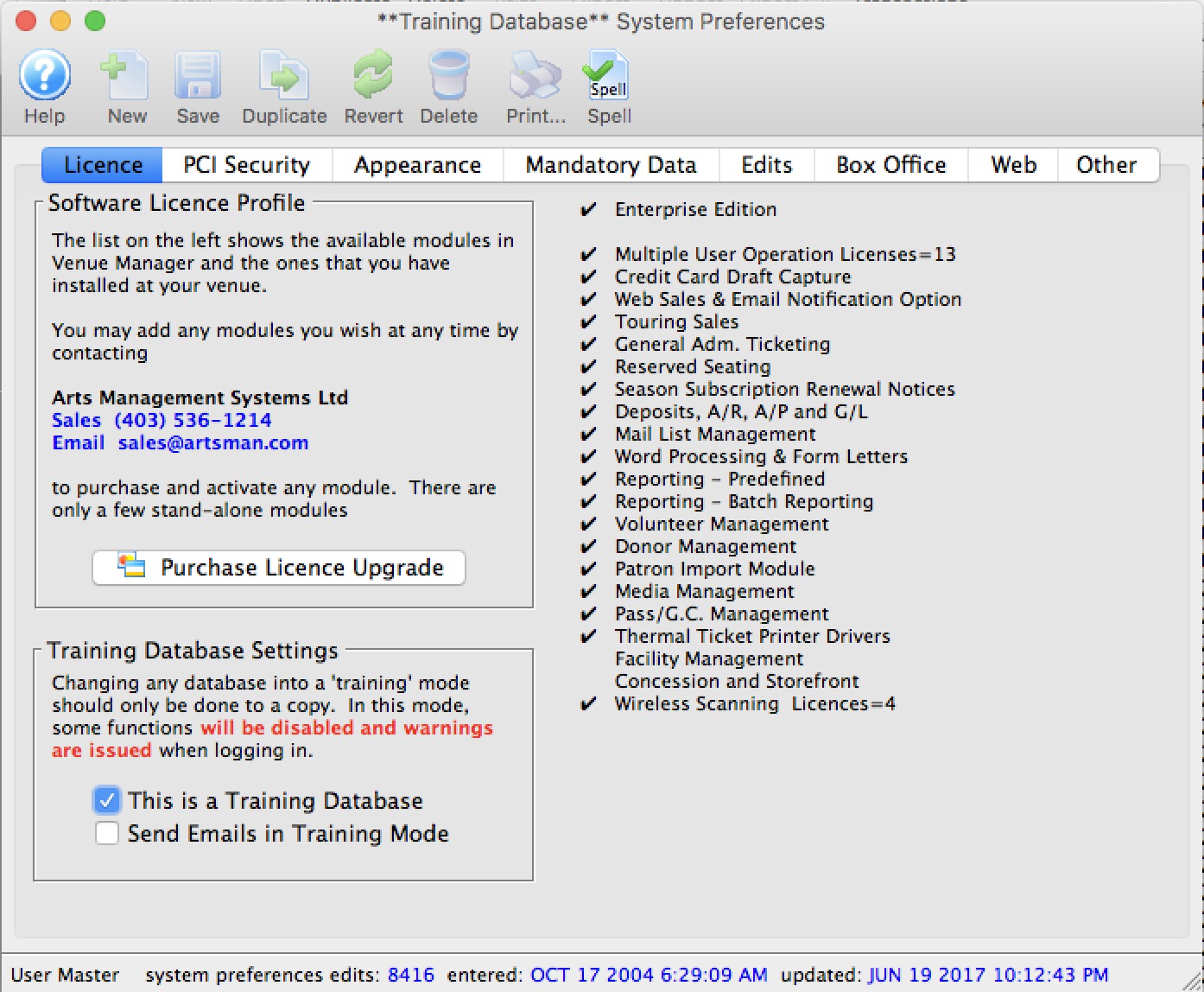
The License tab contains information about the components of Theatre Manger currently in use and gives your the ability to purchase upgrades.
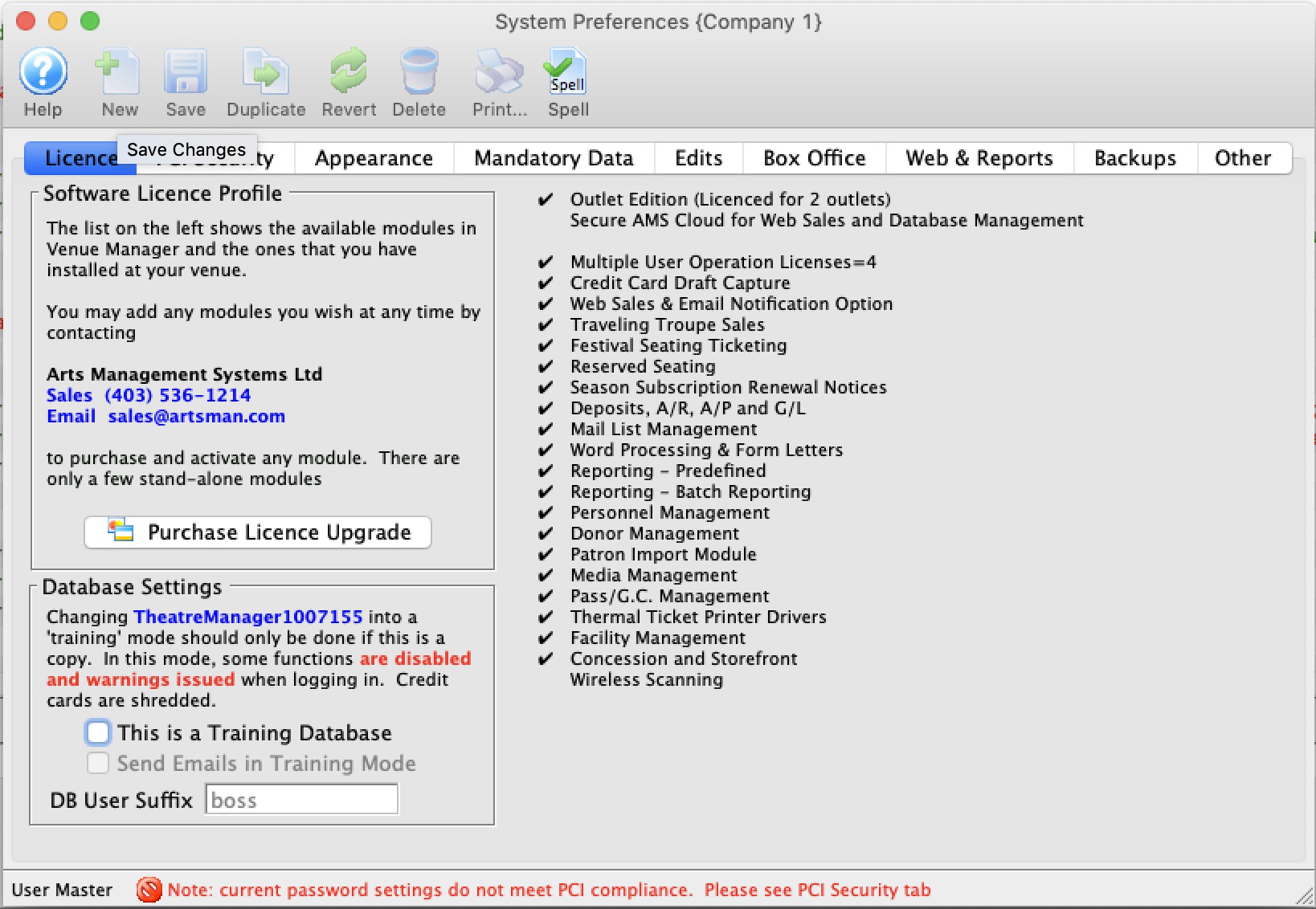
Software License Profile |
|

|
Allows for the entry of a license upgrade. For more information on entering license upgrades click here. |
| Software Features | This is a list of all the possible features that Theatre Manager offers. The features that have check marks beside them are the features that the company currently has access to. In order to receive additional features that the Theatre Manager has to offer the organization must purchase a license upgrade. |
Training Database Settings |
|
| This is a Training Database |
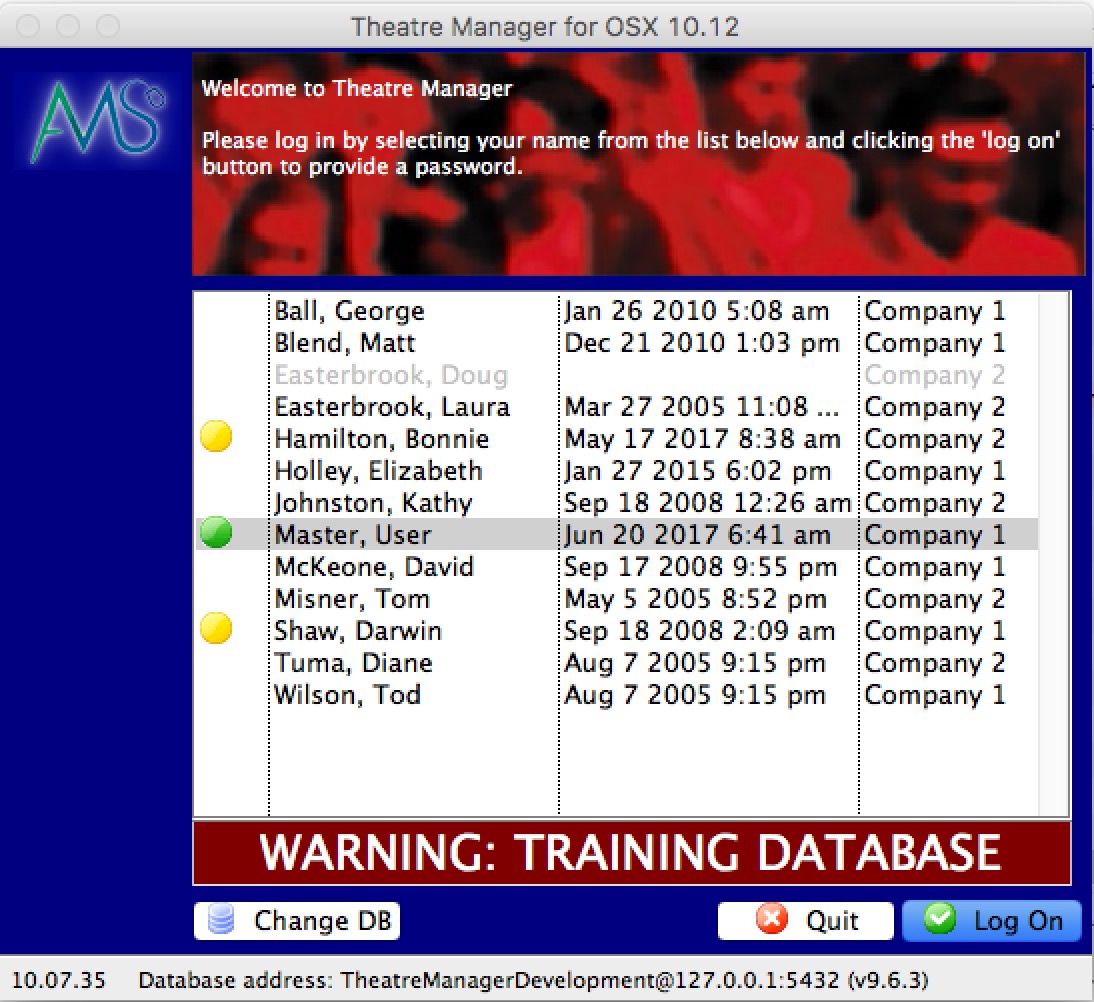 A venue can set up a database in training mode for use in staff development. This feature should only be used on a copy of a database to flag to Theatre Manager that it will be used in training mode. When a database is set to Training:
|
| Send Emails in Training Mode | If Web Services (a TM server with a housekeeper) is set up for the training database, you can indicate if the web listeners should send out emails as part of the test process. |
| DB User Suffix |
If you have multiple databases on your server, you should enter a unique database marker for each one. This is appended to the employee ID's in the background so that they are unique per database. We recommend:
|
Licence Upgrades
Licence Upgrades
Once a company has purchased a license upgrade the new Customer and License numbers need to be entered to activate the additional features of Theatre Manager.
- Open Setup >> System Preferences
- Click the Purchase License Upgrade
 button.
The Customer and License Number Window will open.
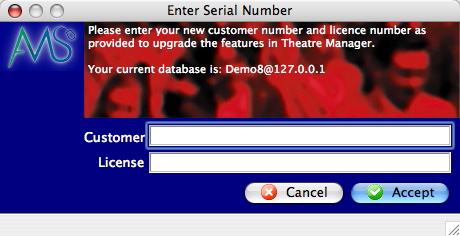
- Enter new customer number.
- Enter new license number.
- Click the Accept
 button.
Theatre Manager will now automatically restart to activate the new features.