Deleting a Donation
Deleting a Donation
- Once a payment has been deleted or reversed, the amounts on the donation can be modified or the donations can be deleted.
- If the donation is deleted -and-
- it is has a matching gift the matching gift
- that matching gift will not be deleted.
- If you require the matching gift to be deleted as well you must repeat the steps for that donation.
- Only donations which have all payments removed may be deleted.
- However refer to reducing the value of a donation to see how to reduce one
- Before you can delete a donation all printed tax receipts associated with the donation must be un-printed.
How to delete a Donations
- Open the Patron Record.
For details on locating a Patron Record click here.
- Click the Donation
 tab.
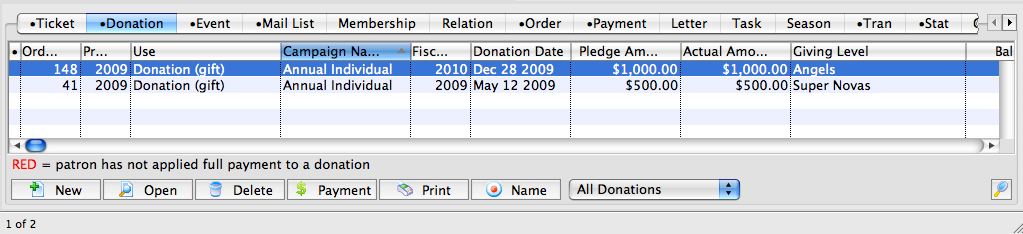
- Select the donation to be refunded.
Single click on the donation to select it.
- Click the Open
 button.
The Donation Detail window opens.
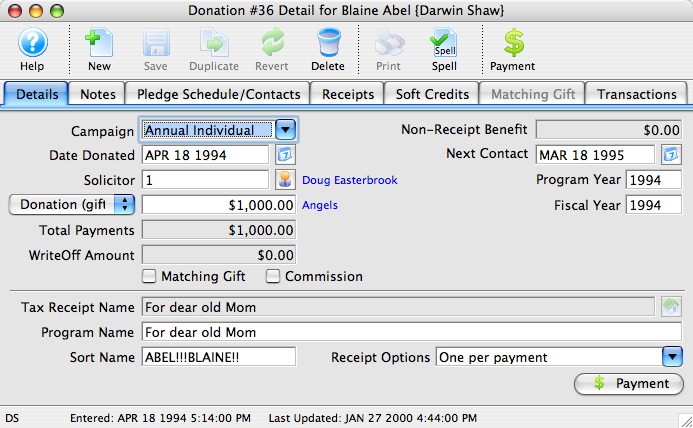
- Click the Payment
 button.
A Payment Warning appears, indicating there is no payment required for this order.
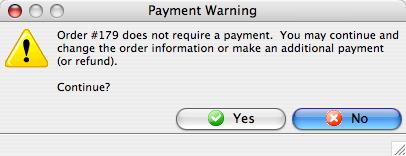
- Click the Yes
 button.
- Enter a negative payment for the value of the donation.
You can use the Prior Payments
 tab to review how the original payment was made.
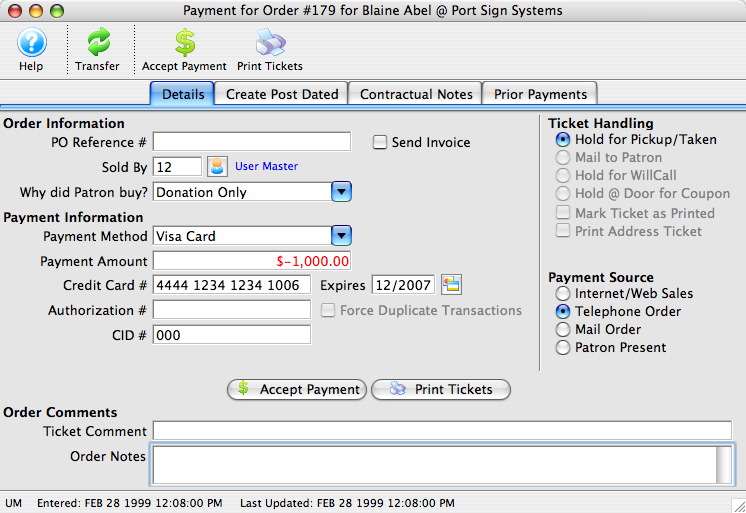
- Click the Accept Payment
 button.
A Payment Warning dialog opens, indicating the payment made does not complete the order.
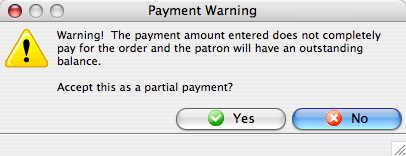
- Click the Yes button.
The Process Another Payment window appears.
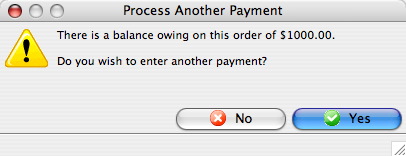
- Click the No
 button.
The Donation Detail window appears.
- Click the Receipts
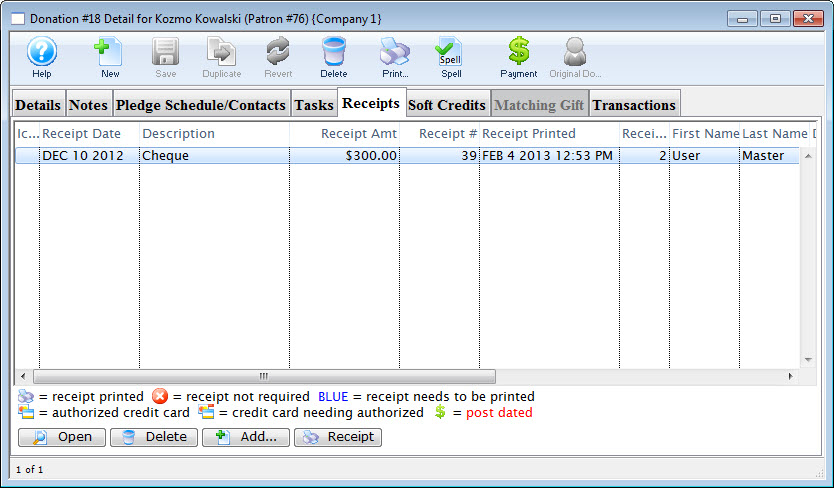 tab.
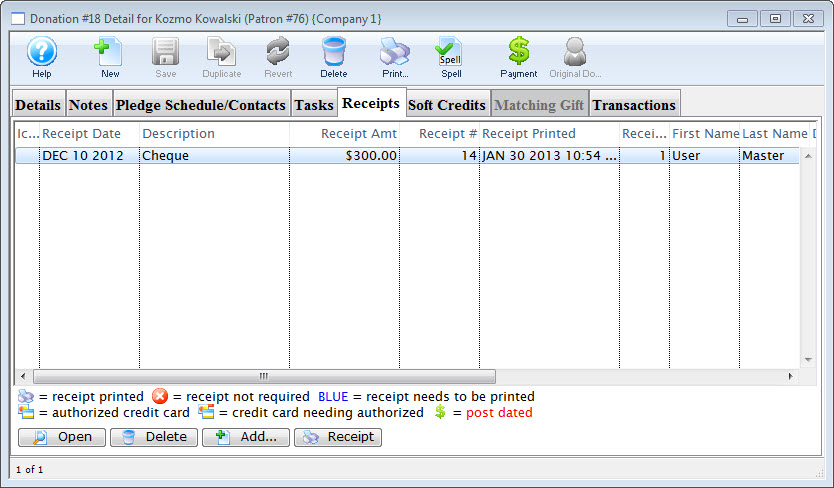
- Click the Open button.
The Edit Manual Receipt Detail window opens.
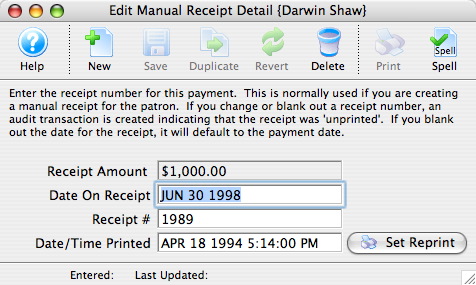
- Delete the Receipt #.
- Close the Edit Manual Receipt Detail window.
- Click the Delete
 button.
The Delete A Record confirmation window opens.
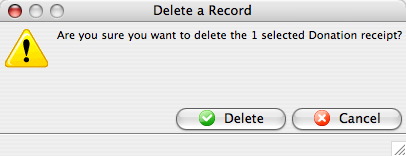
- Click the Delete
 button.
The receipt is removed from the Donation Detail window.
- Close the Donation Detail window.
The Patron Record will display the Donation
tab. - Click the Delete button.
The Delete A Record confirmation window opens.
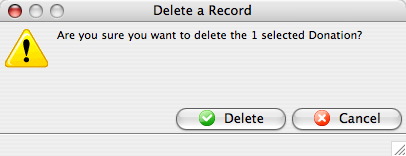
- Click the Delete
 button.
The Donation is now deleted from the Patron Record.
| For Quick reference information on Deleting a Donation, You can download: Screencasts (online video demonstrations of the functions with narration) |

Flash |
Mp4 |
