Edit Pass G/C and Memberships
Edit Pass G/C and Memberships
To edit an existing Pass/g.c., you perform the following steps:
- Open the Member Types window.
Click here to learn how to access this window.
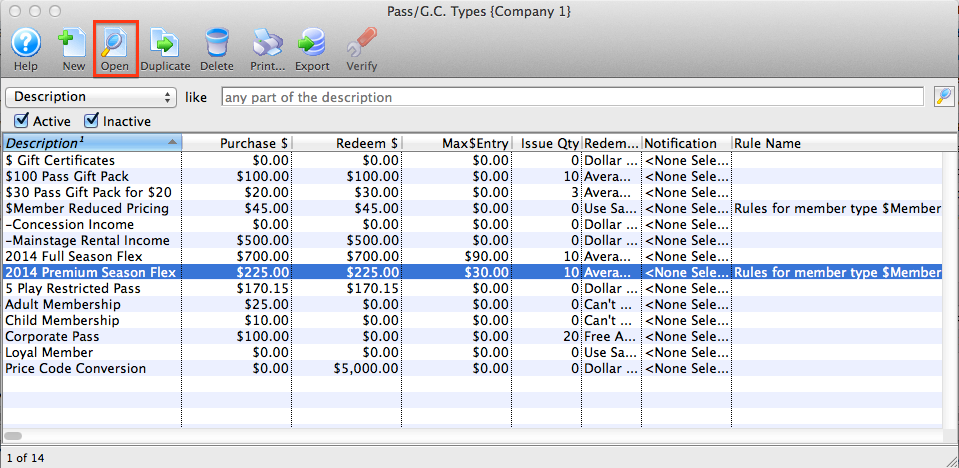
- Select the Pass/g.c. you want to edit.
The Pass detail window will open.
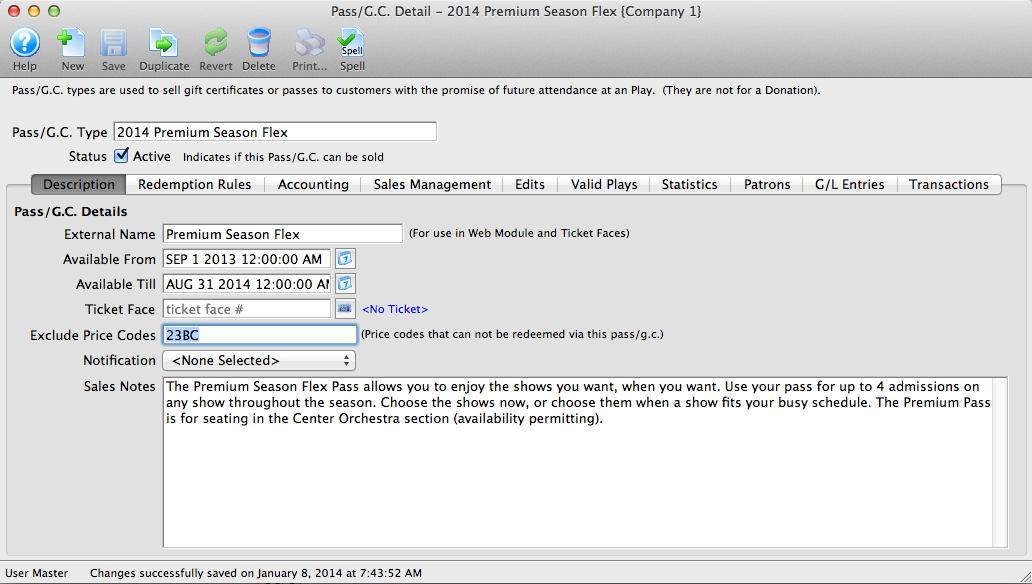
Click here for a detailed description of this window.
- Edit the data as needed.
- When you have completed your changes, click the Save
 button.
The changes will be saved. Clicking the Revert
 button will abort any changes you made to the member type.