Deleting Pass G/C and Membership Types
Deleting Pass G/C and Membership Types
Pass, G/C and Membership types can only be deleted if they have not been purchased by a patron.
To delete a Type, you perform the following steps:
-
Open the Member Types Window.
Click here to learn how to access this window.
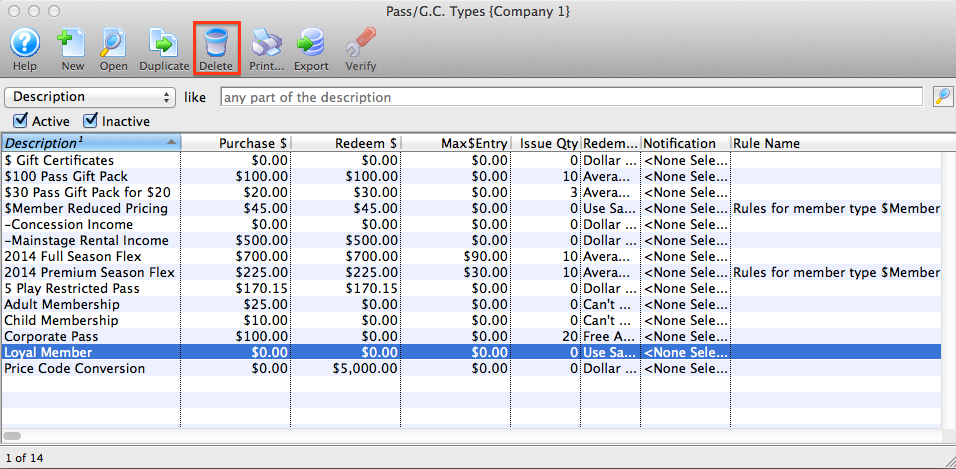
- Select the Member Type to be deleted.
Single click on a Member Type to select it.
-
Click the Delete
 button.
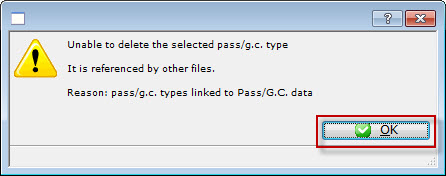
If the record can NOT be deleted the following dialog opens.
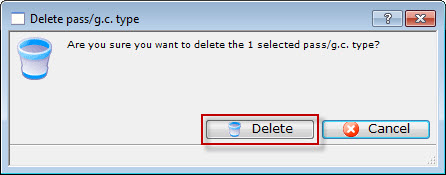
If a record CAN be deleted, the following delete confirmation dialog opens.
-
Click the Delete
 to confirm the deletion.
The type is removed from the Member Types Window.