Commissions - Deleting a Commission
Commissions - Deleting a Commission
Deleting a Commission
- Open the Commission Setup window.
Click here to learn how to access the Commission Setup window.

- Select the Commission to be deleted.
Single click on a commission to select it.
- Click the Delete
 button.
The Delete Record confirmation window will appear.
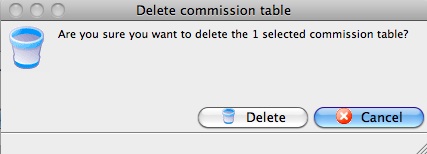
- Click the Delete
 button.
The Commission is now deleted.