Editing a Lookup Value
Editing a Lookup Value
To edit a lookup value, you perform the following steps:
- Open the City/Postal Code Lookup List window.
Click here to learn how to access this window.
- Select the lookup value you wish to edit.
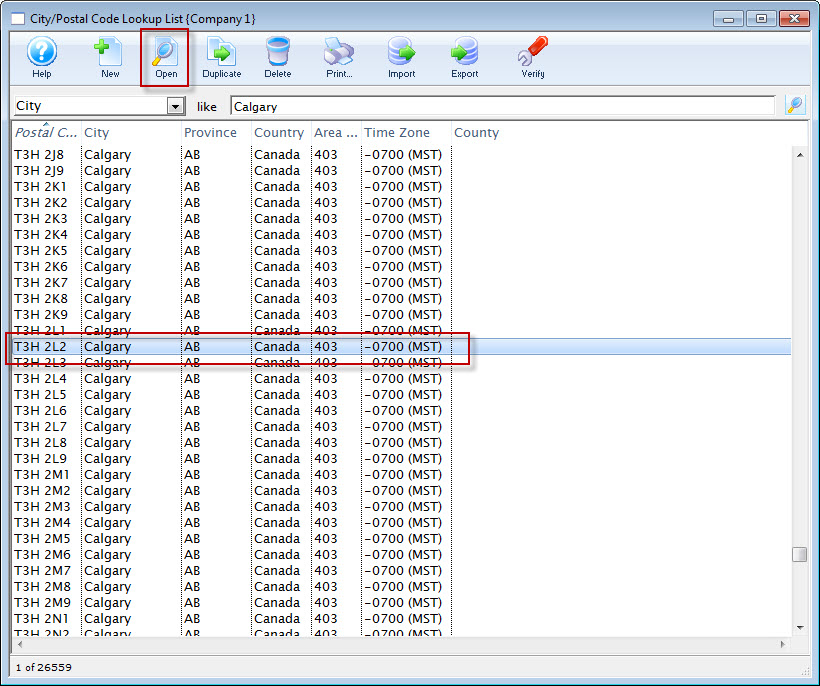
- Click the Open
 button.
The Postal Code lookup window for the selected value opens.
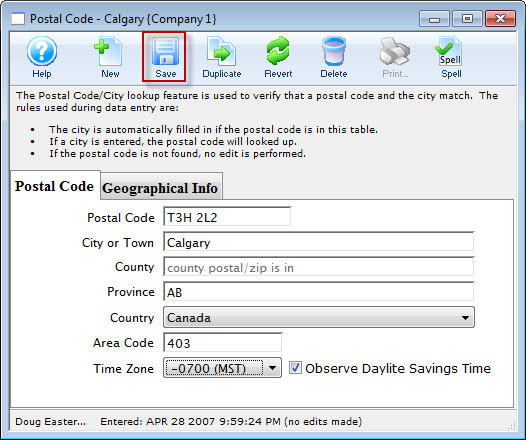
- Modify the details as needed.
- Click the Save
 button to save the changes.
To cancel the edit click the Revert
 button.