Deleting Existing Lookup
Deleting Existing Lookup
- Open the City/Postal Code Lookup List window.
Click here to learn how to access this window.
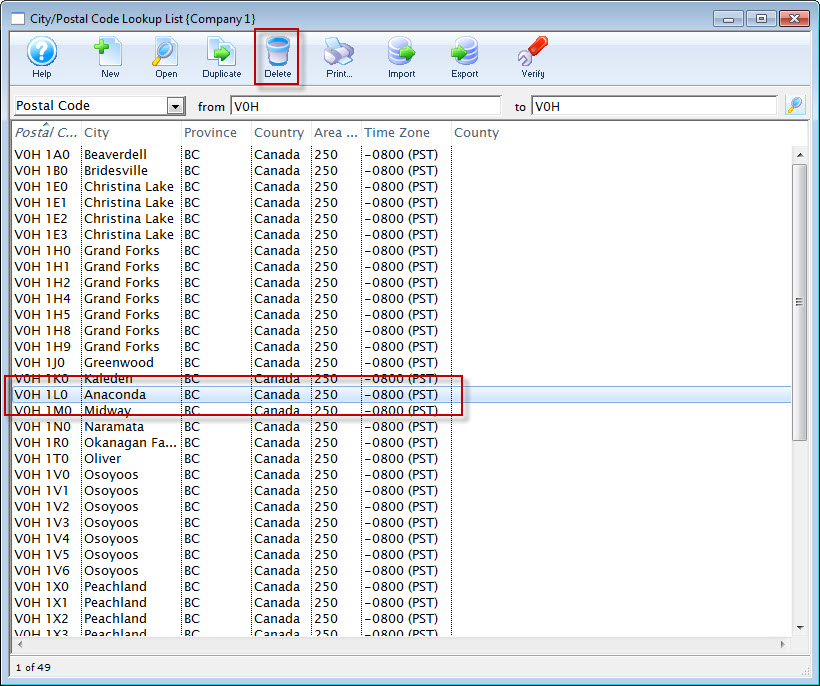
- Select the lookup value to delete.
Single click on a value to select it.
- Click the Delete
 button.
The Delete City Lookup warning dialog opens.
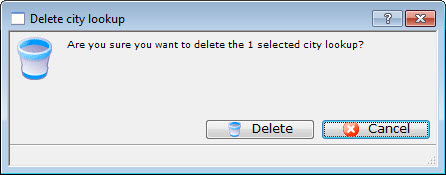
- Click the Delete
 button to continue with the deletion.
Clicking the Cancel
 button aborts the deletion.
The deletion will be confirmed with the following confirmation message.
