Merging a Letter through the Membership, Pass G/C Detail Window
Merging a Letter through the Membership, Pass G/C Detail Window
When adding a membership to a Patron, it is possible to also add a letter to the Patron. This can be done from the Membership Detail Window. To access this window:
- Open a patron record
- Select the Membership
 tab.
- Select the appropriate membership from the list and click Open

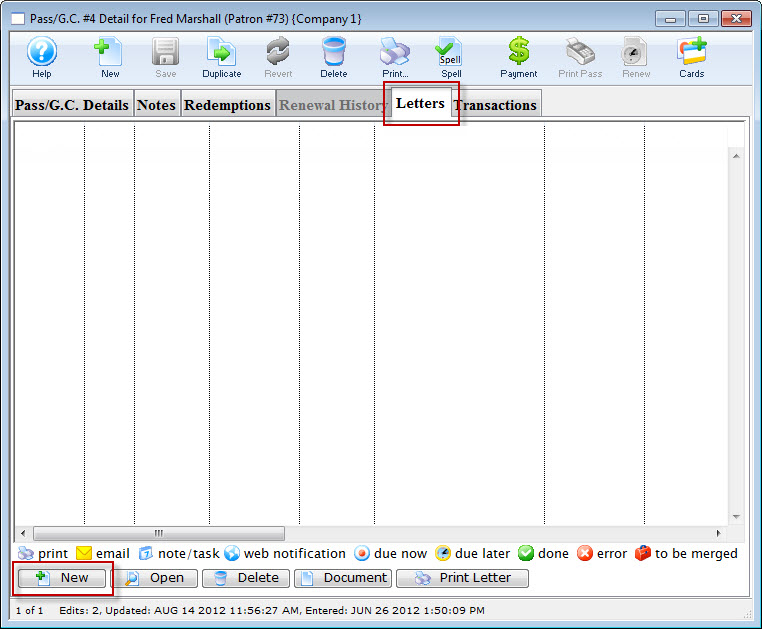
- From the Membership Detail window, click the Letter
 tab.
Click here to learn how to sell a membership.
- Click the Add
 button and choose whether to add a Letter or an Email. The Form Letter Selection window opens.
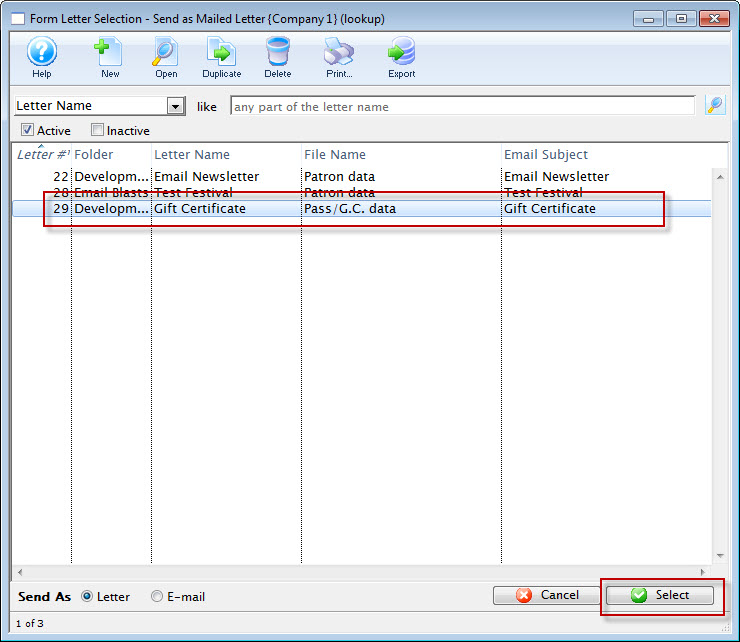
- Click on the letter to add to the Patron to select it.
- Click the Select
 button at the bottom of
the window.

An email address and SMTP mail server must be entered into Company Preferences to send emails. Patrons to whom emails are being sent will need email addresses entered into their Patron records.
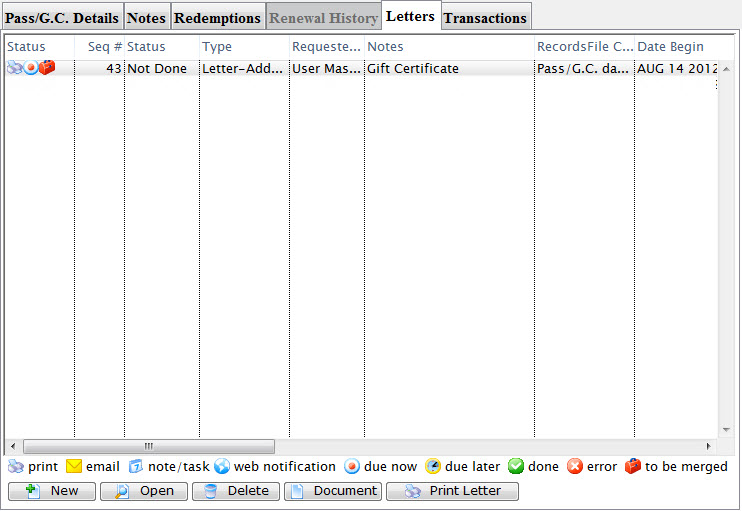
The user is returned to the Membership Detail window and the letter is displayed.
Click here for more information about printing the letter or sending the email.