Deleting a Letter from a Patron Record
Deleting a Letter from a Patron Record
After adding a letter to a Patron record, it may become necessary to delete the letter.
- Open the Patron's record from the Patron List window.
Click here for more information on this process.
- Click on the Letters
 Tab at the bottom of the Patron window.
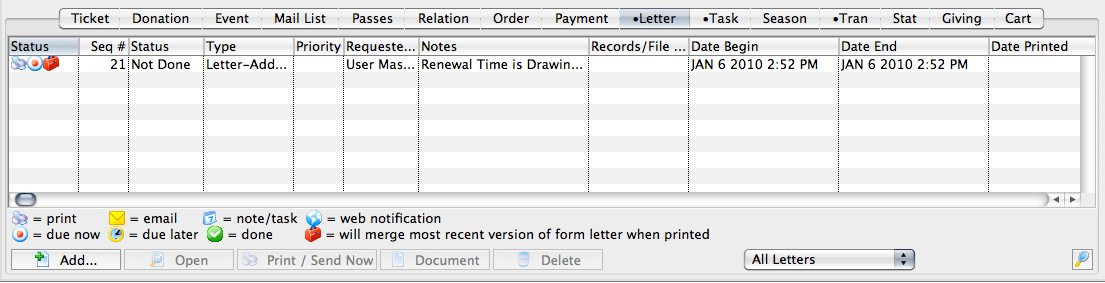
- Click on the letter to be deleted.
- Click the Delete
 button.
A warning message will appear.
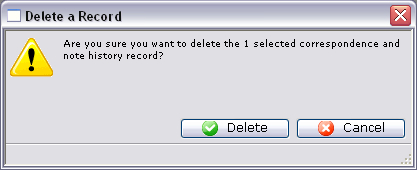
- Click the Delete
 button.
The letter will now be removed from the patron's record.