Adding a Patron to a Mail List
Adding a Patron to a Mail List
- Find Patron 14, Roger Carfan
- Click the Mail List Tab

The mail list tab is located on the Patron Window. When the mail list tab is clicked a patron's mail list information displays at the bottom of the patron window.
- Click the Add button

The Mail Lists for Patron window opens. A mail list that is marked with a bullet means the current patron belongs to the mail list.
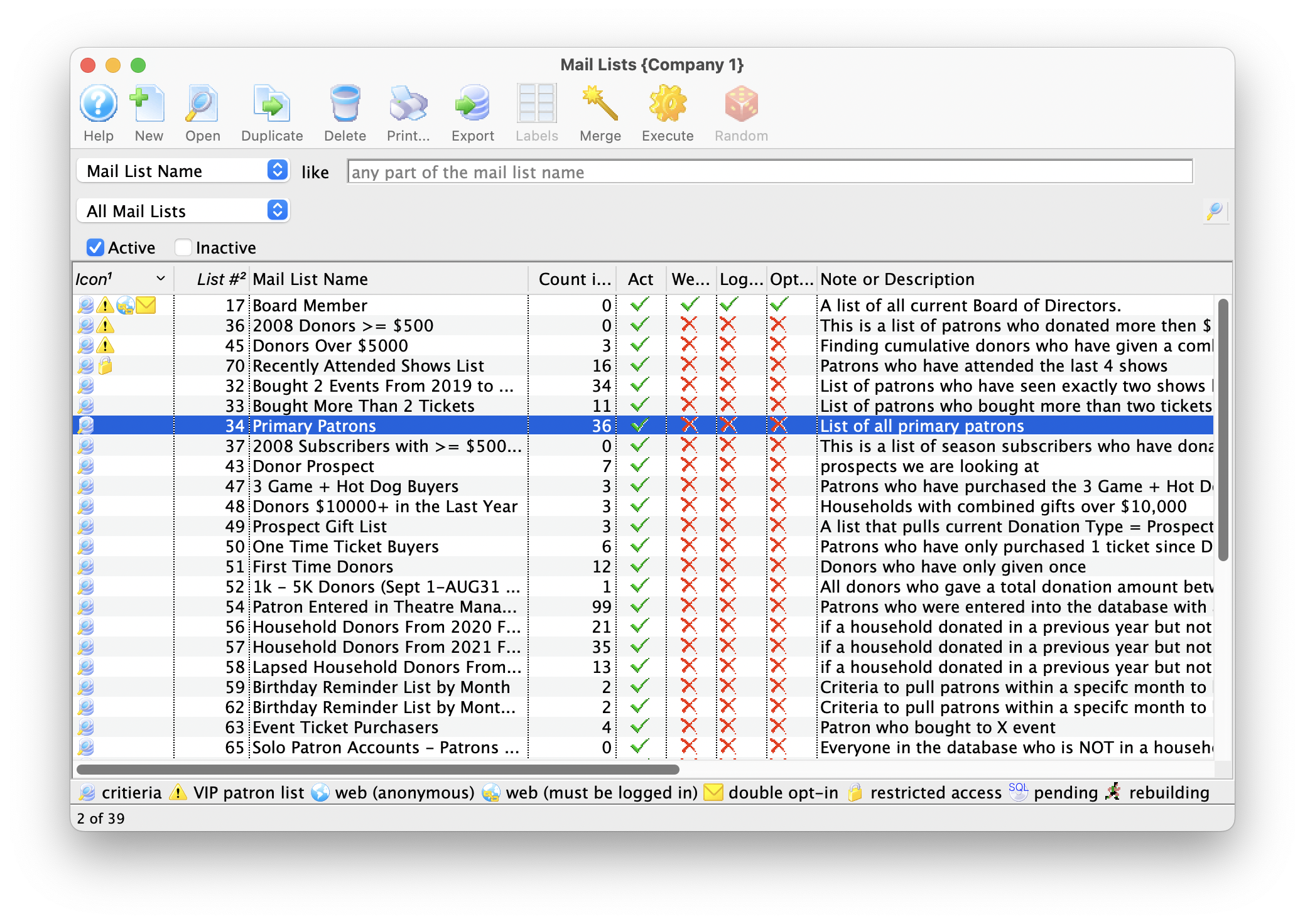
- Select the Mail List to Add the Patron to.
Do this by single clicking the mail list that you want, it will become highlighted.
- Click the Select
 button.
This adds the patron to the selected mail list.
Once they are added, a bullet appears beside the list.
- Close the "Mail Lists For Patron" window.