Step 5: Updating Payment Ticket Face to print your New Merchant Account Information
Step 5: Updating Payment Ticket Face to print your New Merchant Account Information
At the box office, if you print a receipt ticket face along with the tickets, you may need to change the merchant information on that ticket face. The ticket face likely uses data from the merchant account - yet it is wise to make sure the information is correct.
These days, most people do not print a credit card receipt, or they email tickets
- Goto Setup >> Ticket Faces
This will open the Ticket Faces List window.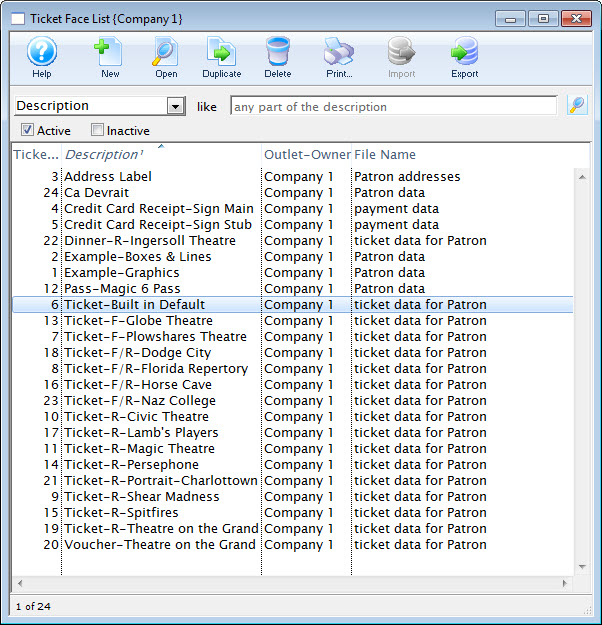
- Locate your Credit Card ticket Face
- Edit the ticket face
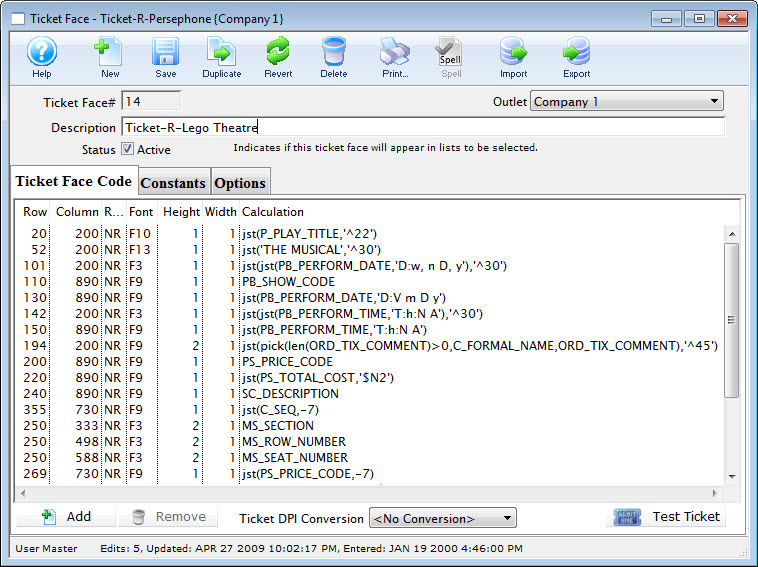
- Locate the line of code that displays your current merchant account number(s) (if they are hard coded on the ticket face). If the field is MM_MERCHANT_NUMBER, then no change is require to your ticket faces
- Edit the line of code to have your new merchant account information
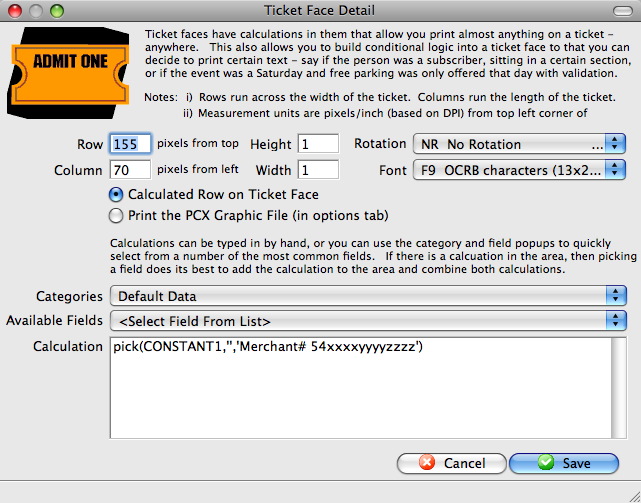
- Click the Save
 button
- Click Save
 the toolbar