Enabling a TM server to do backups
Enabling a TM server to do backups
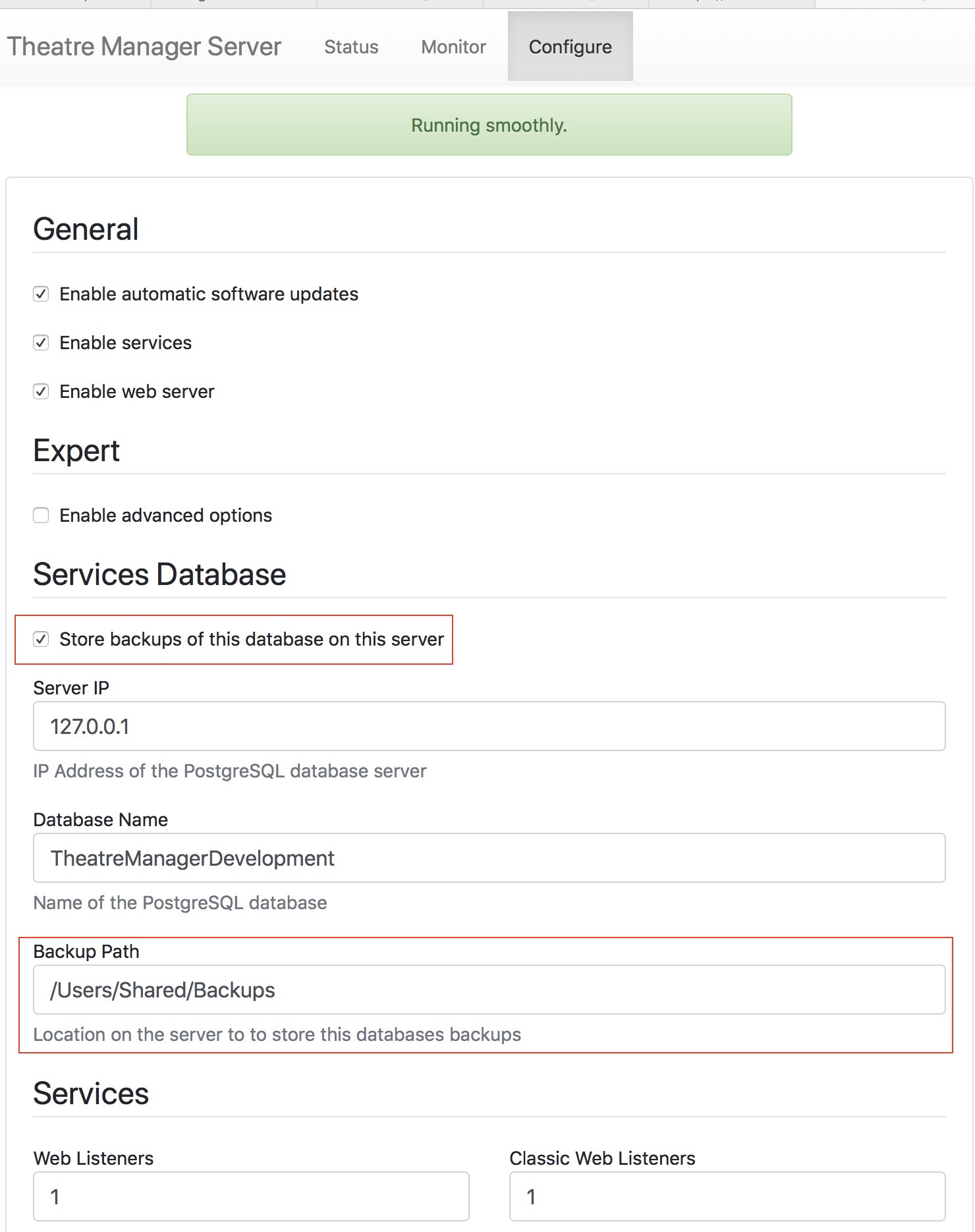 At least one of your TM servers should be enabled for backups. You can access your TM server from the machine it is running on by typing http://127.0.0.1:3012
- This is preferably a listener that is NOT running on the database server so that you easily have local off-machine backups.
- You can enable backups on multiple TM servers if you wish. However it is better to enable push of the database instead to a remote offsite location for better risk management.
Normally, a backup path (shown to the right) is local to the machine. You can make it a network share if you know how to do that.
For example:
| Platform | Local Path | Network Path |
| Windows | C:\BoxOffice\Backups |
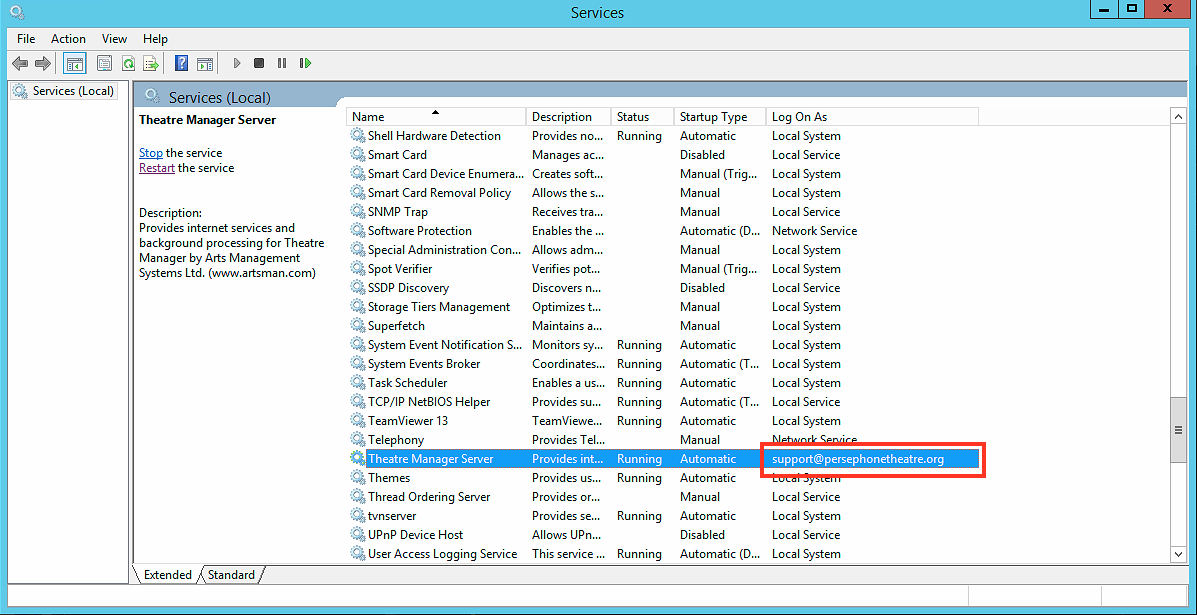 Log TM Server in as user that has access to network file share (i.e. set the service to login as a person with access to the share as per he sample to the right)
|
| MacOS | \BoxOffice\Backups |
You'll have to mount a remote volume that will appear in the volumes directory that you allow read/write access to
|