Changing a Performance From Reserved to General
Changing a Performance From Reserved to General
Changing a Performance From Reserved to General Admission / Festival Seating
There are times when a performance sales method may need to be changed from Reserved seating to General Admission seating. The director/promoter may have changed their mind about the seating configuration, the performance may have been build incorrectly, or social impact may mandate the change.
A performance can always be updated from Reserved to General Admission even if seats have already been sold. Tickets previously allocated to a reserved seat are simply changed to no longer reflect a seat allocation in the database. However, a performance cannot be moved from General Admission to Reserved seating after seats have been sold as Theatre Manager has no way of knowing where to seat patrons who have previously purchased. The steps below outline how to change a performance after it has been built.
- Find the event / play you want to hold seats for.
Click here to learn how to find an event / play.
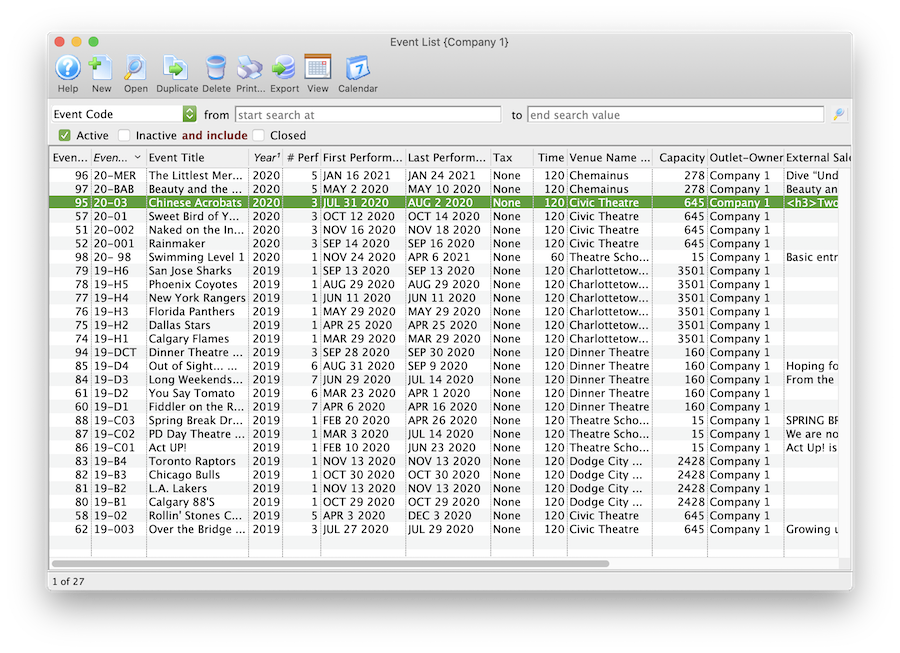
- Open the event / play by selecting it in the list and clicking Open or by double clicking it.
- Select the Performance tab
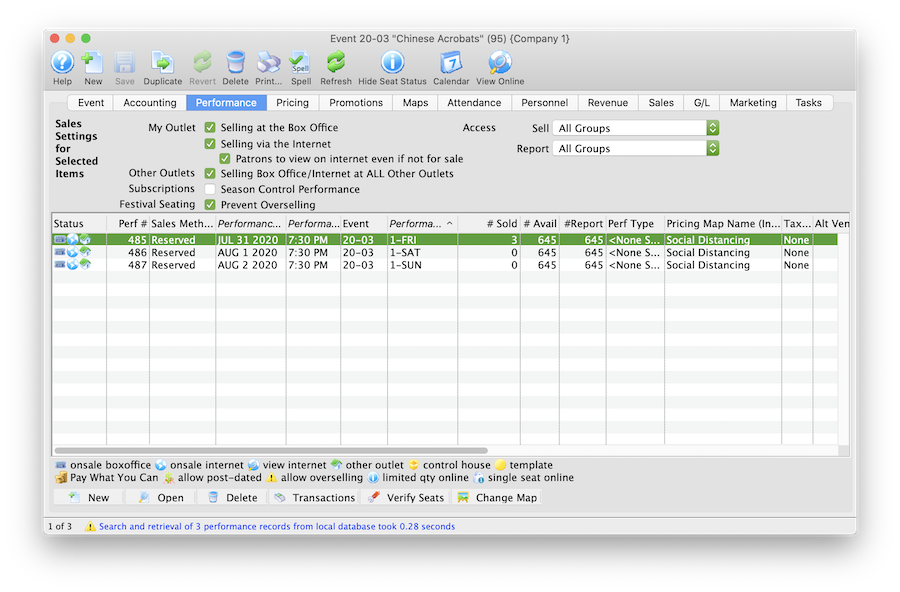
- Open the Performance Detail window
Each performance will need to be updated one at a time.
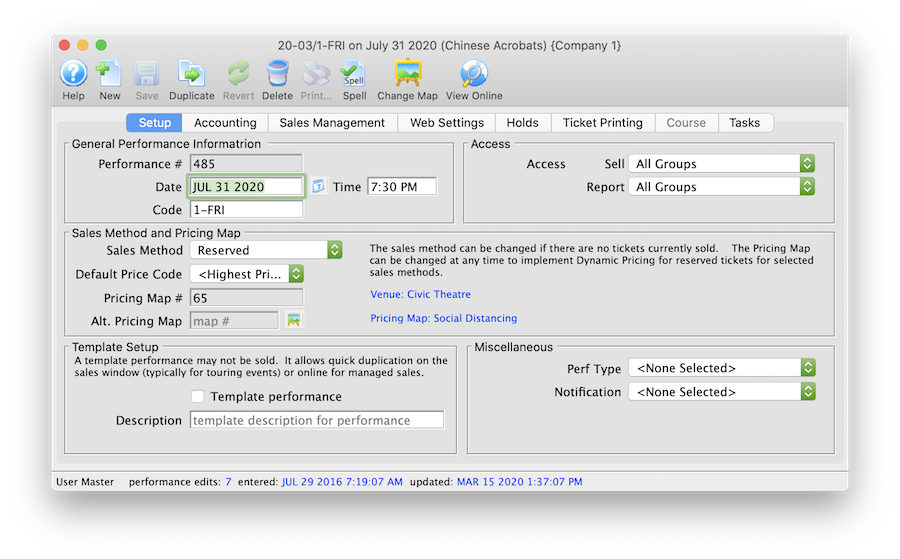
- Click the Sales Method drop down.
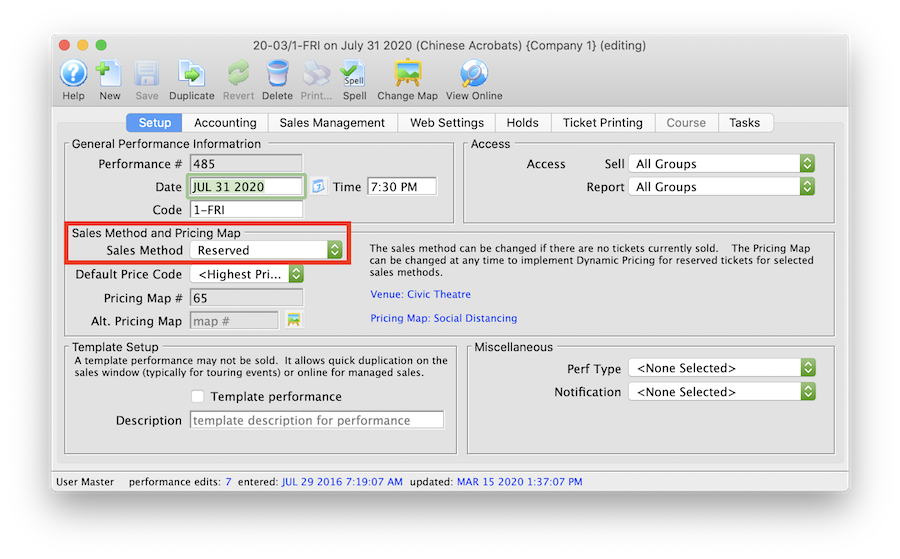
- Select General Admission or Festival Seating depending on your database configuration.

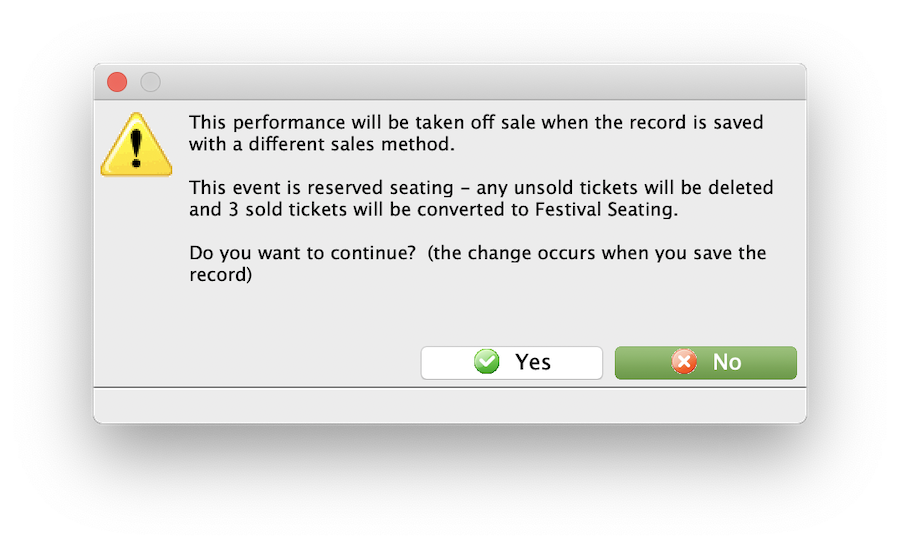
- Click Yes to the continue message.
- Select the Accounting tab in the Performance Detail window.
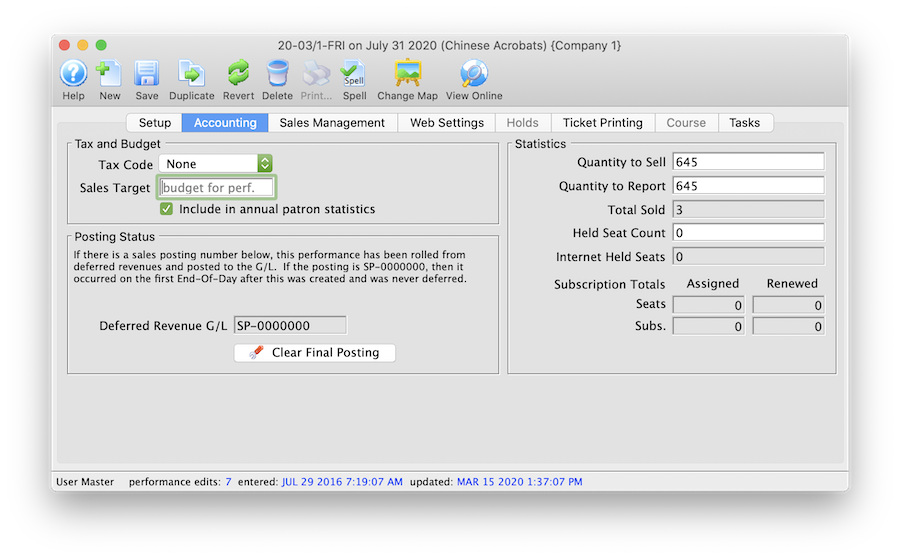
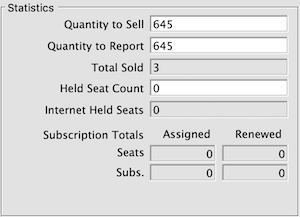
- Update the Quantity to Sell field to accurately reflect the total number of seats to be sold for the Performance.
The steps above can be repeated for each performance within an event as needed. Once a performance has been updated it can be marked available for sale at the Box Office and Online.