Holding Seats for a Performance
Holding Seats for a Performance
Holding Seats for a Performance
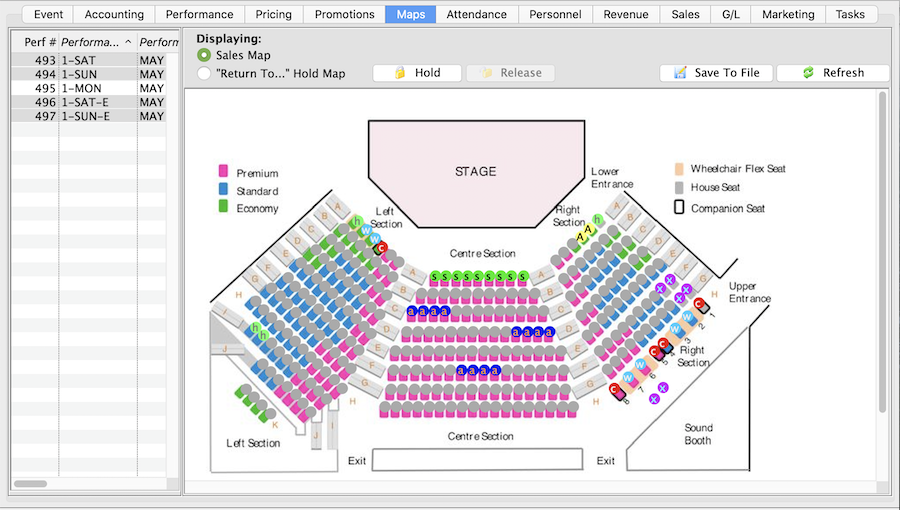
There are several situations that may call for holding seats within a Performance.
- there are promoter, artist, media or complimentary tickets negotiated within the contract
- the venue requires house seats to assist with potential issues arising the night of the show
- sight lines prevent seats from being sold
- space is needed in the venue for a sound board, lighting board or video equipment
- seats in a particular section will be held and released based on demand or audience size
- social distancing is required
Holding Seats
- Find the event / play you want to hold seats for.
Click here to learn how to find an event / play.
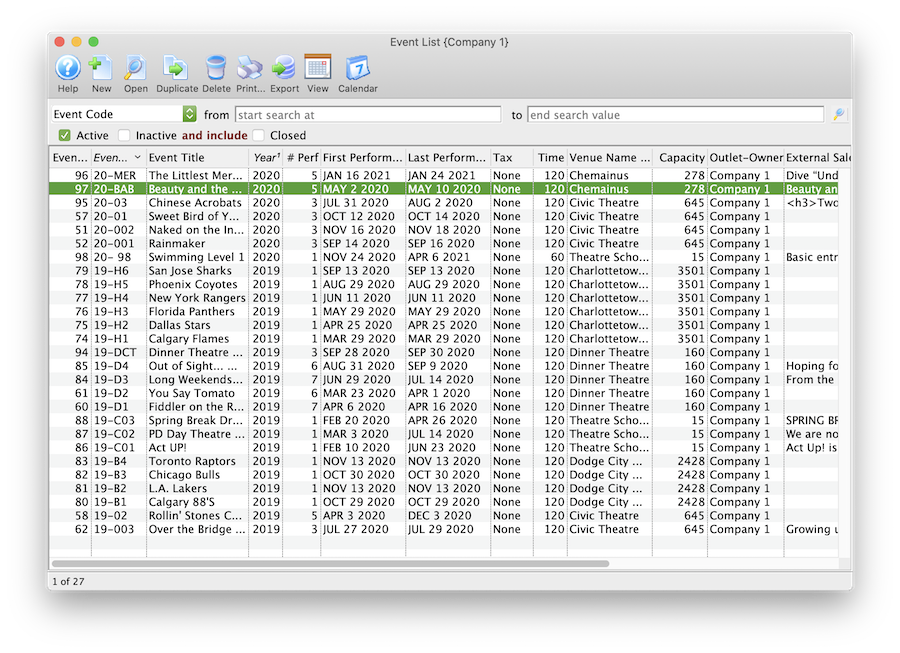
- Open the event / play.
- Select the Maps tab.
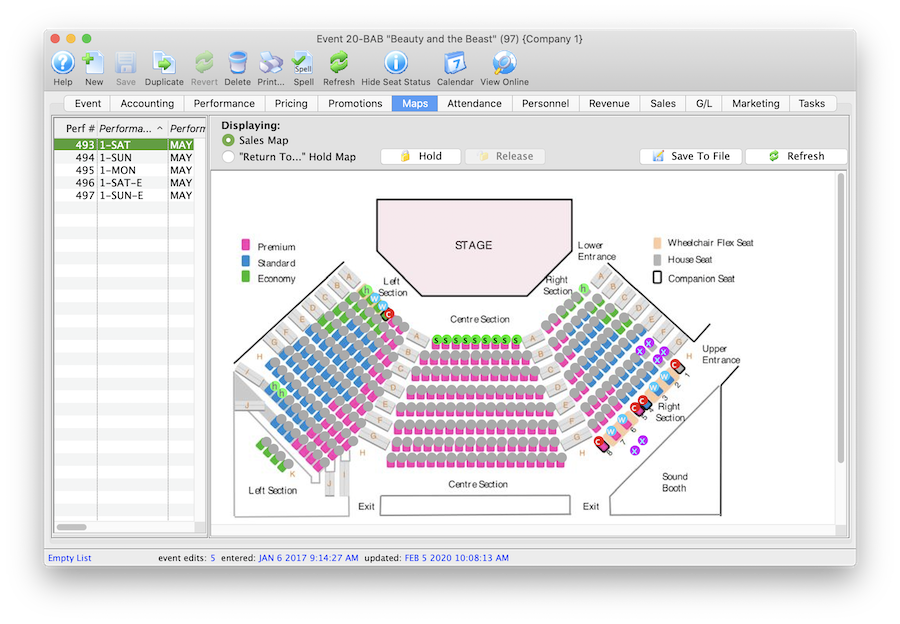
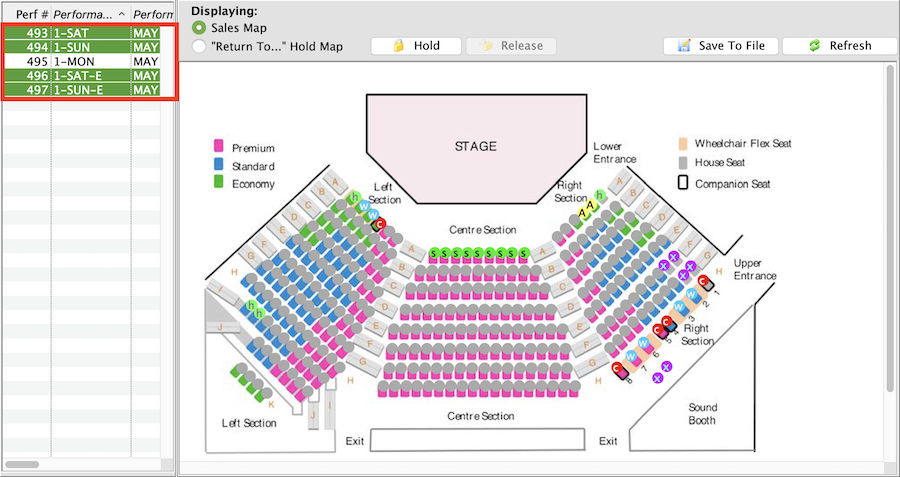
- Highlight the Performance(s) on the left side of the window.
Should you need to hold seats for multiple performances at a time simply select multiple date/times from the list on the left side of the window.
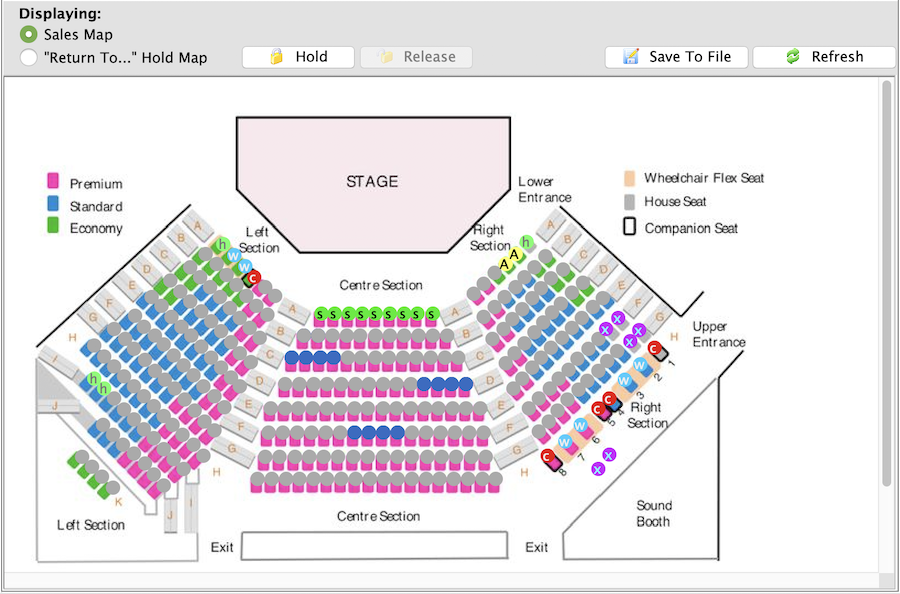
- Select the seats to be held.
Highlight the seats to be held by clicking and dragging the mouse over the seats. Multiple seats in different sections can be selected by holding down the Shift key on the keyboard. Selected seats will appear as a solid blue.
- Click the Hold button above the map.
Clicking the hold button will provide a menu of hold letters to choose from.
- Select the desired hold letter.
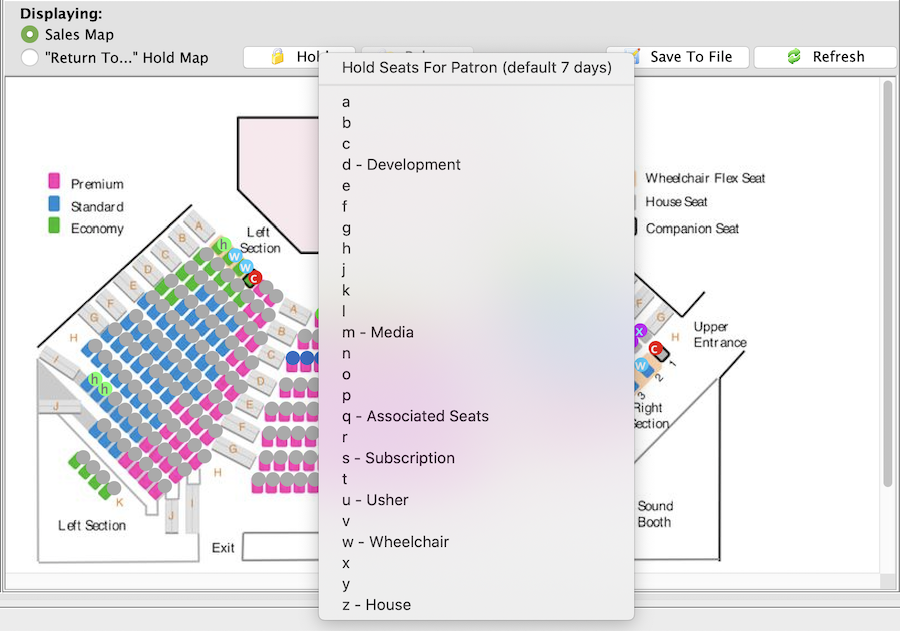
Once the hold letter is selected the seats will be held with that letter on the map for those performances selected on the left. All holds appear as lower case letters on the map. Changing the hold colour can be done in the Box Office tab of Systems Preferences by a Master User.