Using Dictation on OSX with Theatre Manager
Using Dictation on OSX with Theatre Manager
 |
Voice dictation as a data entry feature is only available on 64 Bit Theatre Manager on mac OSX |
Recent versions of Theatre Manager support dictation when enabled, typically by hitting Fn + Fn key (twice)
Please read Apple's documentation since Dictation can do:
- Text Entry so you can place data into fields
- Navigation with commands like Next Field, Previous Field, New Paragraph
- Editing with commands like Select All, Undo That, Cut and Paste
There is ample online documentation for Dictation and samples like:
- OSX Daily dictation hints - since Mac and iOS are similar
- Apple online reference mentioned above.
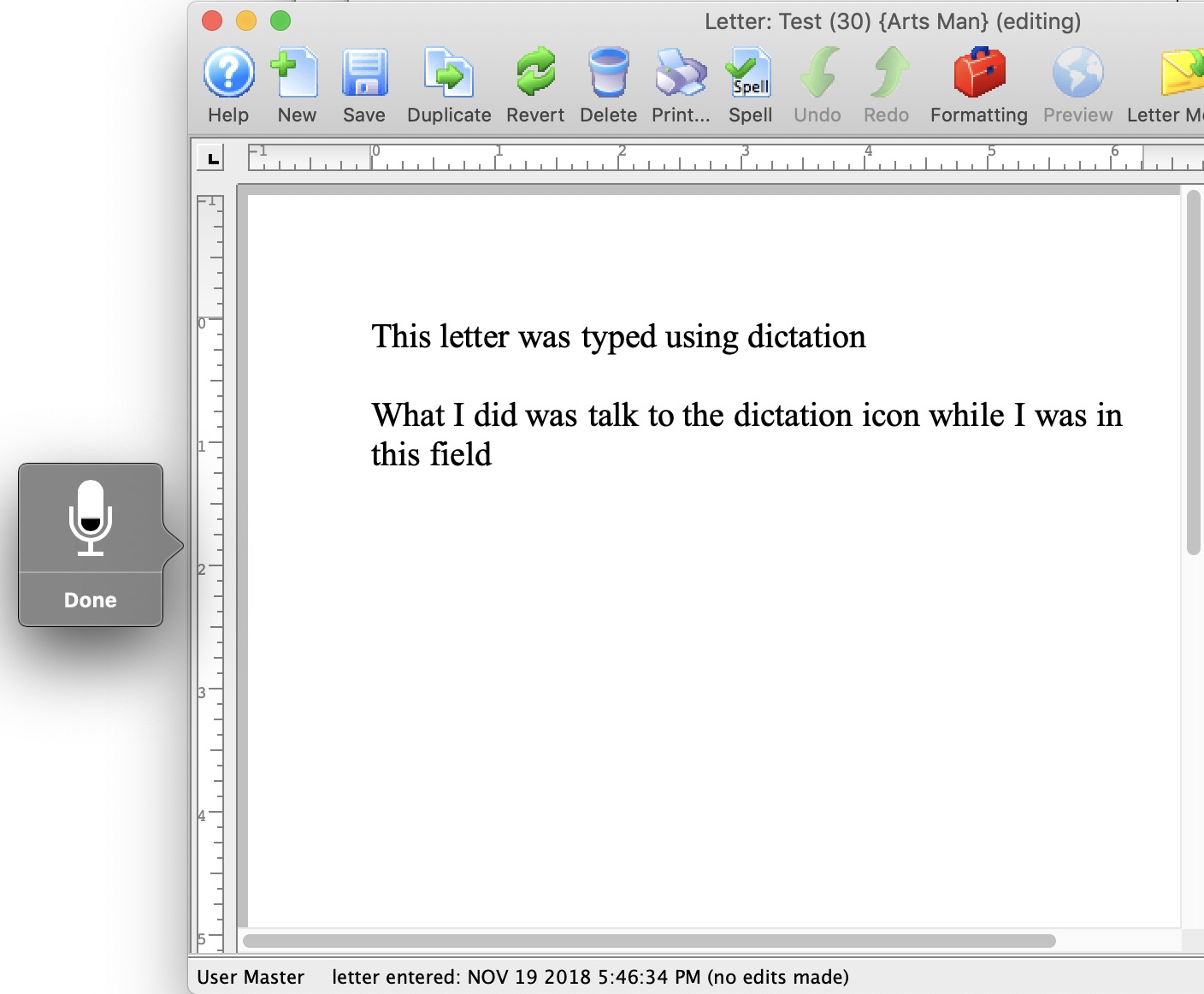
Example of text entry in a field with dictation enabled
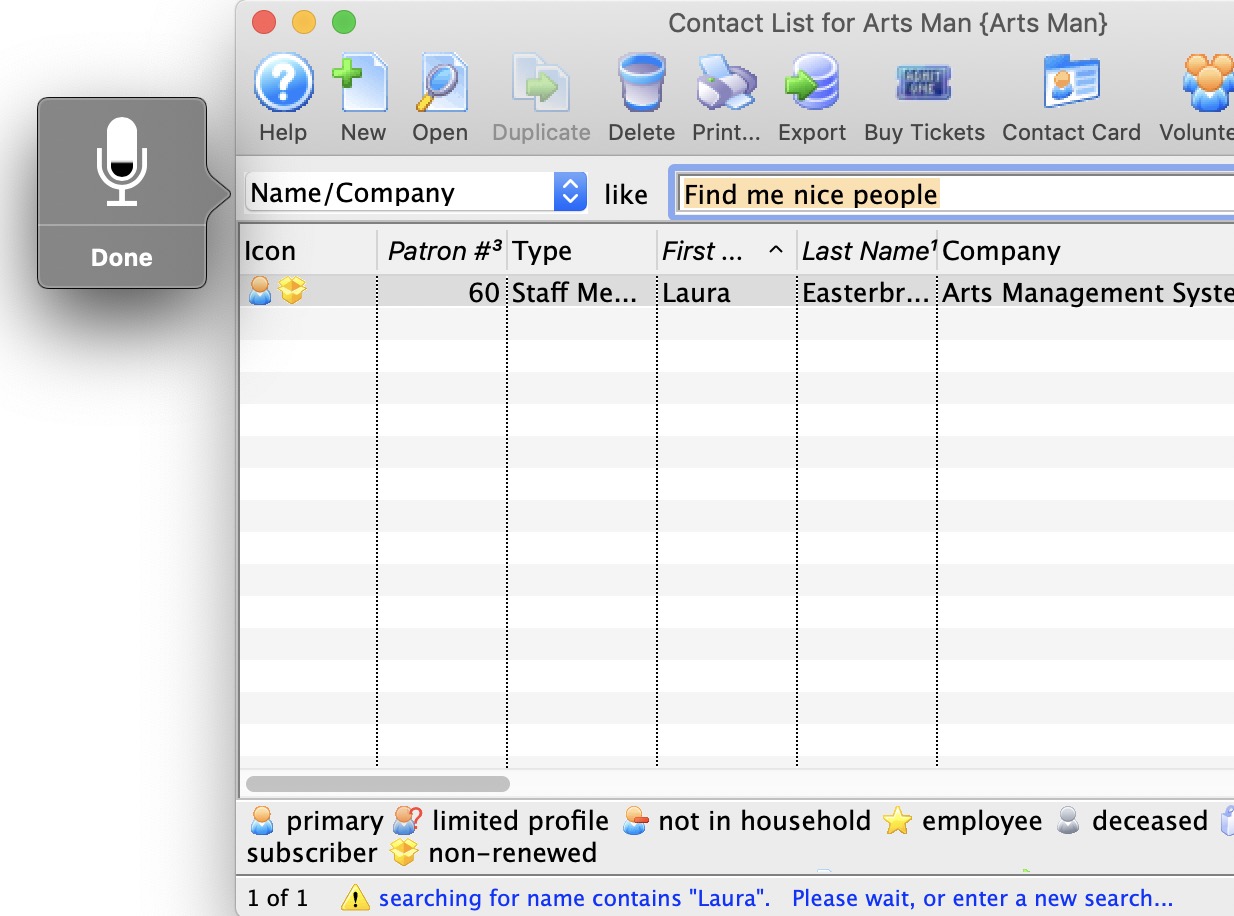
Example dictating to the word processor