Missing Zip Code or USPSIMBStanda Font
Missing Zip Code or USPSIMBStanda Font
If you are installing Theatre Manager on a Mac and you get the message that you are missing the following fonts:
- ZipCode, and
- USPSIMBStanda
To fix the message:
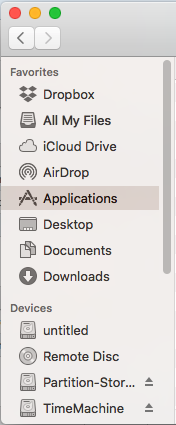
- Open the hard drive on your Mac, or open Finder
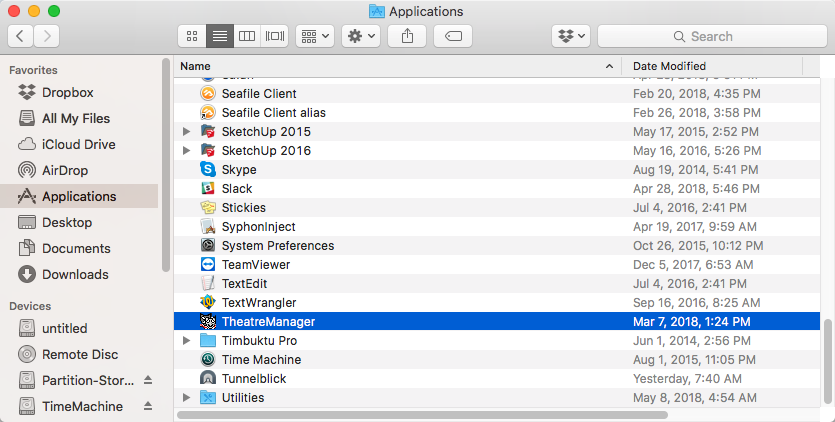
- Go to the Applications directory
- Find the TheatreManager application
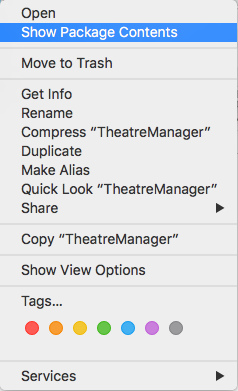
- RIGHT+click on it and choose Show Package Contents from the menu
- Go into Contents >> MacOS >> Fonts The Fonts folder will have both fonts in it.
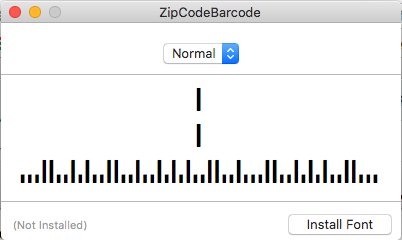
- Double click on each font, one at a time
- Click the Install Font button in the lower right corner
- Check the box next to the font name
- Click the Install Checked button in the lower right corner
- Repeat for the other font

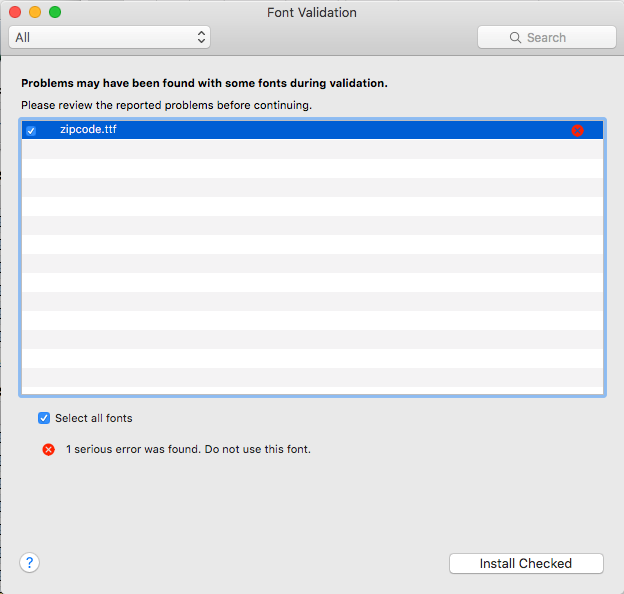
macOS will bring up a Font Validation screen.
 |
There will be a message that it has found a problem with the font. Ignore this. |