Duplicate Prices
Duplicate Prices
In Theatre Manager , you can duplicate the prices from an entire event already built in Theatre Manager to the new event you are creating.
- Click on the Pricing
 Tab of the Events and Dates Window.
Pricing information should now display on the right side of the Events and Dates window.
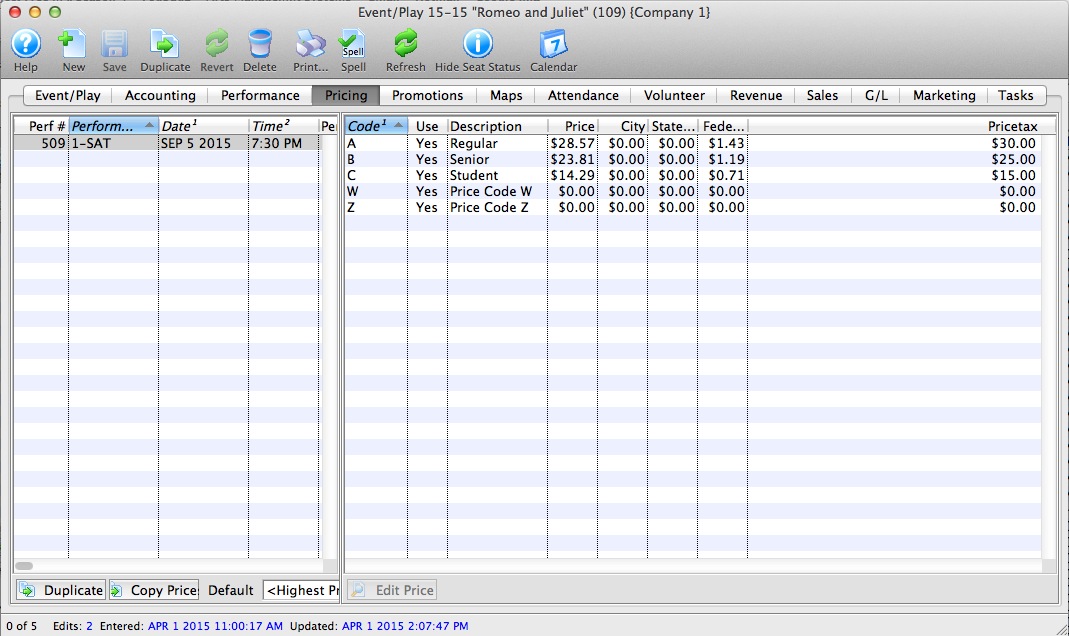
- Click the Duplicate Prices
 button.
The Duplicate Price Wizard window opens.
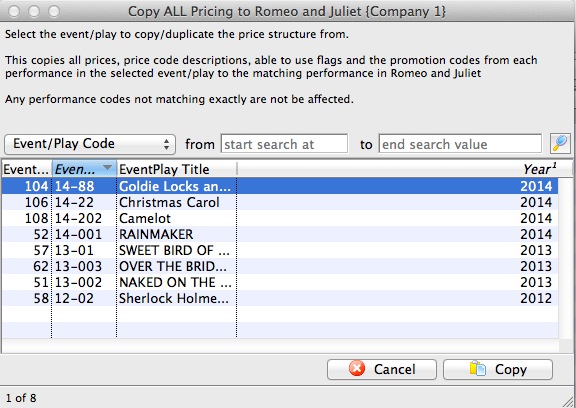
- Select the event you wish to copy all prices from.
Click the
 button.
The rule here is that Theatre Manager will duplicate the pricing for each performance from an existing event. The Event you copy from MUST have the same number of performances with the same naming convention: i.e. 1-SAT, 2-FRI etc. If not the case advance to the more selective process of Copying Prices