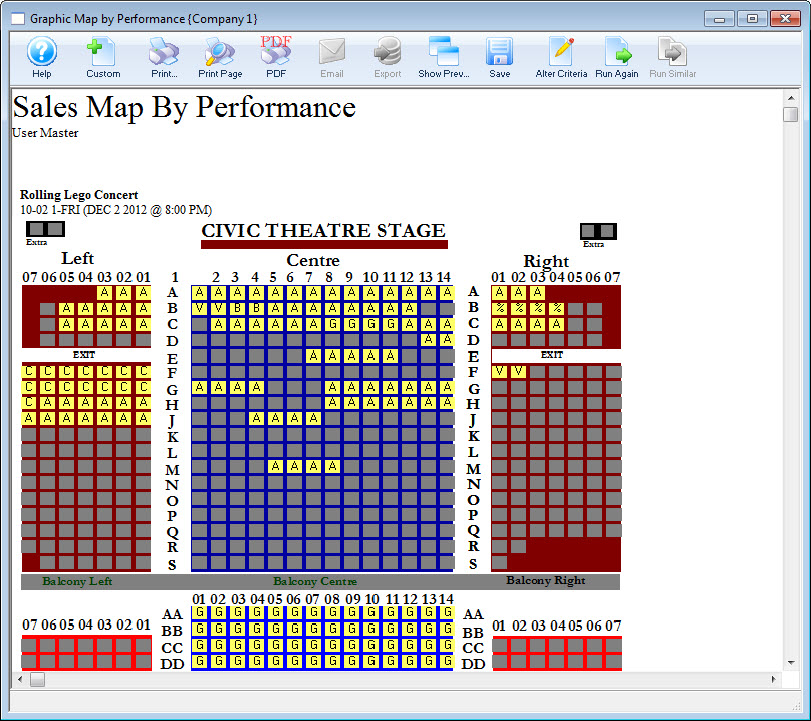
Print Graphic Map by Performance Report from Event
Print Graphic Map by Performance Report from Event
This report is most commonly printed from within the Play / Event.
To run this report from a Play / Event, you perform the following steps:
- From the main Theatre Manager toolbar / ribbon bar, click the Play
 button.
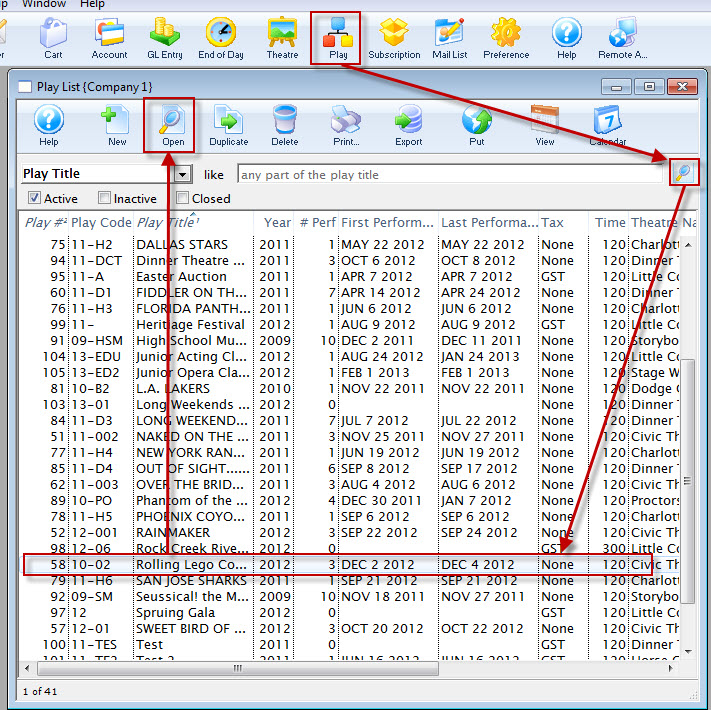
The Play List window opens.
- Open the Play / Event.
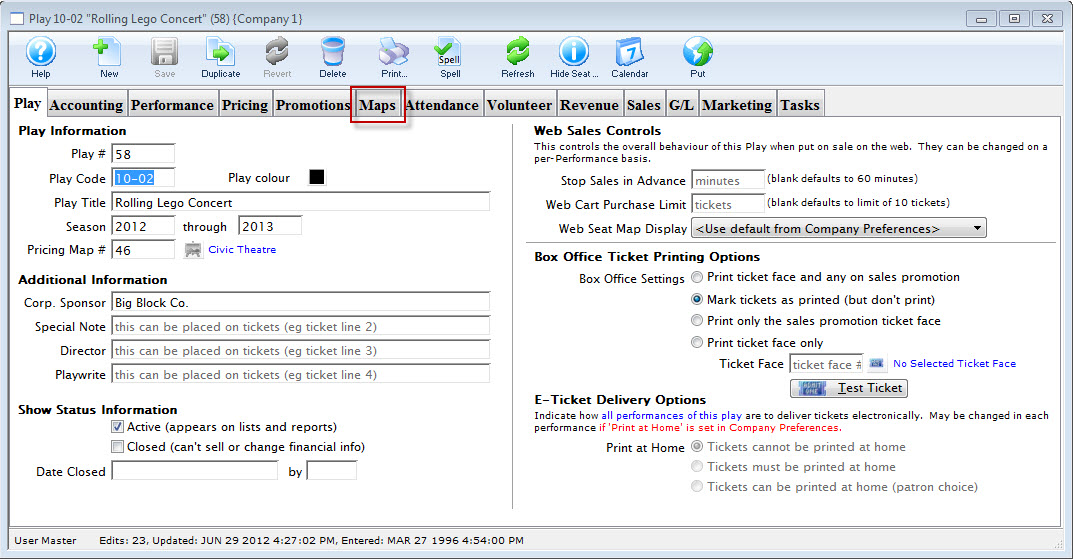
Click here for more information on Finding Events.
- Select the Map tab.
- Single click on the performance.
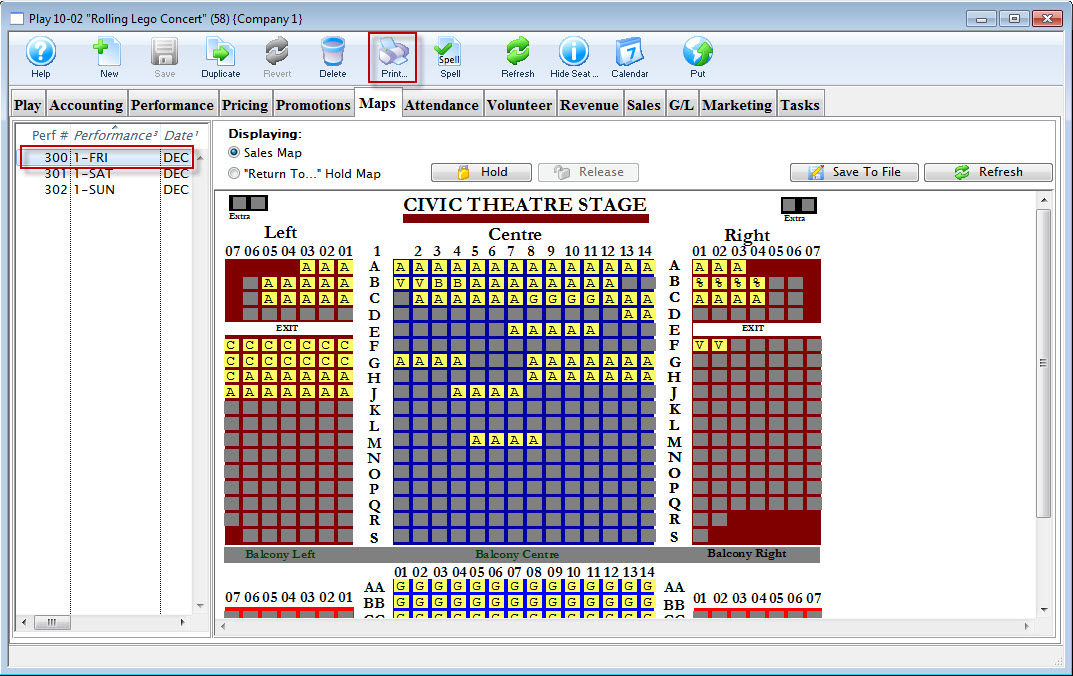
- Click the Print
 button.
The Graphic Map by Performance prints.