Employee Login
Employee Login
To login to the Theatre Manager system, you perform the following steps:
- Click/double-click the Theatre Manager icon
 on your desktop.
The Login window opens.
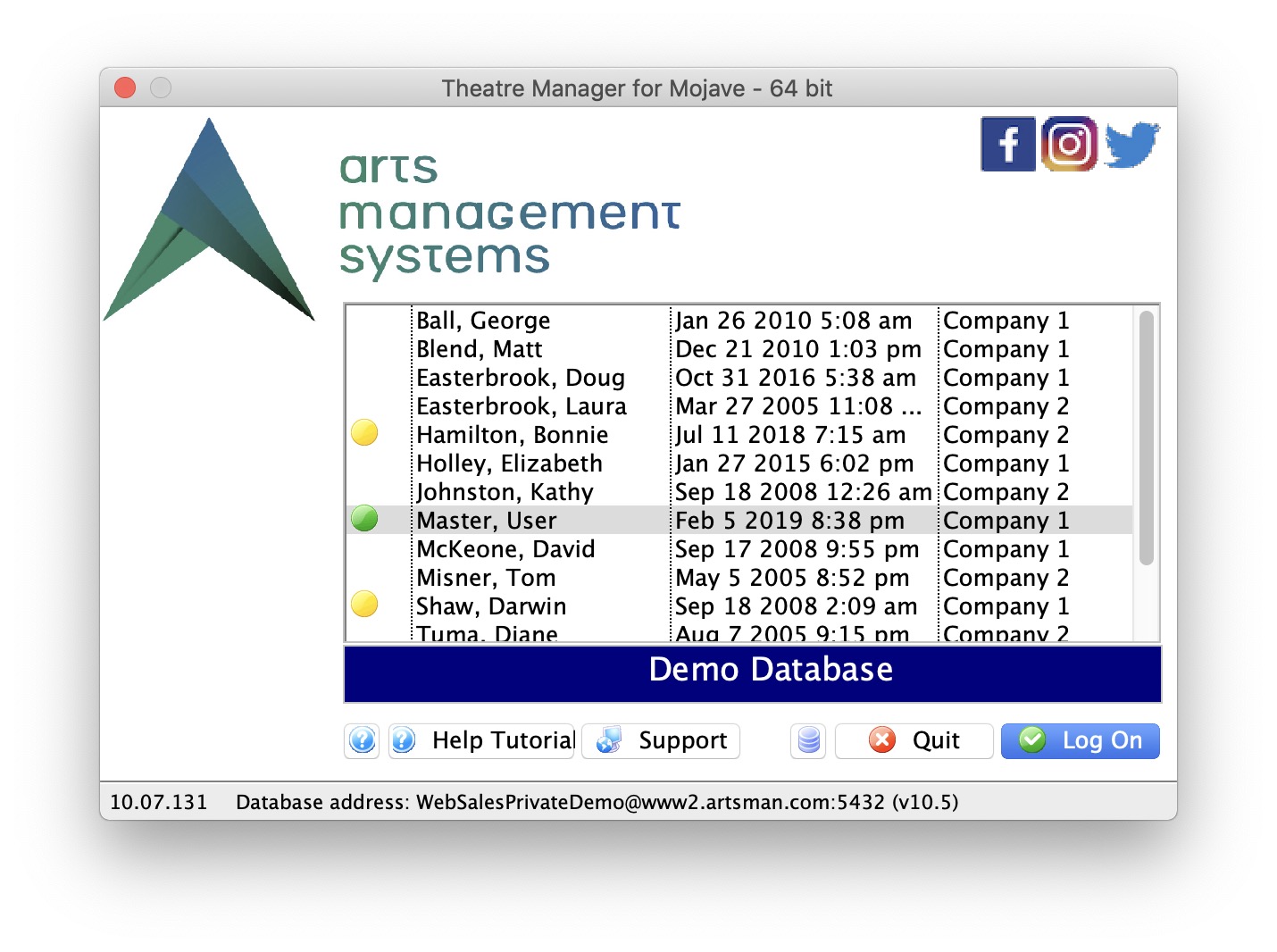
- Find your name in the list and select it.
- Click the Log On
 button.
- The Enter Password window opens.
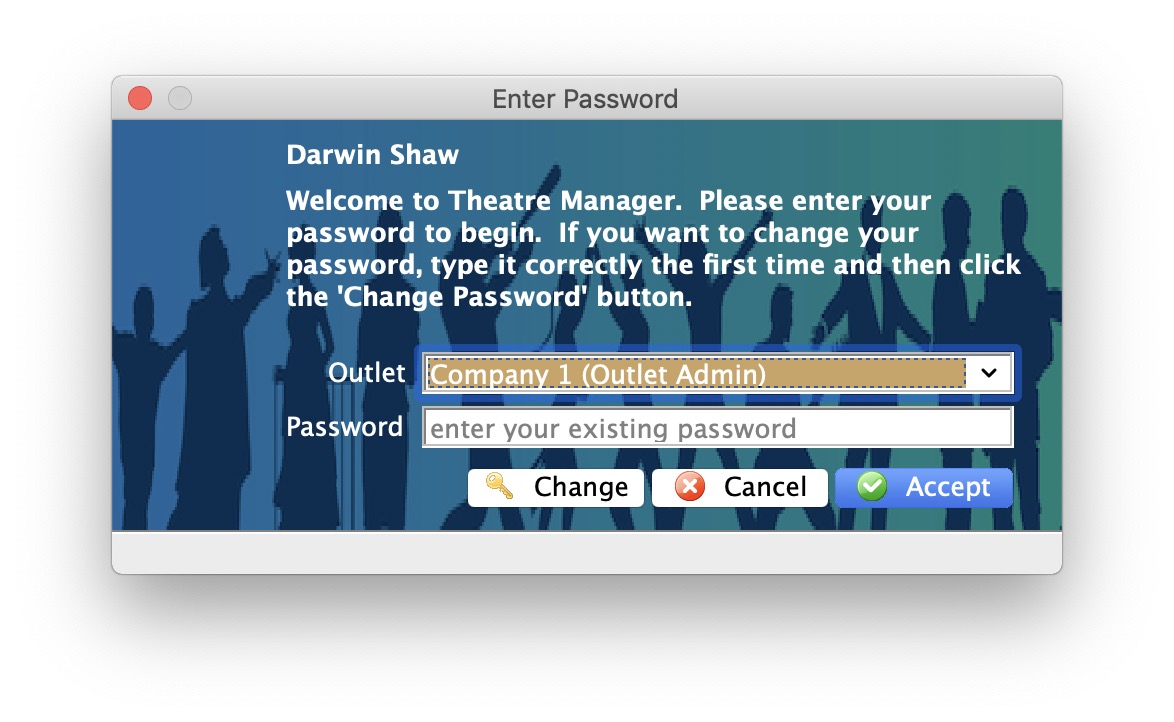
- Enter your password.
- Click the Accept
 button.
The Theatre Manager application opens.
Logging in Twice
Logging in Twice
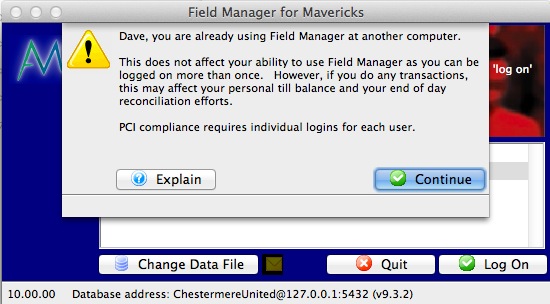
If you are already logged in to Theatre Manager at another workstation and try to log into another workstation, you will get a message like the one below.
All it is doing is telling you that you may be logged in elsewhere for informational purposes.
- You may log in multiple times to the same database if you wish
- You should not share your user id with other users per PCI requirements for a unique login per person
- You can find out the IP address of the other workstations where you are logged in (if you think you are not logged in multiple times).
Click Continue to dismiss the message and continue logging in.