Criteria Groups Tab
Criteria Groups Tab
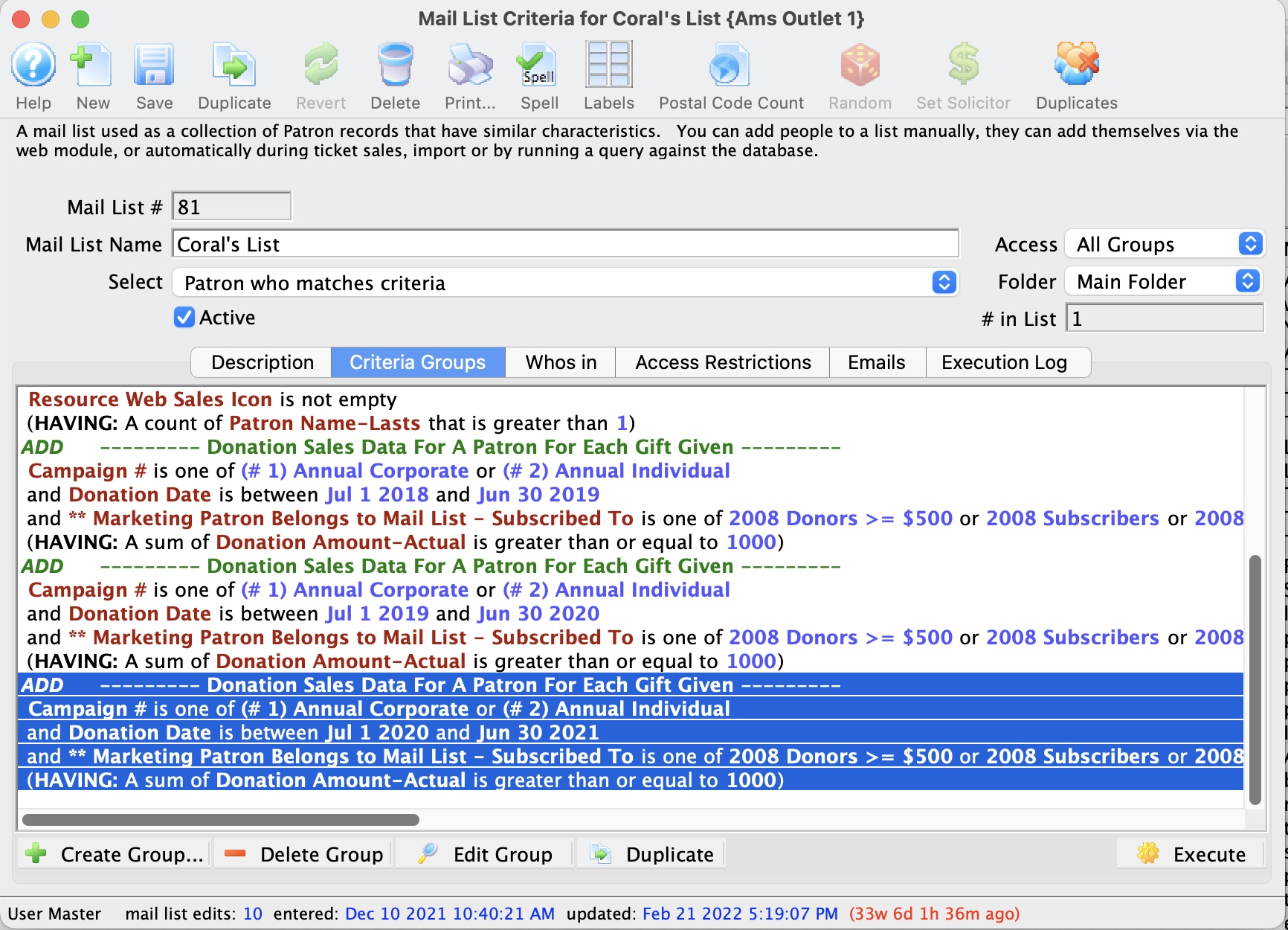
Displays the selected Criteria for the mail list and allows you to add others to the Mail List.
 |
Inserts criteria for a Mail List. Click here for more information on adding new criteria. |
 |
Removes the selected criteria. |
 |
Opens the parameter window for the selected criteria. |
 |
Rebuilds the mail list based on the selected criteria. |
 |
Verifies the number of patrons in the Mail List. |
| Duplicate | will take the criteria group that you have selected and make a duplicate of it
at the end of the list of criteria. By way of example, this is useful when you need to
|
 |
You can reorder groups of criteria on a window by clicking on one and dragging it. |
|
You can also drag a group of criteria from one mail list window to another. If you have built some criteria that you like and want to use portions of them in another mail list, just highlight the group and drag it to this window on another mail list. |
Draging Criteria Groups to Another Mail List
Draging Criteria Groups to Another Mail List
If you have some criteria on one mail list that you want to add to another, you can:
- Select the group you like (see left window)
- Drag it to another criteria group window

Re-Arranging Grouping of Criteria
Re-Arranging Grouping of Criteria
Complex groups/criteria adds and removes patrons
from a list. Criteria within the query may need to be repositioned. This
is easily done by dragging and dropping the grouping.
- Click the line of criteria to be moved to select it.
- Click and hold the mouse button to "pick up" the group.
- Drag the criteria up or down the list and release the mouse button where it should be placed.