Adding and Removing Access to Functions
Adding and Removing Access to Functions
- Open the Employee Data window for the Employee.
For information on how to access the Employee Data window click here.
- Click the Functions
 tab.
When a box is checked an employee has access to the function. If the box is unchecked an employee can not access the function.
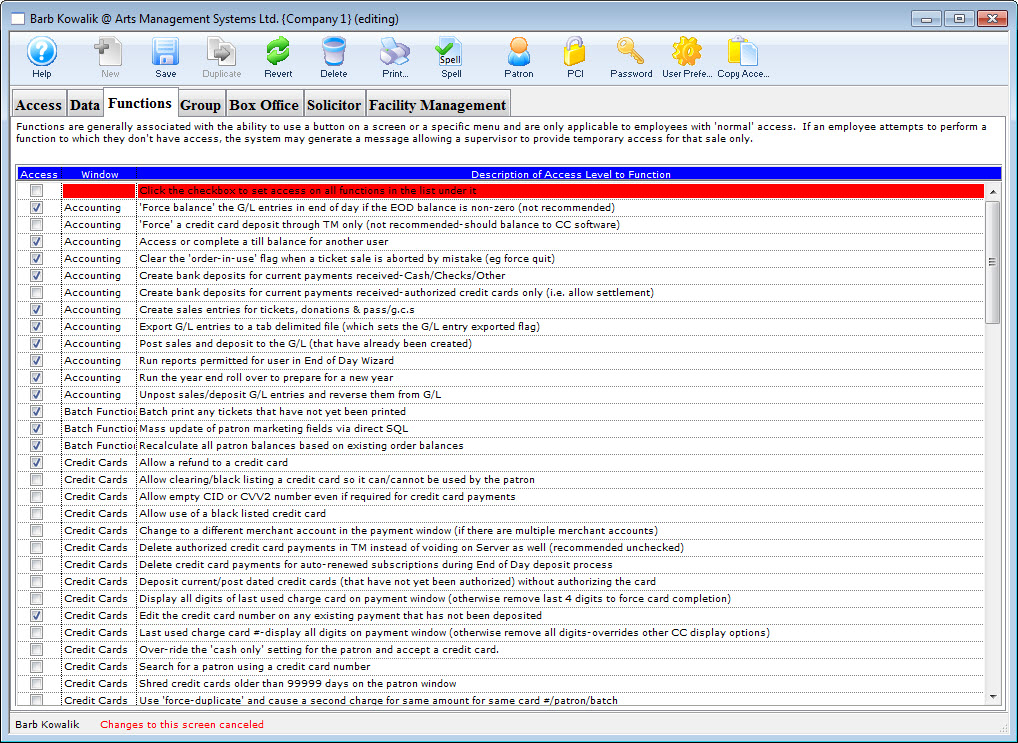
- Click on the box next to the function to change the status.
- Click the Save
 button.
Changes to the Functions tab have now been saved.