Adding Campaign Solicitors to Patrons belonging to a List
Adding Campaign Solicitors to Patrons belonging to a List
To add a Solisitor to a number of patrons, you perform the following steps:
- Click the Patron
 button in the main Theatre Manager toolbar / ribbon bar.
The Contact List window opens.
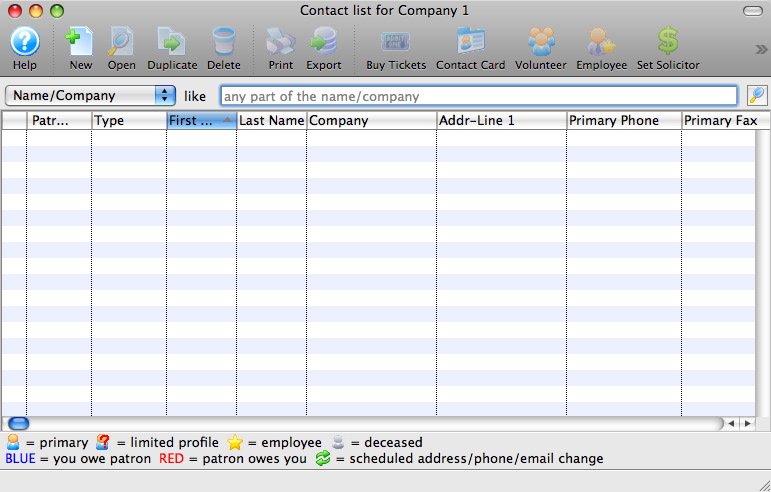
- Search for the Patrons to add solicitors to.
To learn more about searching for patrons click here.
- Select the Patrons to add a solicitor to.
You may wish to add a certain solicitor to some patrons and a different solicitor to others. Select the patrons for the first solicitor and repeat for the second group as needed.
- Click the Solicitor
 button.
An empty employee list opens.
- Click the Search
 button.
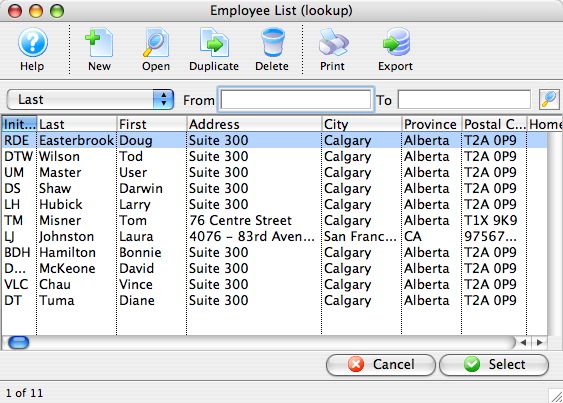
- Click on the Employee to select as solicitor and click the Select
 button.
A confirmation message opens.
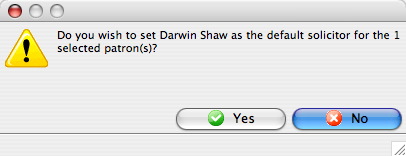
- Click the Yes
 button.
This solicitor is now assigned to the previously selected patrons.