Creating a Package
Creating a Package
To Create a new package, you perform the following steps:
- Open the Package List window.
Click here for more information on the Package List window.
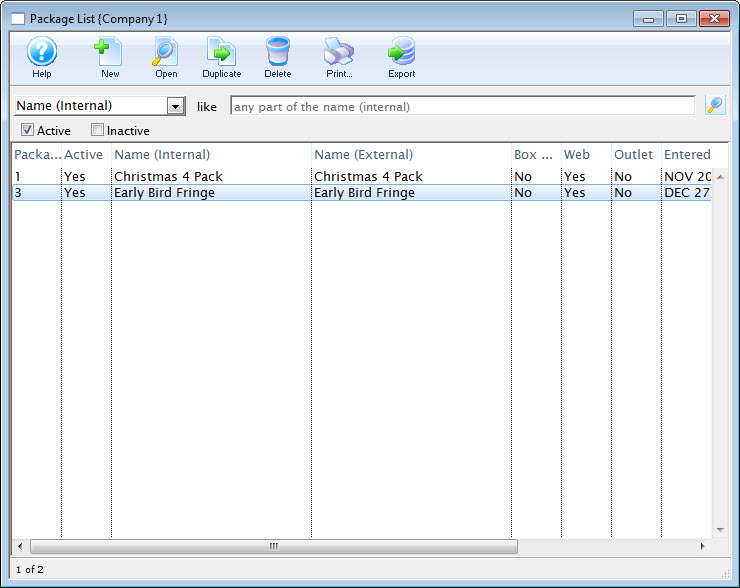
- Click the New
 button.
The Package Detail window opens.
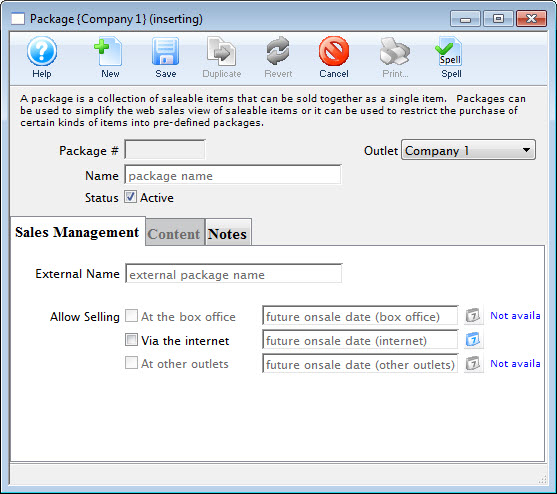
- Enter the name for the package.
- Edit the External Name.
The External Name populates automatically with the information entered in the Name field. Altering this information may not always be necessary.
- Click the Save
 button.
- Select the
 tab.
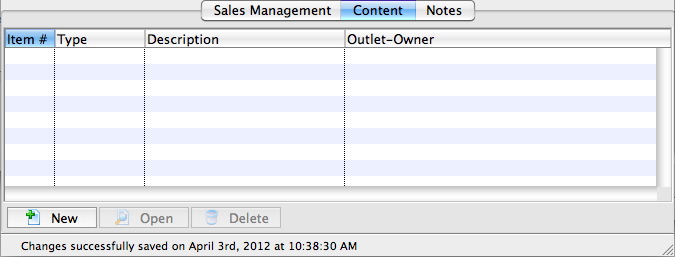
- Add items to the package as need.
For details on adding items to a package, click here. Add as many items are are required for the package.
- Select the
 tab.
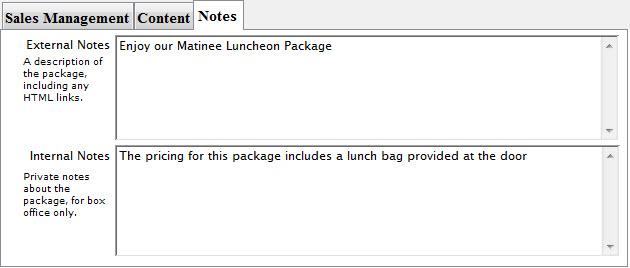
- Add any external or internal sales notes, as required.
- Select the
 tab.
- Check the box next to Via the Internet.
- Click the
 button.
The package is now saved to the database and can be used in online sales.
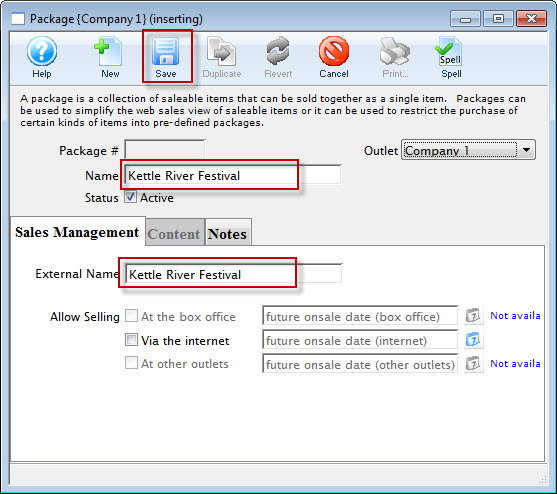
The Content tab is now available for selection.
This makes the package available online.
|
Only do this for testing the package, or when you are ready to have the package available for purchase. |
