Editing a Package
Editing a Package
- Open the Package List window.
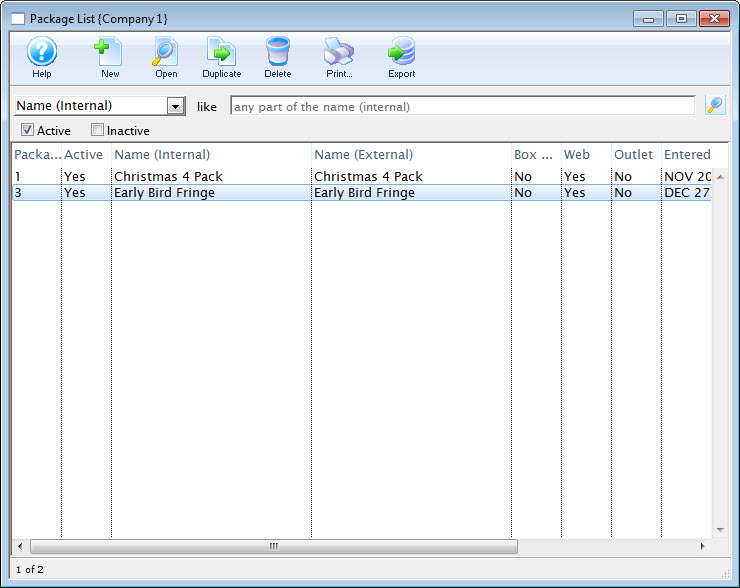
Click here to learn how to access the Package List.
- Select the Package to be edited.
Single click on a package to select it.
- Click the Open
 button.
The Package Detail window opens.
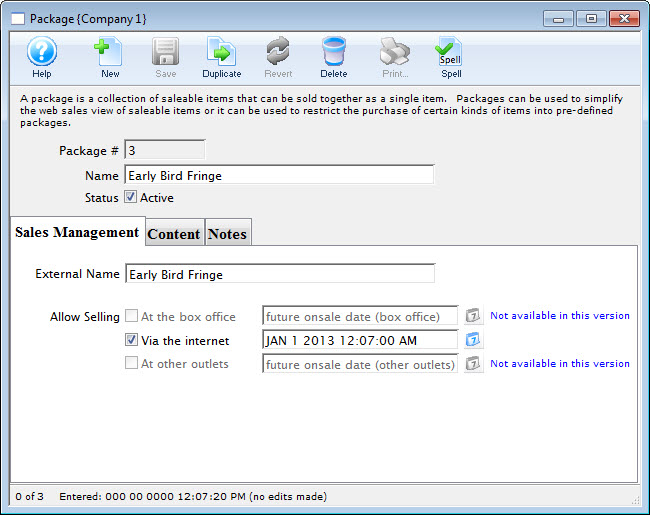
- Make changes as needed.
- Click the Save
 button.
The changes are now saved and the window can be closed.