Delete a Venue / Theatre
Delete a Venue / Theatre
Click here, for quick reference information for Venues and Maps
You may need to be deleted from the database. To delete a venue, you perform the following steps:
- Open the Venue List window and highlight the Venue to be deleted.
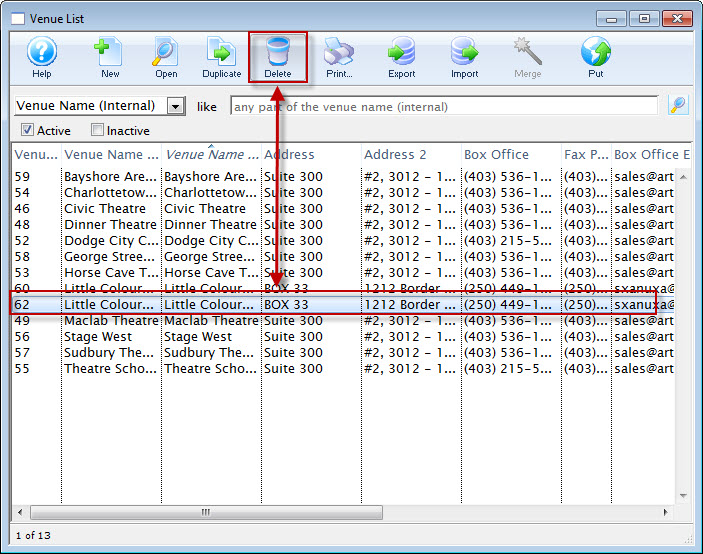
- Click the Delete
 button.
If there are any pricing maps attached to the venue, the following error message opens.
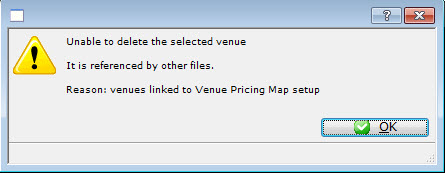
You will need to open the venue and delete the Pricing Map.
If there are no Pricing Maps attached to the venue, the Delete Venue confirmation dialog opens.
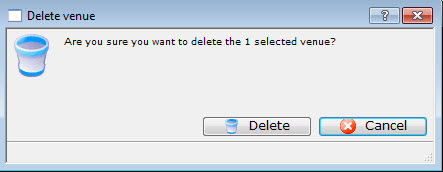
- Click the Delete
 button.
The venue is removed from the venue list.