Removing Inventory Tracking
Removing Inventory Tracking
You can disable the tracing of a particular resource. To remove tracking for the selected resource, perform the following steps:

- In the Pricing and Inventory window, click the check box
 to disable Inventory Tracking.
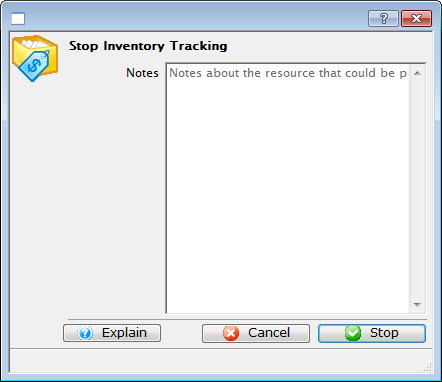
If required, enter Notes, such as a reason the tracking was disabled (for example, the particular unit has been replaced).
- Click the Stop
 button.