Add a Volunteer
Add a Volunteer
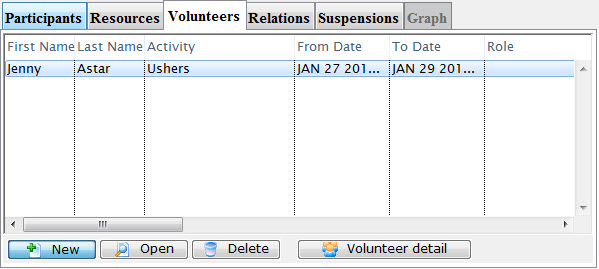
You can add participants to a task in this window. To do so, you perform the following steps:
- In the Volunteers tab, click the New
 button.
The Volunteer List window opens.
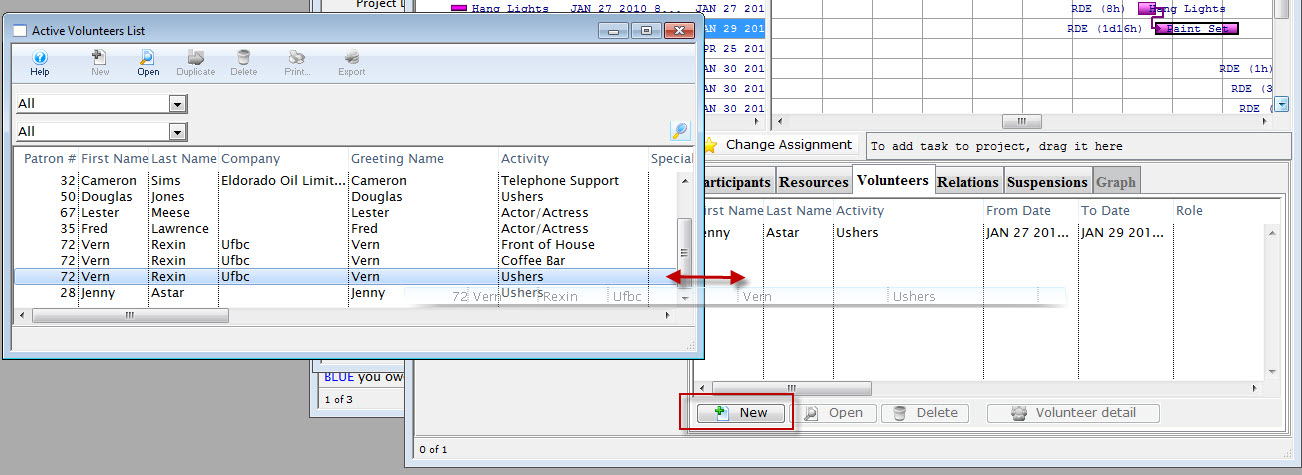
- Choose the volunteer to add to the project task and "drag" and "drop".
With any items in this window, as soon as you leave a field or make a selection the information is saved and the screen is updated.