New Button - Task
New Button - Task
To Add a New Task, you perform the following steps:
- In the Projects window, click the New
 button.
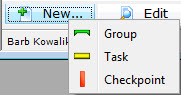
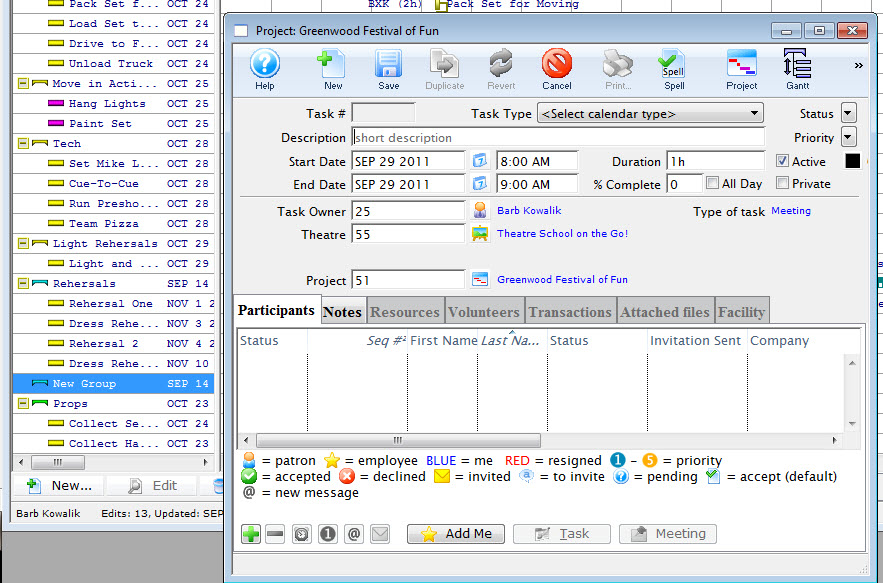
In the example shown, I want to insert a New Task in the group New Group.
- In the New flyout, click Group
 .
The Group New Task window opens.
Click here to go to the Add New Task page.