Editing an Existing Project
Editing an Existing Project
To edit an existing project, you perform the following steps:
- Click the Projects
 Button in the toolbar.
The Project List Window opens.
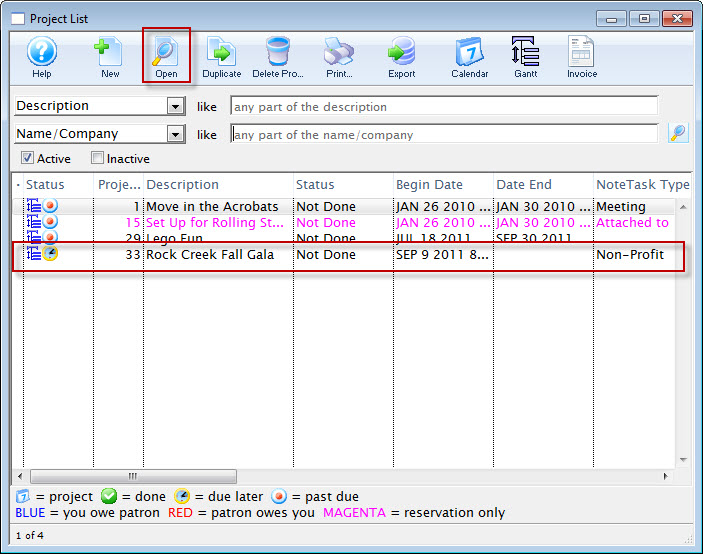
- Select the oproject you want to edit by double clicking on the project line or by clicking the Open
 Button.
The Project Window for the selected Project opens.
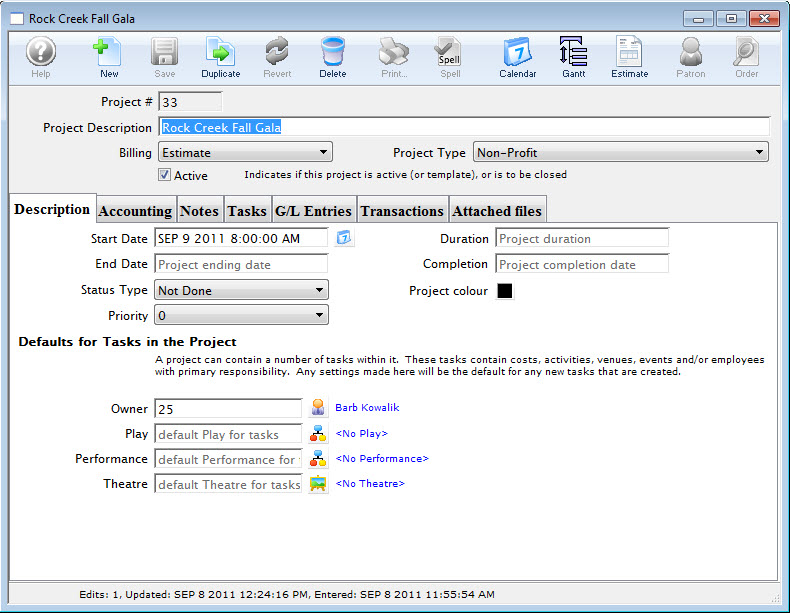
You can now make and changes to the selected project.