Adding a Resource to a Task
Adding a Resource to a Task
To add a resource to a task, you perform the following steps:
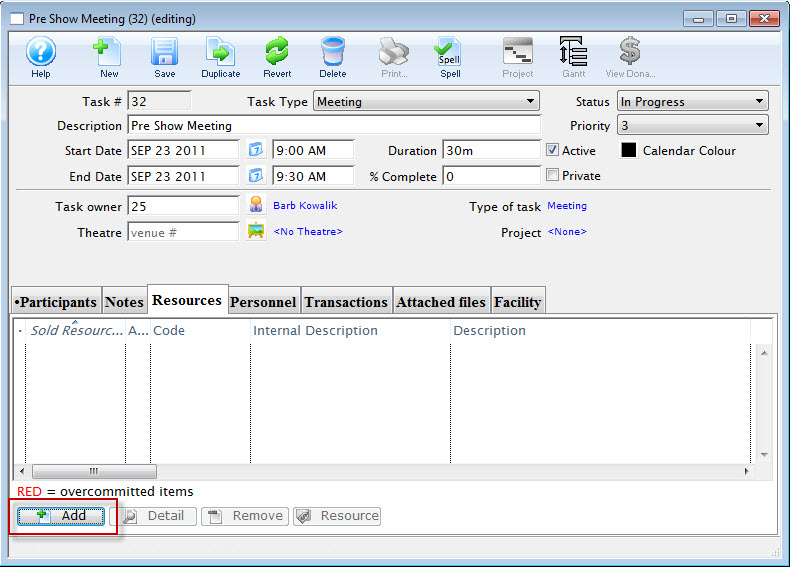
- In the Task window, Choose the Resources tab and click the Add button.
The Resource List Lookup opens.
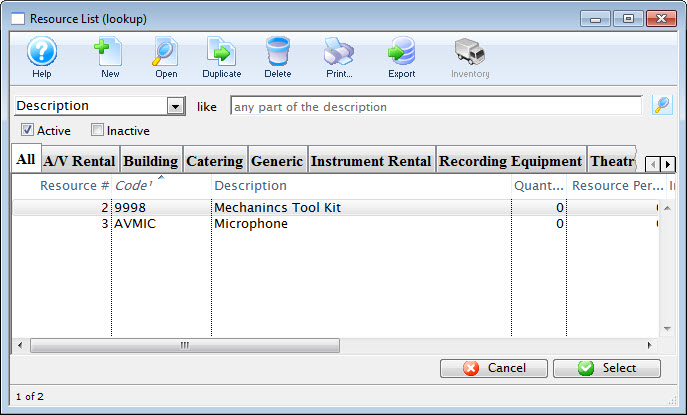
- Choose the resource you require from the listings and double click or click the select button.
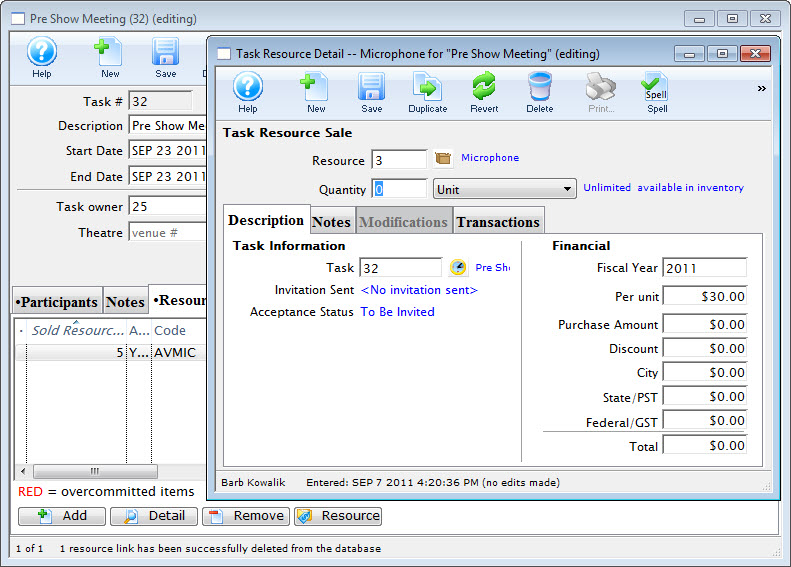
The resource is added to the task and the Task Resource Detail dialog opens.
- Review the Detail and close the dialog.
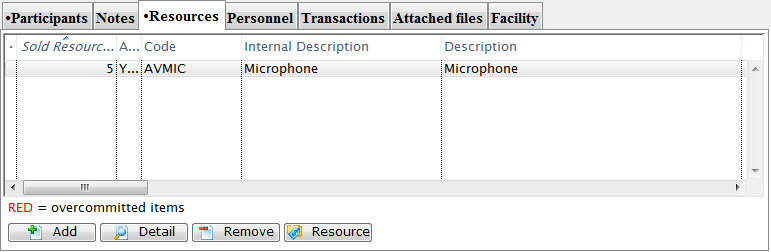
The resource is now "booked" for the task.