Auction Sale - Checking out the Patron
Auction Sale - Checking out the Patron
When an Auction Event has concluded you will need to settle-up with patrons when they collect the items they purchased. The following is one method that will expedite the process.
To quickly locate all the patrons, you perform the following steps:
- Click the Event
 button in the main Theatre Manager toolbar / ribbon bar.
The Event List window opens.
- Locate the desired auction event.
Click here for more information on searching for performances.
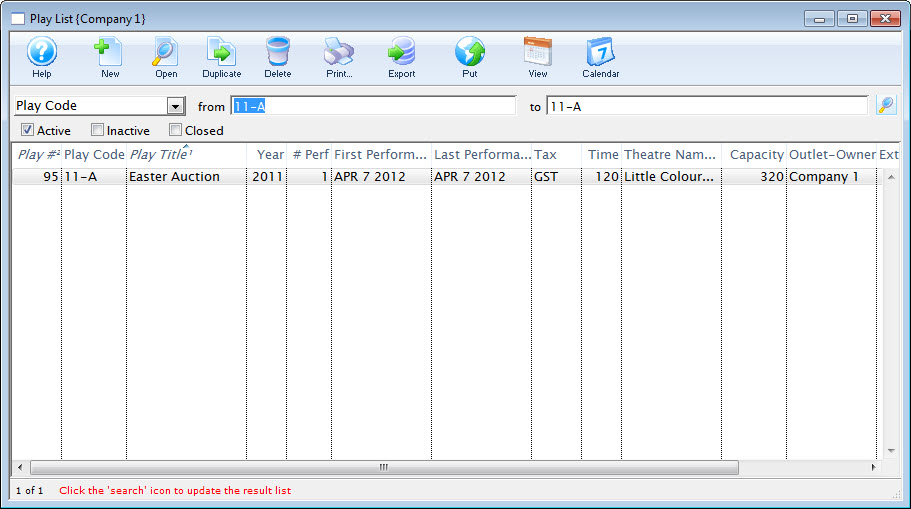
- Double click to open the Event Setup detail.
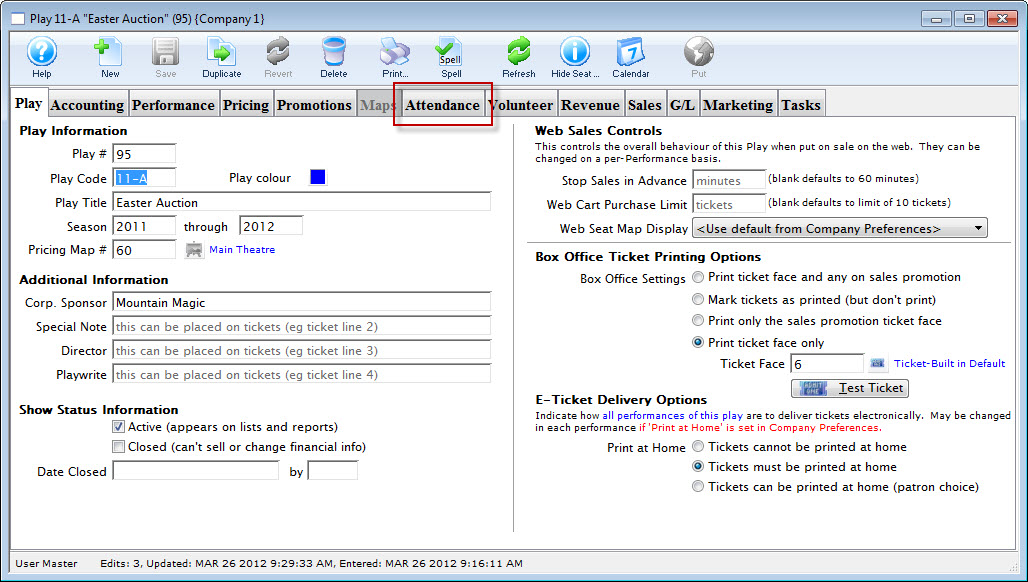
- Click the Attendance tab. Then highlight the Auction performance on the left.
A list of patrons opens. You can sort this list by patron last name for easier searching.
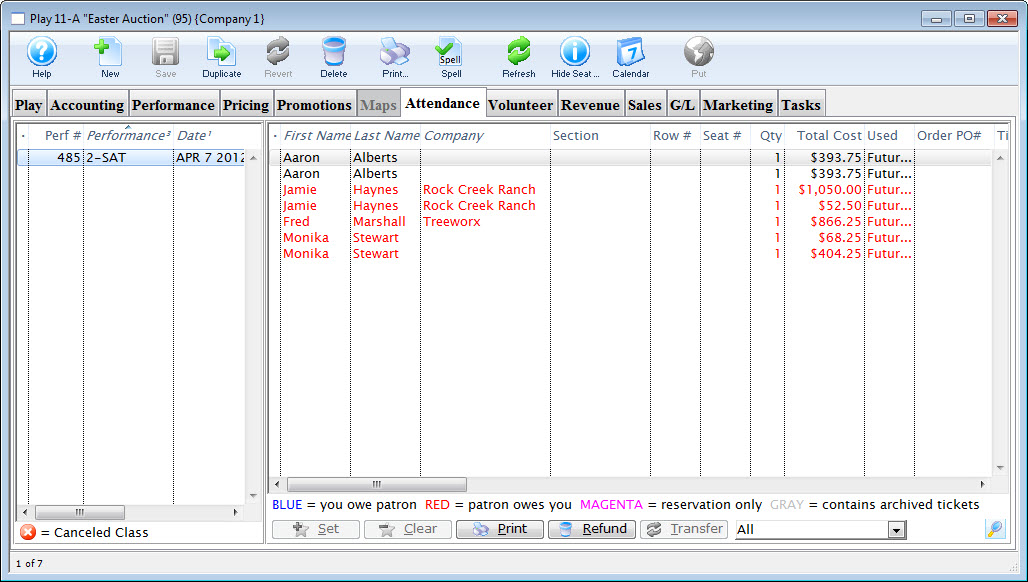
- Locate the Patron from the list and double click to show your detail of ticket [auction item in this case].
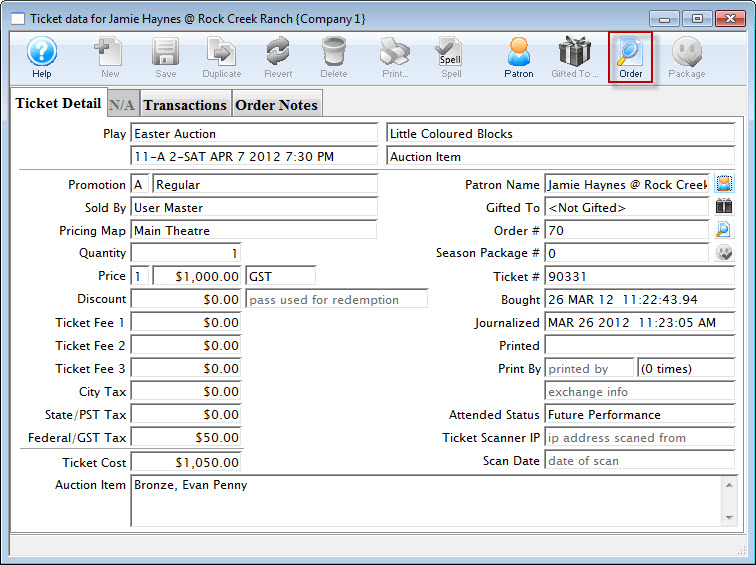
This is helpful, as it will display the auction item description entered during the sale.
- Click the Order
 button.
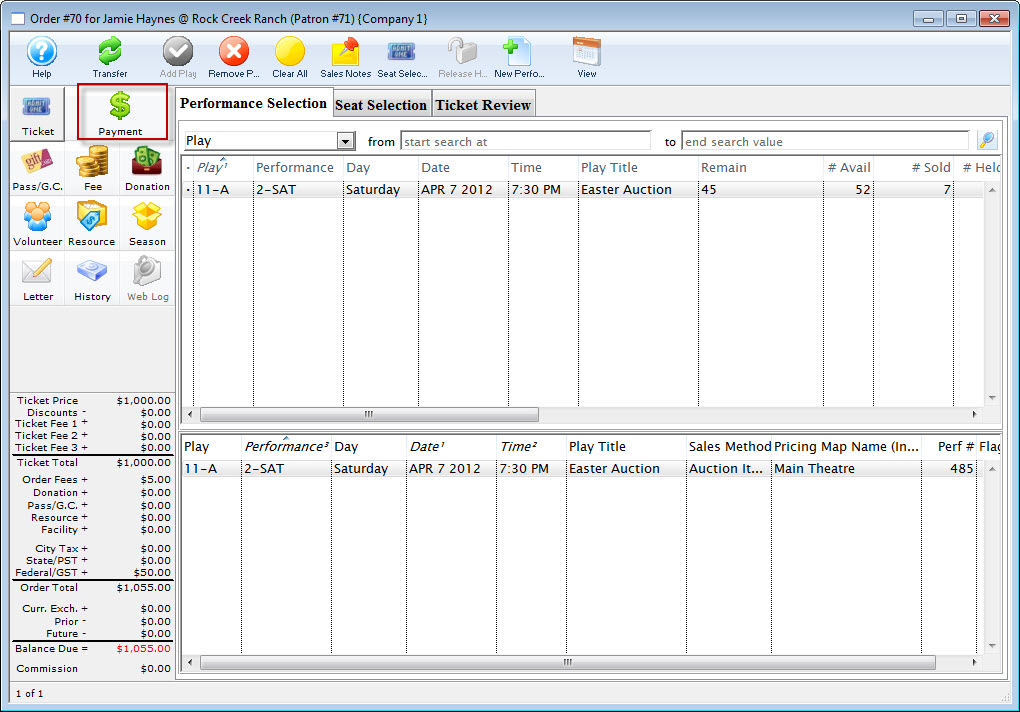
- Click the Payment
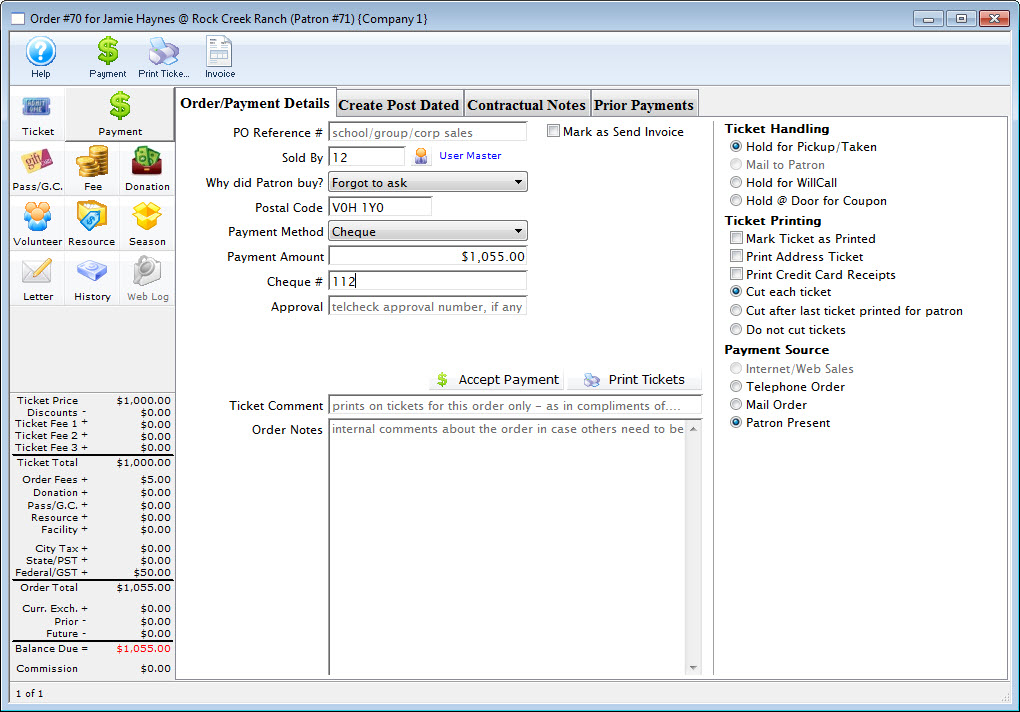
 button to enter the payment for the item and conclude the sale.
|
You can have two performances created in the Auction event, one for the purchase of the tickets to the event and one for the sale of the auction items. |
