Removing a Volunteer Assigned to an Event
Removing a Volunteer Assigned to an Event
If a Volunteer is unable to perform the assignment, or you need to remove them from the Volunteers list for any reason, You can do this in the Volunteer tab of the event.
To remove a volunteer from a performance or event, you perform the following steps:
- Open an event through the Setup>>Events & Dates menu, or by clicking the
 button.
Proceed to the
 tab.
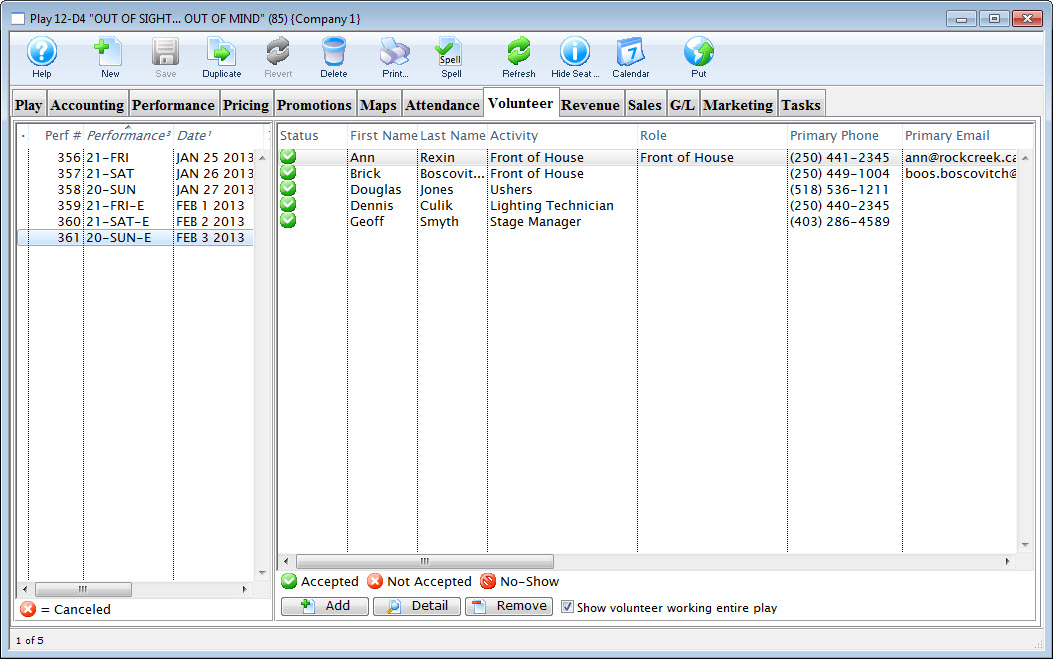
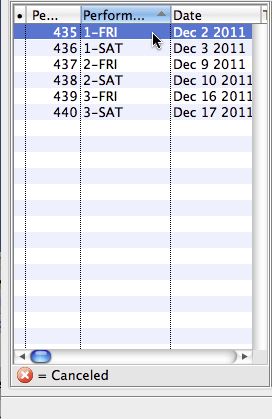
- On the left side of the window, highlight the performance to remove the volunteer from.
The list of volunteers assigned to that performance opens.
- Click on the volunteer to be removed.
- Click the
 button.
- Click the
 button.
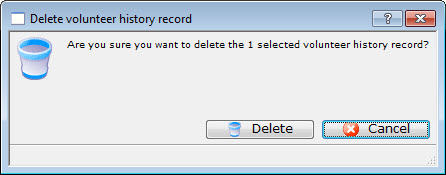
A confirmation dialog opens.