Transaction History - Detail
Transaction History - Detail
Displays the information about the transaction selected in the Transaction History window.
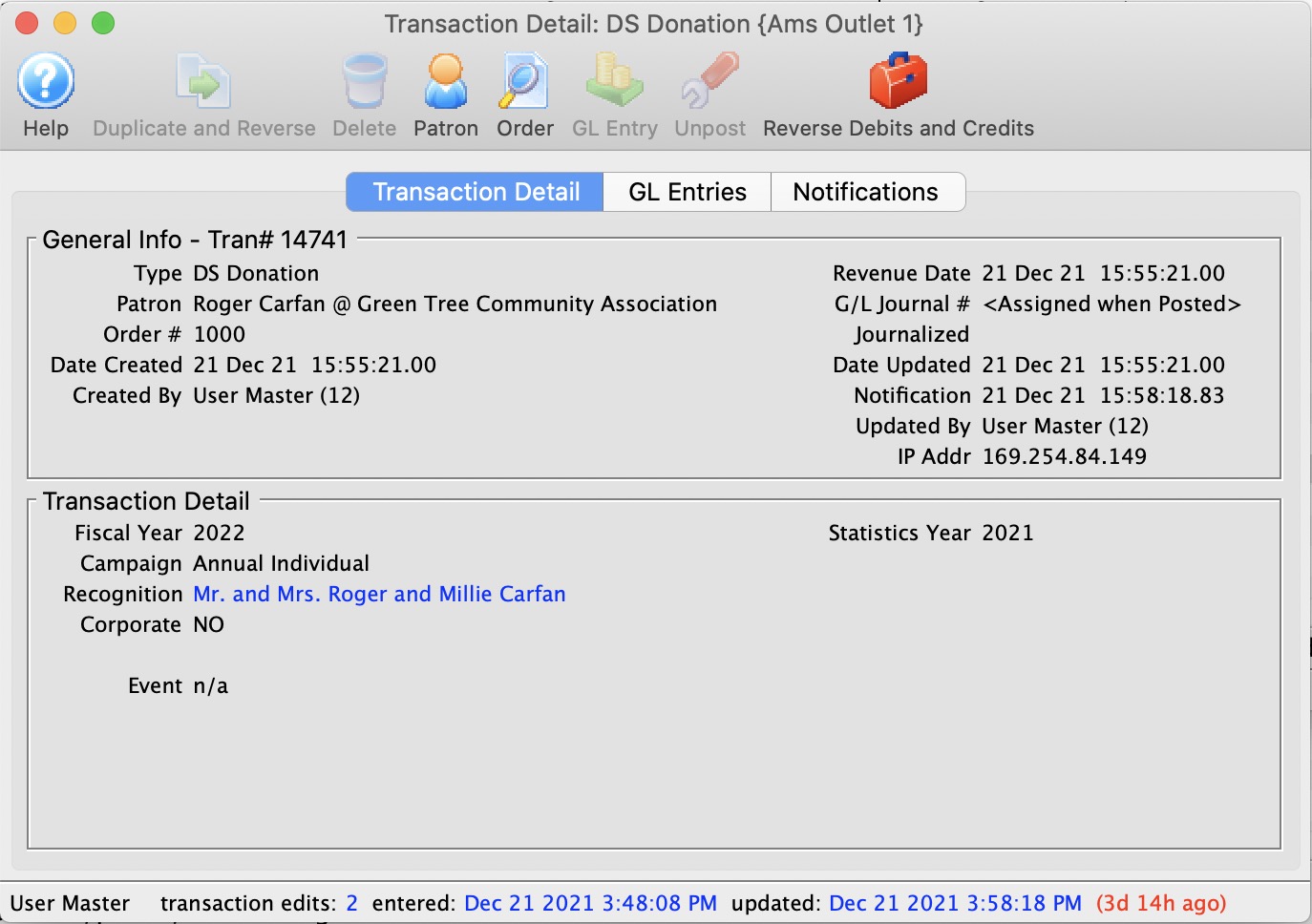
The parts of the window are:
Toolbar / Ribbon Bar
 |
Help - Opens the online help. |
 |
Duplicate - Duplicates and Reverses the transaction to create an offsetting entry |
 |
Delete - Unavailable |
 |
Patron - show the patron this transaction belongs to. Opens the Patron record for the patron associated with the transaction. |
 |
GL Entry - Show the GL Entry containing this transaction if it has been posted |
 |
Unpost - Clears the journal number on the transaction if it can be unposted so it can be posted again |
General Information
Displays general information about the transaction, such as:
- Type
- Patron
- Order Number
- Date Created
- GL Journal Number
- Transaction ID Number
- Dated