Search Tab
Search Tab
The Search tab allows you to enter criteria to locate pending ticket invoices needing to be printed from within the database.
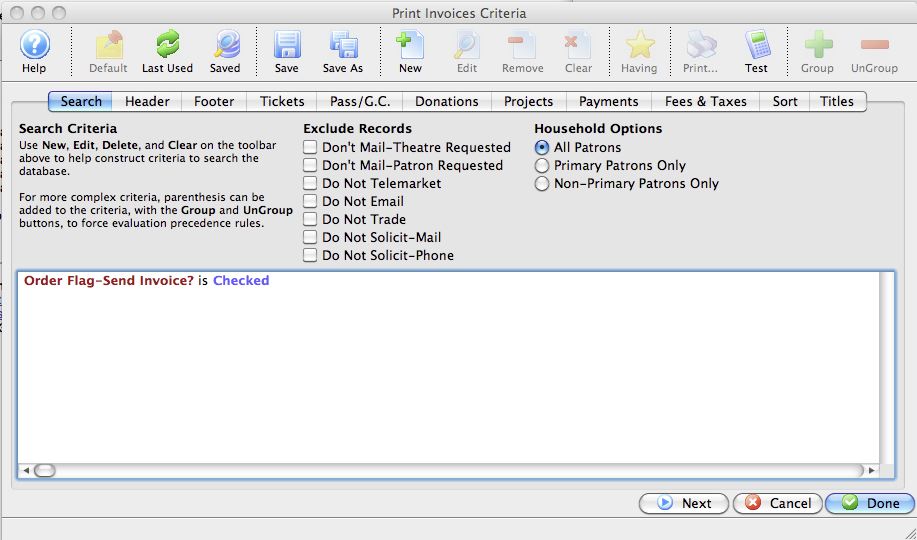
Parts of the Print Invoices Search Tab
Exclude Records |
These checkboxes provide the opportunity to exclude patrons based on the settings within the Marketing tab on the patron record. For more information on the Marketing tab click here. |
Household Options |
Use Household Options to indicate which patrons will receive the invoice. Options include: |
The criteria window |
Criteria used to batch print invoices is entered here using the |
|
|
Proceeds to the next tab in the Print Invoices Criteria. |
|
|
Cancels the adding of criteria and clears the window. |
|
|
Completes the addition of criteria and the sorting of data, and begins to generate the invoice. |
 button. For more information on how to add criteria to a report or invoice,