Search tab
Search tab
The Print Unprinted Tickets function is commonly used to print all tickets for a performance that have not been printed. Multiple performances can be printed in one batch, but it is recommended that each batch be a separate performance.
- From the main menu bar, go to Setup >> Batch Functions >> Print Unprinted Tickets.
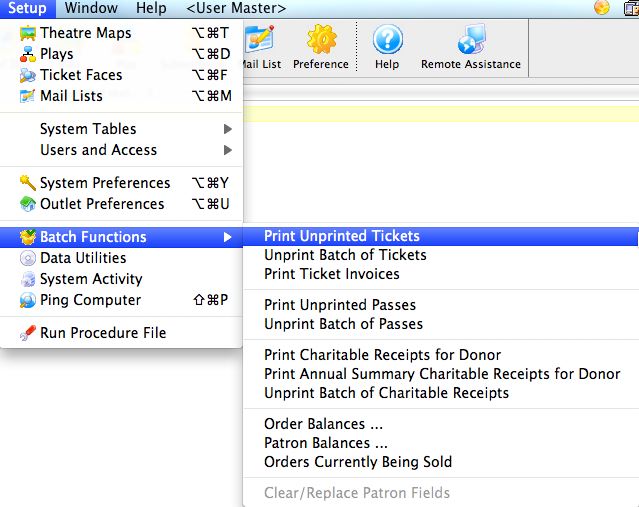
This will open two windows, with the Parameter window in front.
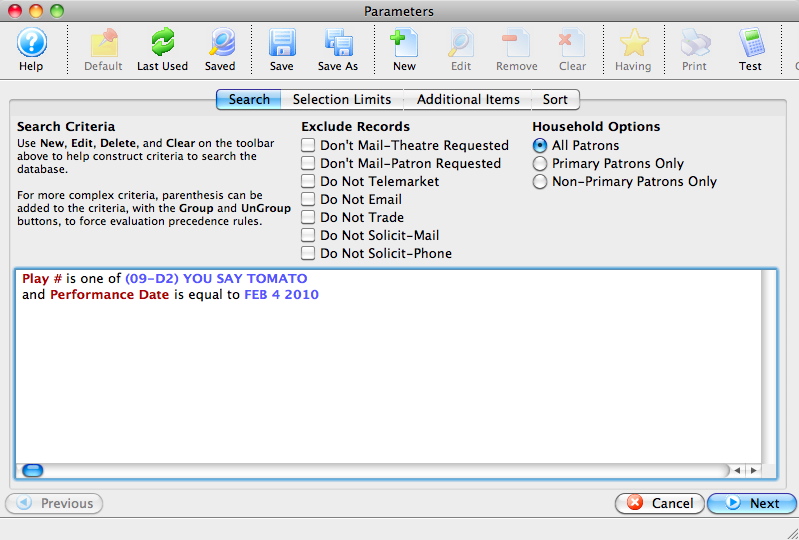
- Enter the criteria for the batch.
In the example above, one event and performance date have been selected.
- Click the
 button once the criteria has been entered.