Deleting a Commission
Deleting a Commission
Commission Tables can only be deleted if they have not been used for sales. If you need to delete a commission table that was created in error, you may do so.
To delete an existing commission table, you perform the following steps:
- Open the Commission Setup window.
Click here for more information on the Commission Setup window.
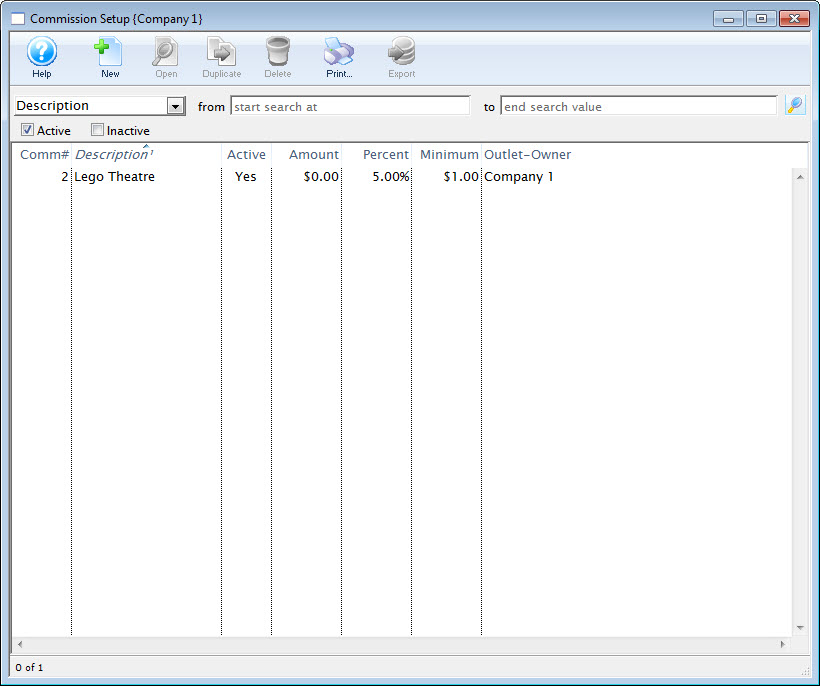
- Select the Commission to be deleted.
Single click on a Commission to select it.
- Click the Delete
 button.
The Delete Record confirmation window opens.
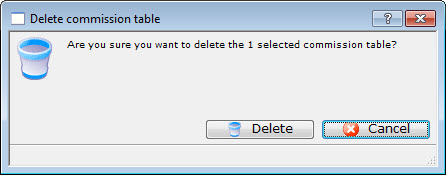
- Click the Delete
 button.
The Commission is now deleted.