Remove Linked Address
Remove Linked Address
- Open the Patron Window.
Click here for information on opening the Patron Window.
- Click the Address
 in the patron window.
- Click the Contact Card
 button.
The contact card opens.
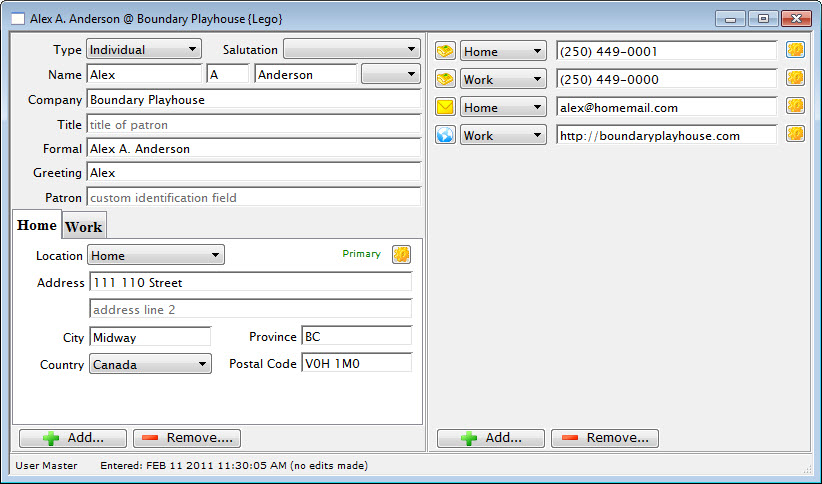
- Click the Remove
 button in the lower left corner.
Select the address to remove.

A warning dialog opens.
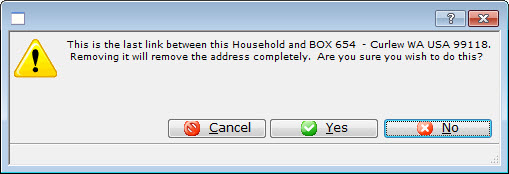
- Click the Yes
 button.
A confirmation dialog opens.
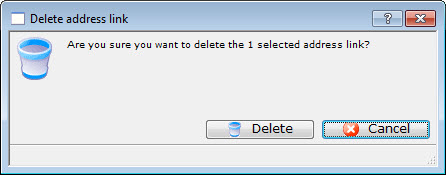
Click the Delete
 button.
The contact information is now removed from the contact card.