Media Management - Deleting a Media Member
Media Management - Deleting a Media Member
To delete a Media Member, you perform the following steps:
- Find the Media Member to delete.
Click here to learn how to find a patron or media members.
- Click the Media
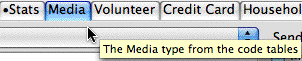 tab.
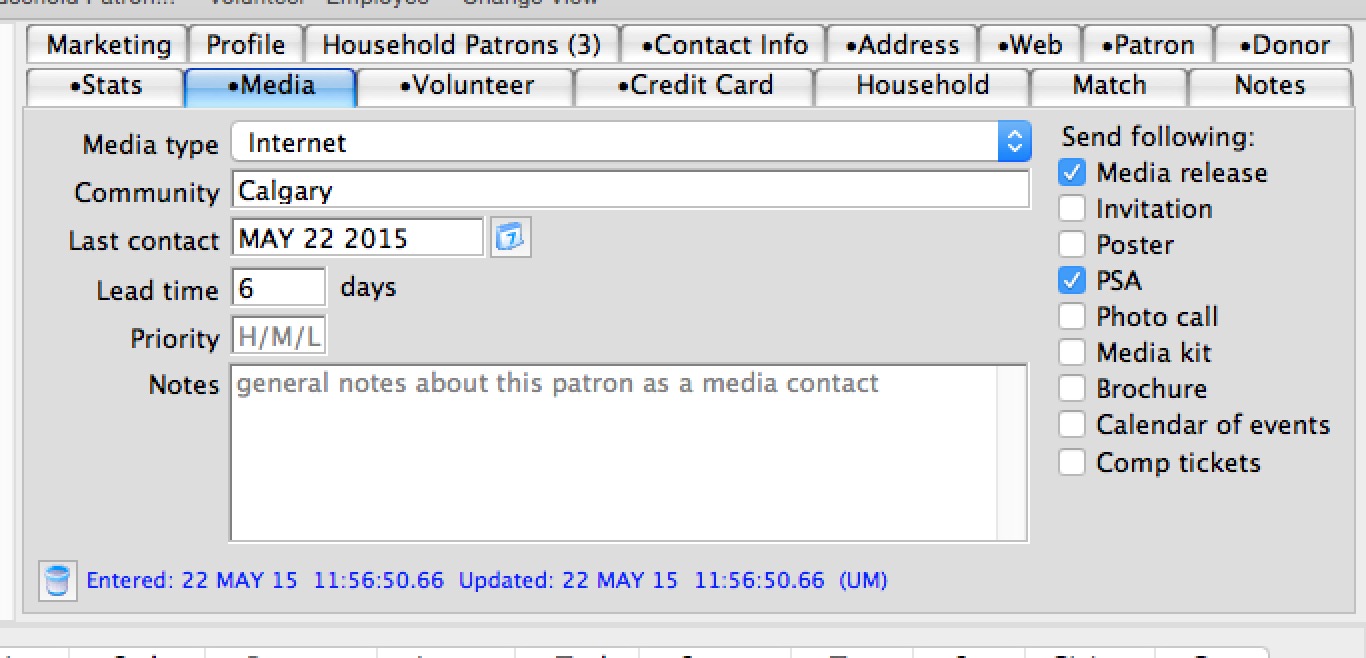
- Click the Delete
 button in the lower left corner of the tab.
The following confirmation window will appear.
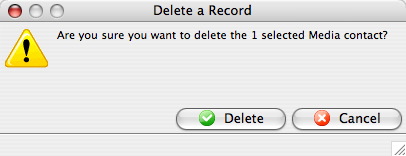
- Click the Delete
 button.
This deletes the media information only. For information on deleting the patron click here.