Adding Patrons to a Mail List Through the Patron Window
Adding Patrons to a Mail List Through the Patron Window
Adding a single patron to a mail list is accomplished thought the Patron Window. To add more than one patron see Adding patrons through a ticket purchase or Adding patrons through a database query. Patrons may also choose to Subscribe or Unsubscribe to a list via the internet.
To add patrons to a mail list through the Patron window, you perform the following steps:
- Click the Mail List Tab
 tab in the Patron window.
To learn more about accessing the patron window click here. You can now view all mail lists the patron belongs to.
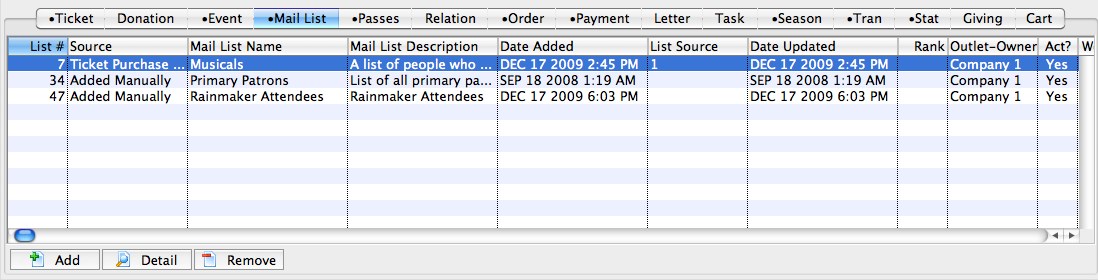
- Click the Add
 button to add the patron to mail lists.
The Mail Lists Lookup window will open.
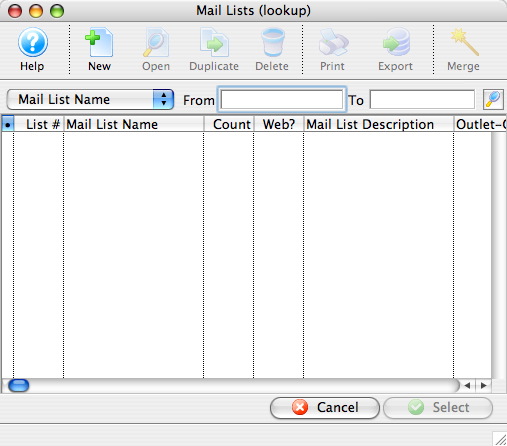
- Enter the search criteria and click the search
 button.
Mail lists within the criteria will appear in the list. The mail lists which contain criteria are marked with a bullet.
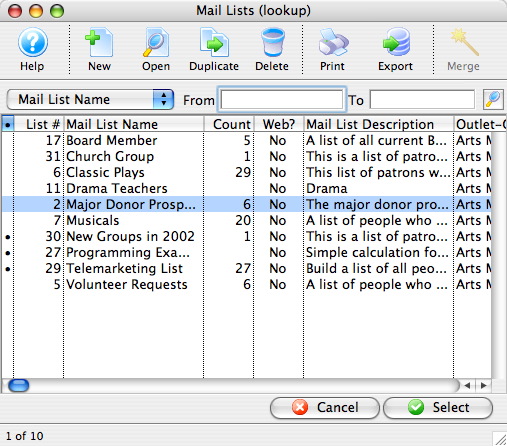
- Select the mail list(s) to which you would like to add the patron.
- Click the Select
 Button.

|
|
|
