Adding Events To a Season Package
Adding Events To a Season Package
To add events to a Season package, you perform the following steps:
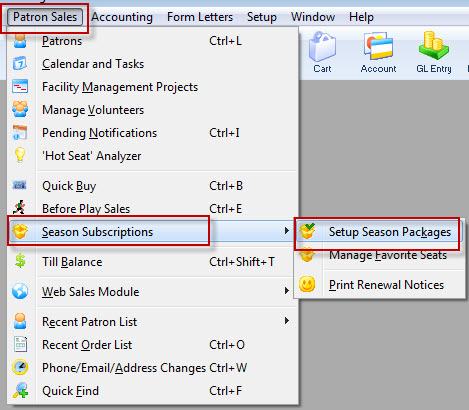
- Click Patron Sales >> Season Reservations >> Setup Season Packages.
The Season Package List window opens.
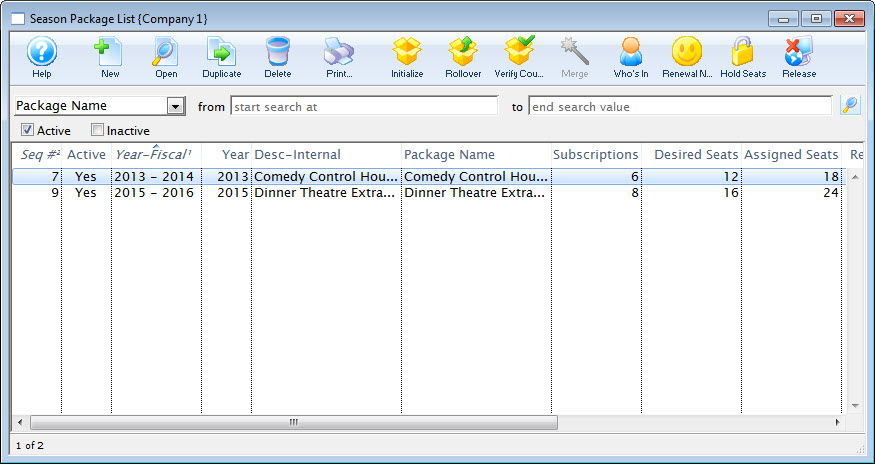
For more information on the Season Package List window, click here. - Select the Package to add the Events to. Then click the Open
 button at the top of the Season Package List window.
The Season Package Detail window opens.
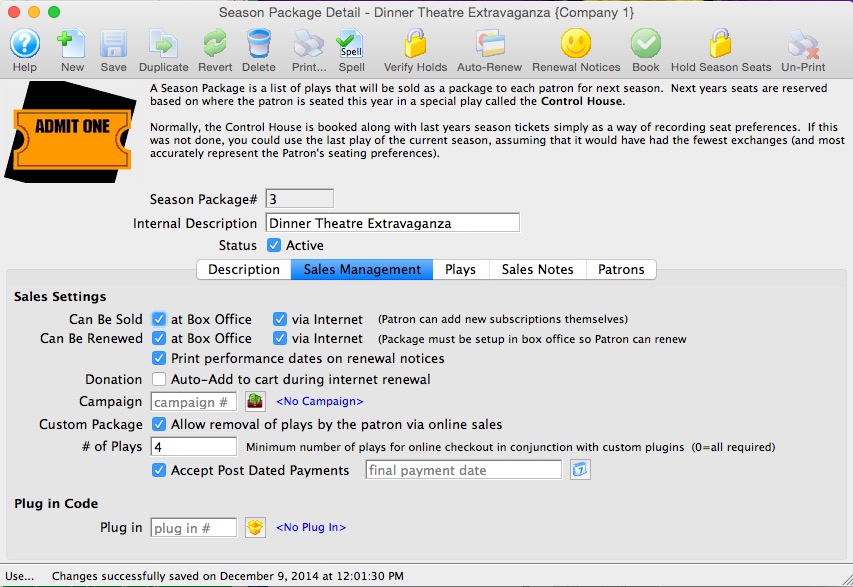
For more information on the Season Subscription Detail window click here. - Select the Events
 tab.
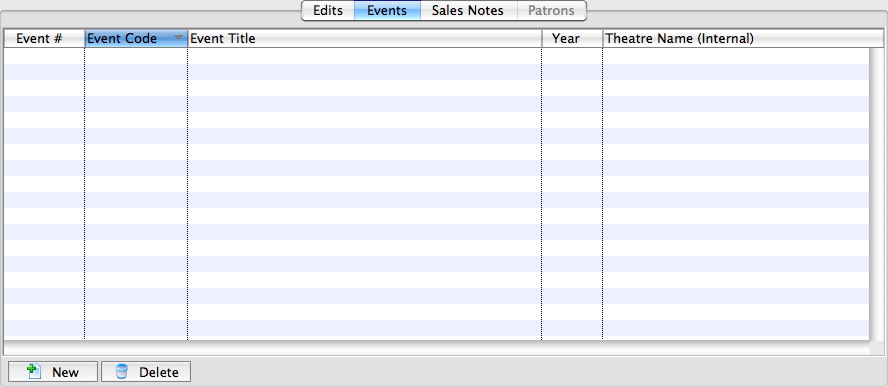
- Click the New
 button in the lower left corner.
The Event List window opens.
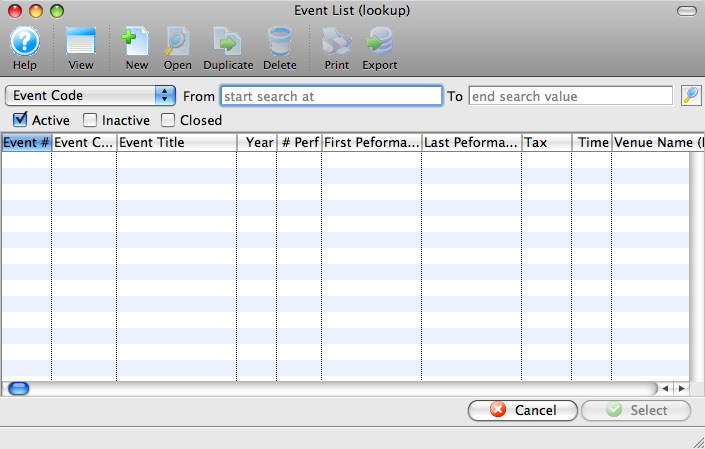
For more information on the Event Lookup List window, Click here. - Select the events to be added to the Season Package.
To select multiple events, use the <SHIFT> key to select a series of events, or the <CTRL> key (Windows) or the <OPTION> key on the Mac.
Click the Select button.
The Events for the coming season will populate into the Events tab.
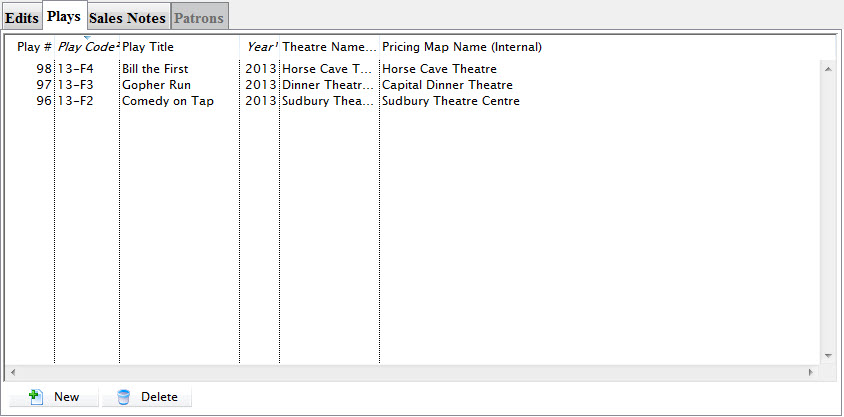
- Close the Season Subscription Detail window.