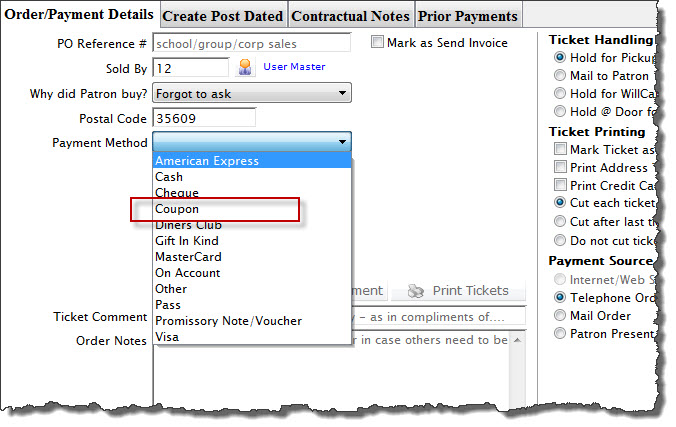
Enabling Coupon as a Payment Method
Enabling Coupon as a Payment Method
If you do not see Coupon listed as a payment method type on the payment method drop down, it will need to be activated.
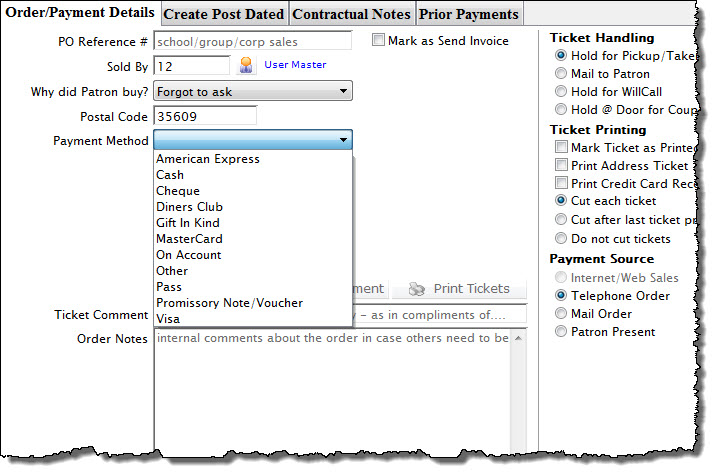
To set Coupons up as a payment method, you perform the following steps:
- Choose Setup >> System Tables >> Code Tables to access the code table window.
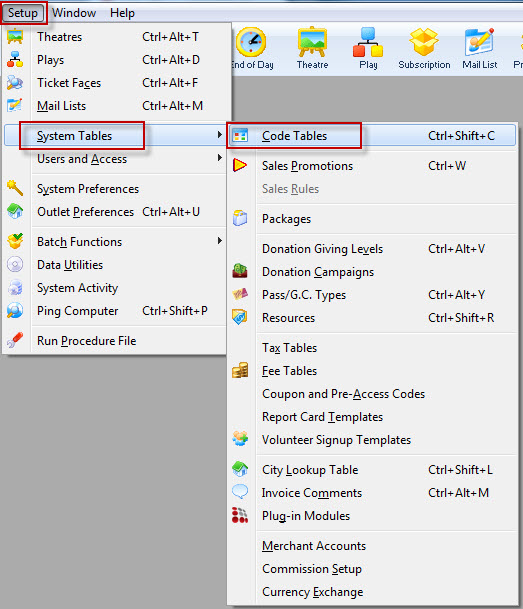
The Code Table window opens.
- Select Payment Methods in the Code Table list.
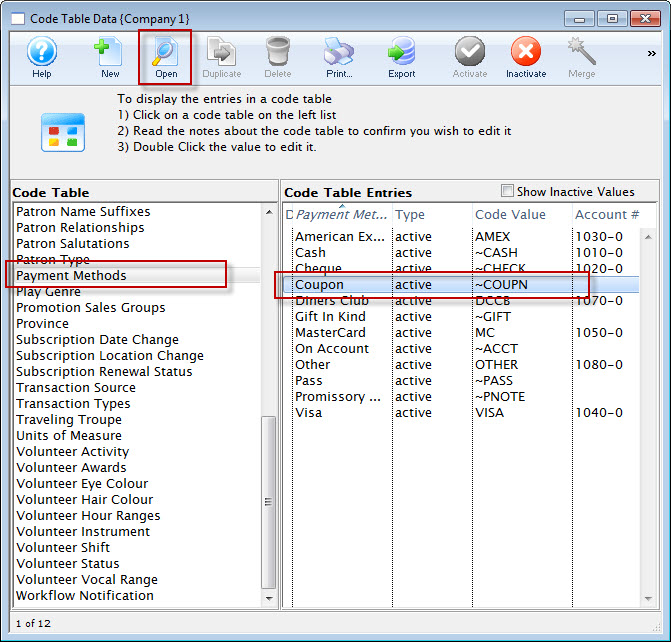
For more information on Code Table Payment Methods, click here.
- Double-click on Coupon in the Code Table Entries list.
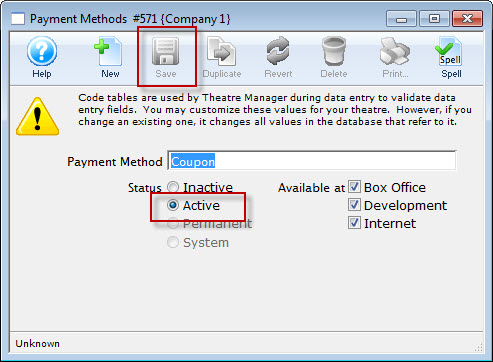
- Set the coupon to be Active.
- Select the coupon availability.
Select whether the coupon payment method will be available as a payment method at the Box Office, Internet Sales, Development or a combination of the three.
- Click the Save
 button.
- Close the detail and code table list window.
Coupon is now be available as a payment method.