Editing a Notification
Editing a Notification
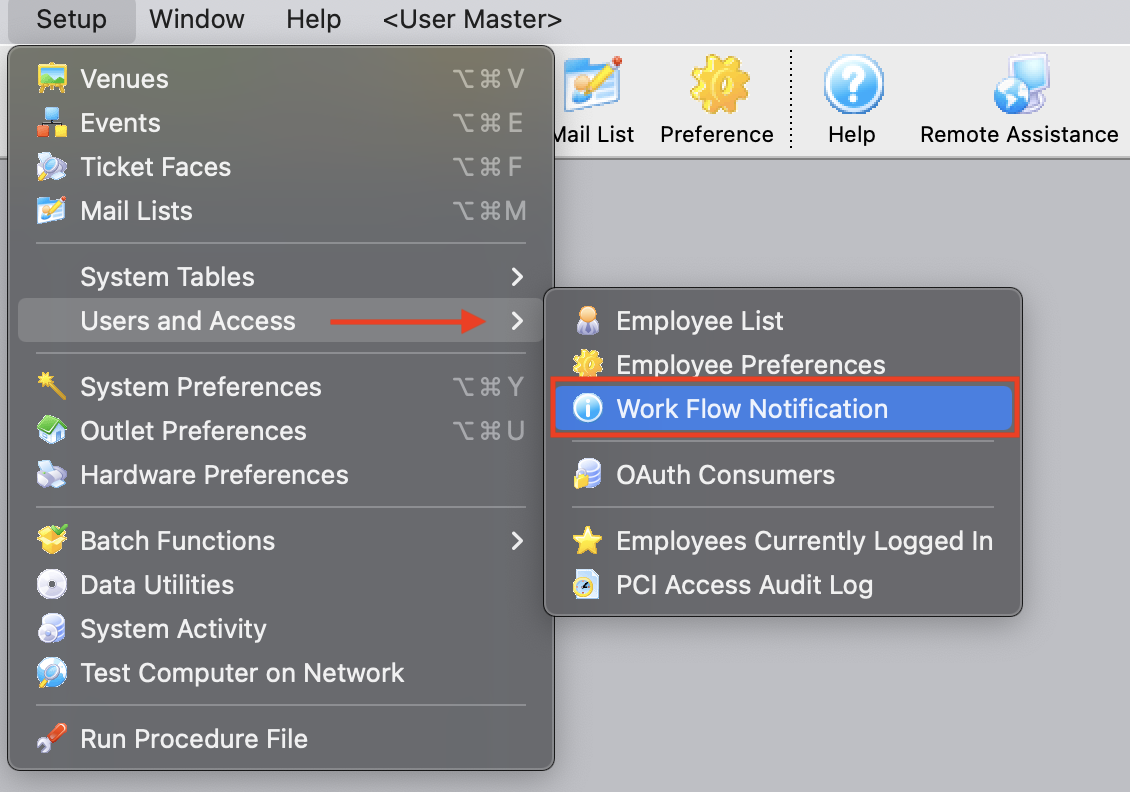
- To Access Work Flow Notification Setup, go into the Setup Menu - Users and Access - Work Flow Notification
This will open the list of all notifications that are setup in your system.
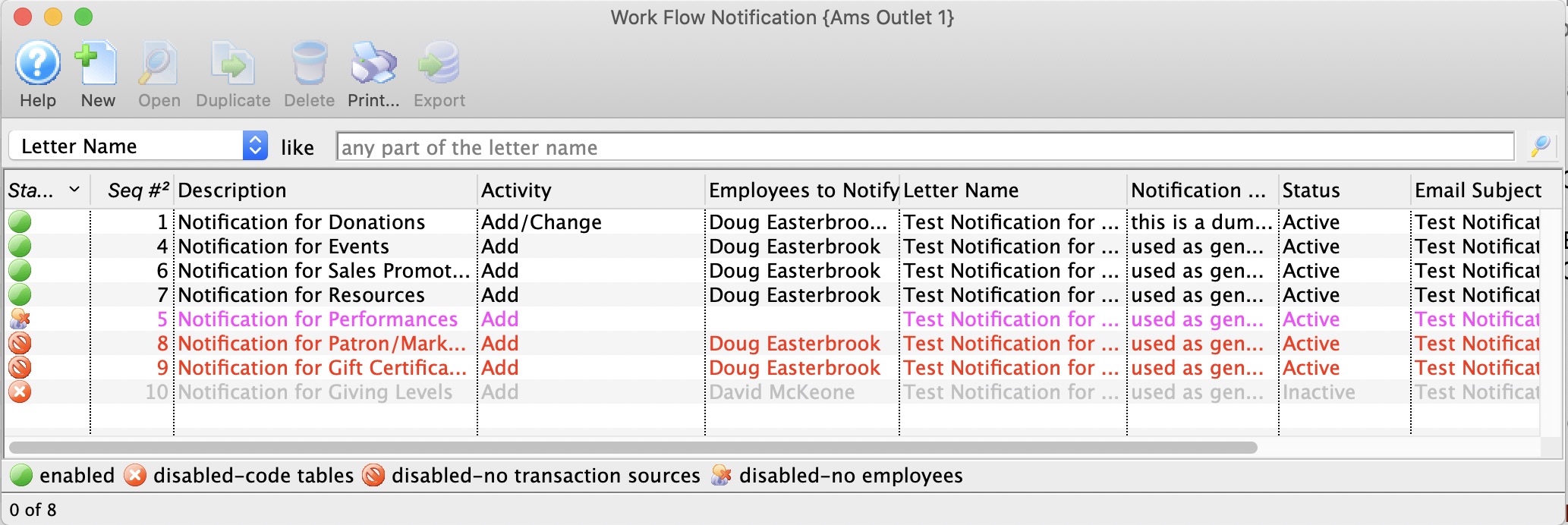
- Double click on the notification you wish to edit.
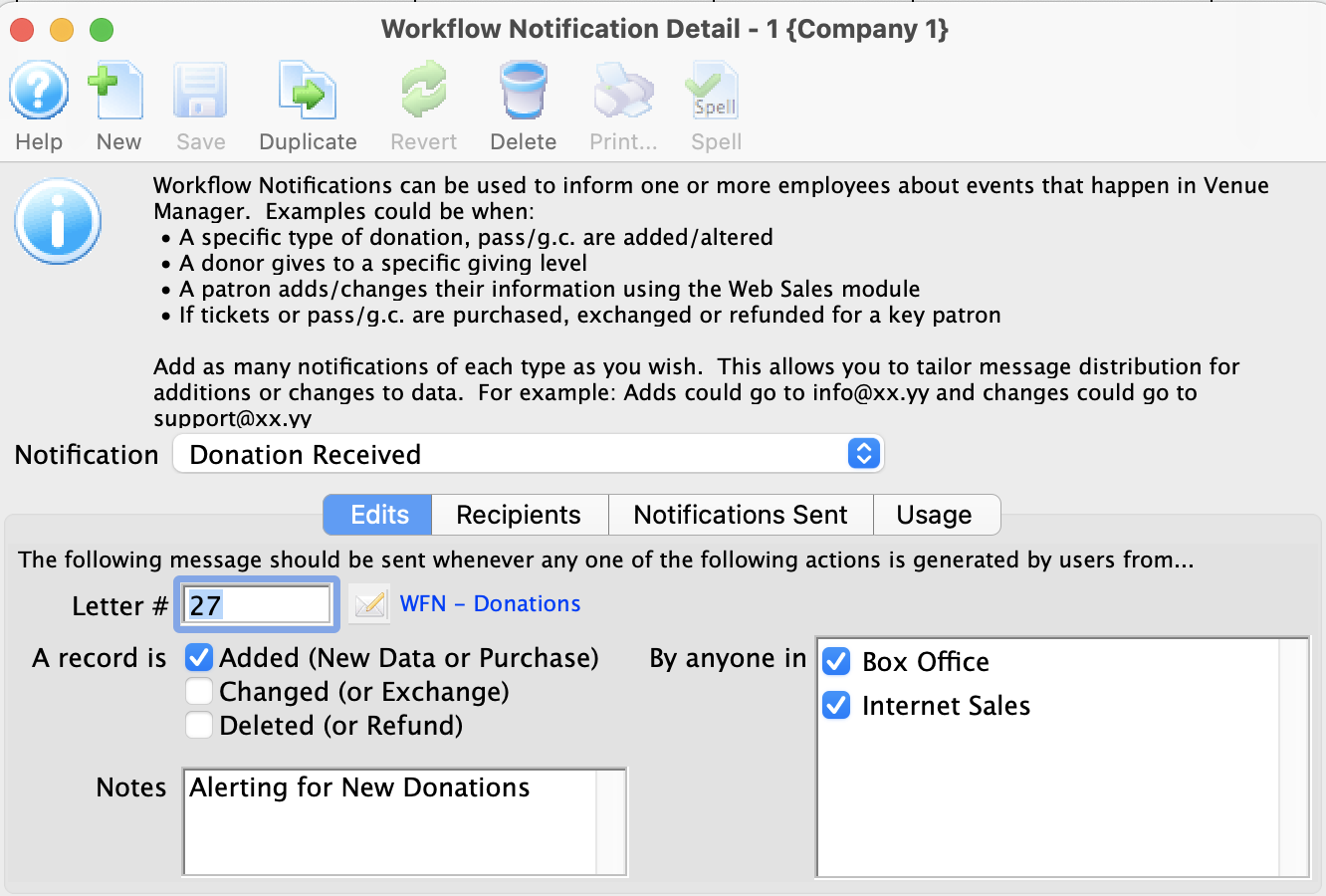
- Edit any of the fields as required.
- Click the Save
 button.