Exporting Seat Names
Exporting Seat Names
You can export Seat Names to a text file for easy editing in most spreadsheet programs.
- Open the Pricing Map for editing.
Click here to learn how to edit Pricing Maps.
- Click the Seat Names
 tab.
The Seat Names window opens.
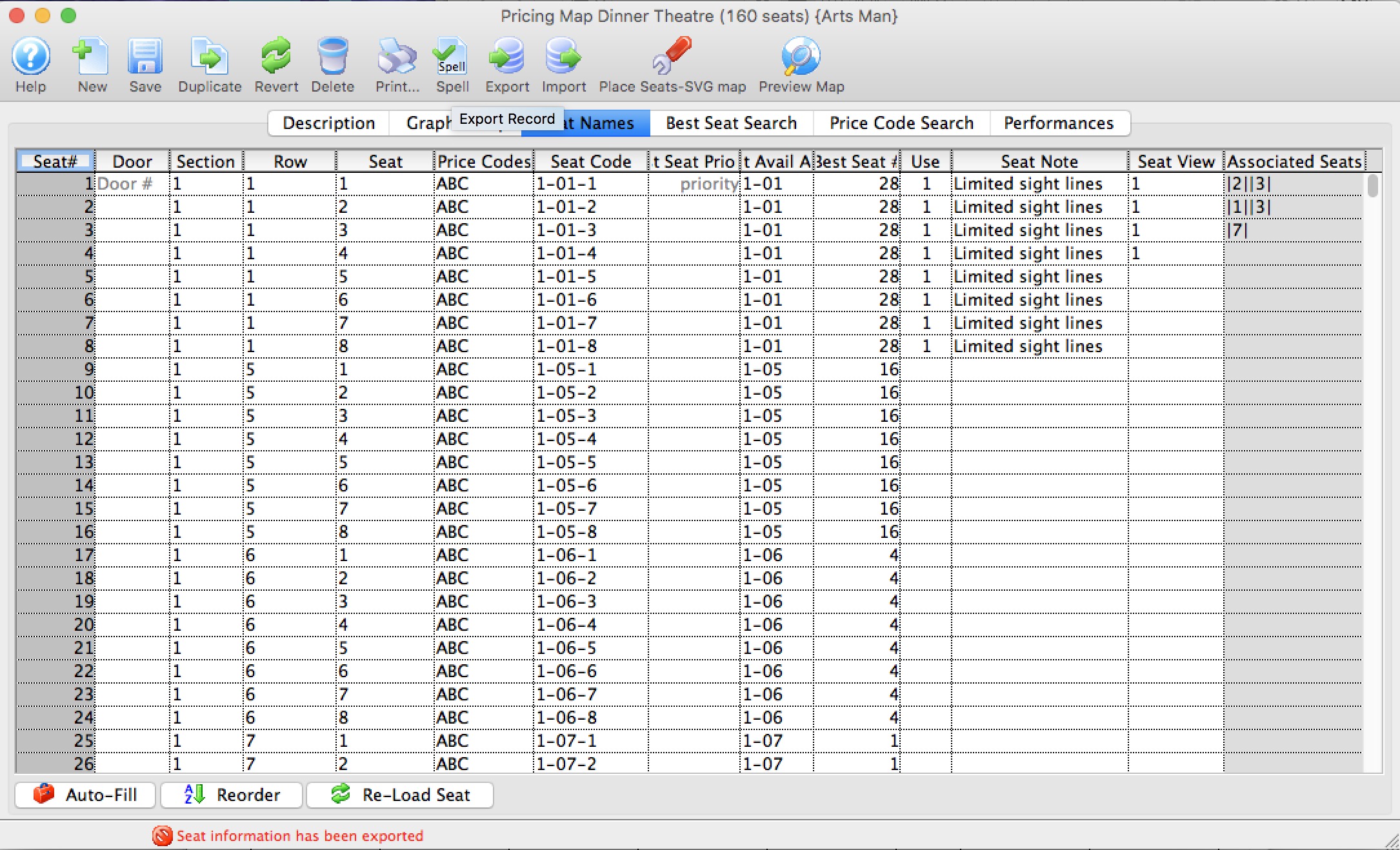
- Click the Export
 button.
- Choose your export format from the options from the list:
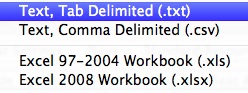
The Export Seat Names window opens.
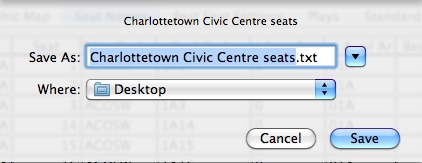
- Select the directory to export the seat names file to and change the file name as needed.
- Click the Save
 button.
The seats are exported to the selected directory in a text file in tab delimited format. The file can then be opened in most spreadsheet programs for editing.
Click here to learn how to Import the seat names file.